Editorial Note: I may earn a commission when you visit links that appear on my website.
10 Best Email List Management Tools for 2026 (Expert Comparison)
Your email list is your most valuable digital asset. Period.
I’ve been working with businesses as a Fractional CMO for years and featured email marketing prominently in my modern digital marketing playbook Digital Threads. And here’s what I tell every client: the tool you choose for managing your email list can make or break your results. Pick the wrong platform and you’ll struggle with clunky interfaces, limited automation, and pricing that scales faster than your revenue. Pick the right one and you’ll wonder how you ever lived without it.
Over the years I’ve tested a plethora of email platforms for my own business and for clients. This guide cuts through the marketing hype to show you exactly which email list management tools deliver real results, and which ones you should avoid.
Here’s why this matters now more than ever: according to Statista data cited by ViB, 4.6 billion people globally use email in 2025, a 7% increase since 2022. That’s an audience you simply can’t ignore.
Key Takeaways
✅ The best email list management tool depends on your list size, budget, and automation needs, not feature lists or brand recognition.
✅ Free plans from Sender and MailerLite offer generous limits for testing and growing your first email list without upfront investment.
✅ Segmented email campaigns drive significantly higher engagement and revenue than generic batch-and-blast sends.
✅ Automated email workflows generate dramatically more revenue per message than manual campaign sends.
✅ Choosing the right platform early saves time and money, but most businesses eventually outgrow their first tool.
✅ Success in email marketing comes from consistent execution and list quality, not from having the most advanced features.

What Is Email List Management and Why Does It Matter?
Email list management is the process of organizing, segmenting, and maintaining your subscriber database to maximize engagement and deliverability. It includes collecting new subscribers, removing inactive contacts, segmenting audiences based on behavior or demographics, and ensuring your emails reach the inbox.
Why should you care? According to Litmus research cited by OptinMonster, for every $1 spent on email marketing, the average return is $36, delivering a 3600% ROI. But here’s the thing: that ROI only happens when you’re sending the right messages to the right people. HubSpot’s State of Marketing Report found that marketers report segmented emails drive 30% more opens and 50% more clickthroughs than unsegmented ones.
Think about your own inbox. How many emails do you delete without reading? Probably most of them. The difference between emails you open and emails you ignore often comes down to relevance. And relevance starts with proper list management.
“Email has an ability many channels don’t: creating valuable, personal touches, at scale.” — David Newman, Marketing Expert, as quoted on Emailmonday
For a deeper dive into why email should be central to your marketing, check out my guide on the benefits of email marketing.
How I Evaluated These Email Marketing Platforms
I assessed each platform based on criteria that matter for real-world email marketing strategy:
- Free plan generosity: Contact limits, monthly sends, and feature restrictions
- Automation capabilities: Workflow builders, triggers, and conditional logic
- Segmentation features: Dynamic segments based on behavior and demographics
- Deliverability infrastructure: Authentication protocols and bounce management
- Integration options: Connections with CRMs, ecommerce platforms, and other tools
- Analytics: Open rates, click rates, conversion tracking, and reporting depth
- Credibility: History, popularity, and reputation
Which Email List Management Tool Is Best for Your Business?
The best email list management tool depends entirely on your specific situation. Here’s a quick breakdown:
| Best For | Recommended Tool | Why |
|---|---|---|
| Most generous free plan | Sender | 2,500 contacts, 15,000 emails/month |
| Beginners | MailerLite | User-friendly interface, generous free tier |
| Ecommerce businesses | Klaviyo | Revenue tracking, predictive analytics |
| Marketing automation | ActiveCampaign | Sophisticated workflows with CRM |
| CRM integration | HubSpot | Unified customer data |
| Events & nonprofits | Constant Contact | Ticketing, registration tools |
| Budget-conscious senders | Brevo | Unlimited contacts, $8/month |
| Content creators | ConvertKit | Tag-based organization, creator-focused |
| Brand recognition | Mailchimp | Extensive integrations, established platform |
| Advanced segmentation | GetResponse | Behavior-based targeting, webinar hosting |
Top 10 Email List Management Tools Compared
The following table summarizes key features and pricing for all 10 platforms. Use this for quick comparison, then scroll down for detailed reviews.
| Platform | Free Plan Contacts | Starting Price | Key Strength | Best For |
|---|---|---|---|---|
| Mailchimp | 500 (1,000 emails/mo) | $13/month | Brand recognition & integrations | Businesses wanting established platform |
| ActiveCampaign | None | $29/month | Marketing automation & CRM | Growing businesses needing automation |
| HubSpot | Unlimited (2,000 emails/mo) | Free | Built-in CRM integration | CRM-integrated marketing |
| Constant Contact | None (60-day trial) | $12/month | Event management tools | Nonprofits and event organizers |
| Brevo | Unlimited (300 emails/day) | $8/month | Unlimited contact storage | Budget-conscious senders |
| GetResponse | None | $15/month | Advanced segmentation & webinars | Complex segmentation needs |
| Klaviyo | 250 (500 emails/mo) | $20/month | Ecommerce revenue optimization | Ecommerce businesses |
| MailerLite | 1,000 (12,000 emails/mo) | $10/month | User-friendly interface | Beginners and small businesses |
| ConvertKit | 1,000 (unlimited emails) | $15/month | Creator-focused tools | Bloggers and content creators |
| Sender | 2,500 (15,000 emails/mo) | Free | Most generous free plan | Small businesses starting out |
ComparingHow Do Free Email Marketing Plans Compare?
Free tiers vary significantly in limits and features. Here’s how the free plans stack up for free email marketing services:
Most Generous Free Plans
- Sender: 2,500 contacts, 15,000 emails/month, includes automation
- MailerLite: 1,000 contacts, 12,000 emails/month, includes automation & landing pages
- ConvertKit: 1,000 contacts, unlimited emails (automation requires paid plan)
- Mailchimp: 500 contacts, 1,000 emails/month, basic automation only
Unique Free Plan Structures
- HubSpot: Unlimited contacts but only 2,000 emails/month total (no automation)
- Brevo: Unlimited contacts but only 300 emails/day on free tier (9,000/month)
No Free Plan (Trial Only)
- ActiveCampaign, Constant Contact, GetResponse offer free trials
- Klaviyo offers free up to 250 contacts
When Free Plans Work Best
Free plans work well when you’re:
- Building your first email list and testing messaging approaches
- Maintaining a small, highly engaged audience under 1,000-2,500 contacts
- Sending simple newsletters without complex email marketing automation needs
When to Upgrade to Paid Plans
Consider upgrading when:
- List growth: You exceed free plan contact limits
- Automation needs: You need sophisticated workflows and behavioral triggers
- Advanced segmentation: Basic grouping becomes insufficient for your diverse audience
- Support requirements: You need priority customer service and technical assistance
Bottom line: Start with Sender or MailerLite if you want the most runway on a free plan. Upgrade when you need automation sophistication or exceed contact limits. For more on costs, see my breakdown of email marketing costs.
Detailed Email List Management Tool Reviews
Each platform below offers distinct advantages for different use cases. Choose based on your subscriber count, automation needs, and budget constraints.
1. Mailchimp – The Established Platform with Brand Recognition
Mailchimp pioneered accessible email marketing for small businesses. The platform offers a free plan with basic features and paid tiers for advanced capabilities.
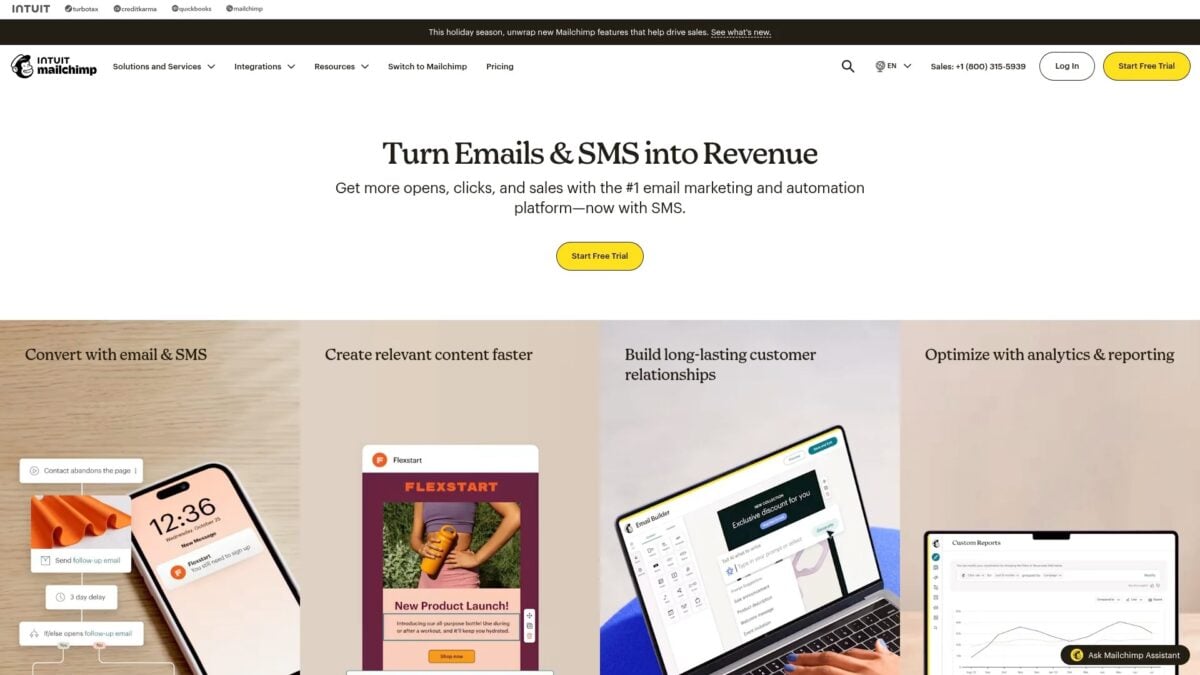
Brand recognition makes Mailchimp a default choice for many businesses. The platform provides templates, automation, and analytics in an established ecosystem.
Key Features:
Is LinkedIn Actually Bringing You Business?
My latest book helps professionals, entrepreneurs, and business owners turn LinkedIn from a static profile into a real source of clients and growth.
Maximizing LinkedIn for Business Growth gives you clear, practical steps to build a profile that gets noticed and a network that actually sends business your way.
Grab your copy on Amazon and put it to work this week. Click the cover or the button below to get started.

- Free plan for up to 500 contacts
- Pre-built email templates and design tools
- Basic automation workflows
- Audience segmentation options
- Integration marketplace with thousands of apps
Pricing Structure: Free plan covers 500 contacts and 1,000 monthly emails. Paid plans increase limits and add features.
Best For: Businesses wanting a recognized name with extensive third-party integrations.
Limitations: Free plan subscriber limits are lower than competitors. Pricing becomes expensive as lists grow.
2. ActiveCampaign – The Automation-First Platform
ActiveCampaign prioritizes marketing automation over basic email blasts. The platform combines email marketing with CRM functionality and sales automation.
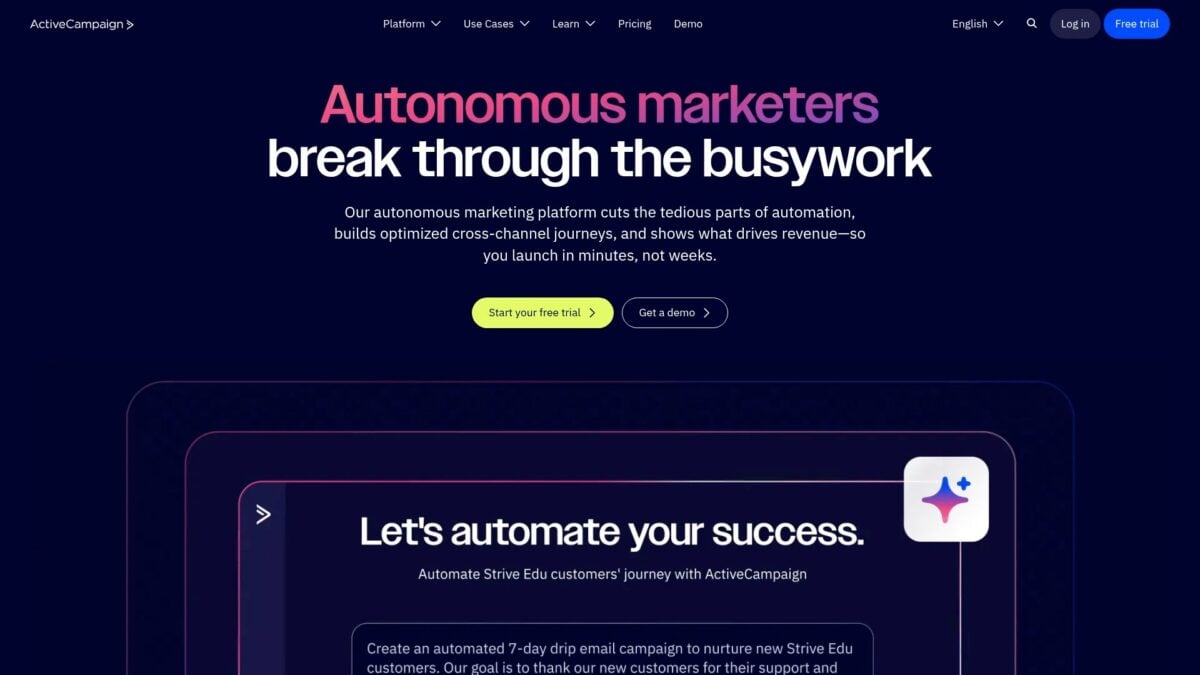
Complex automation sequences become manageable through visual workflow builders. You can create personalized customer journeys based on behavior and engagement.
According to Omnisend’s eCommerce Marketing Report, automated emails generate 4x more revenue than one-off sends. Despite making up just 2% of sends, automated messages drove 37% of sales.
Key Features:
- Visual automation builder with conditional logic
- CRM with pipeline management
- Site tracking and event-based triggers
- Predictive sending optimization
- Lead scoring for engagement tracking
Pricing Structure: No free plan. Pricing starts higher than basic email platforms but includes automation and CRM features.
Best For: Growing businesses ready to implement sophisticated marketing automation strategies.
Limitations: Higher cost of entry. Feature depth requires time investment to use effectively.
3. HubSpot – Integrated CRM and Email Marketing
HubSpot combines email marketing with CRM functionality. CRM email marketing integrations allow seamless contact management within the email platform, a unique benefit.
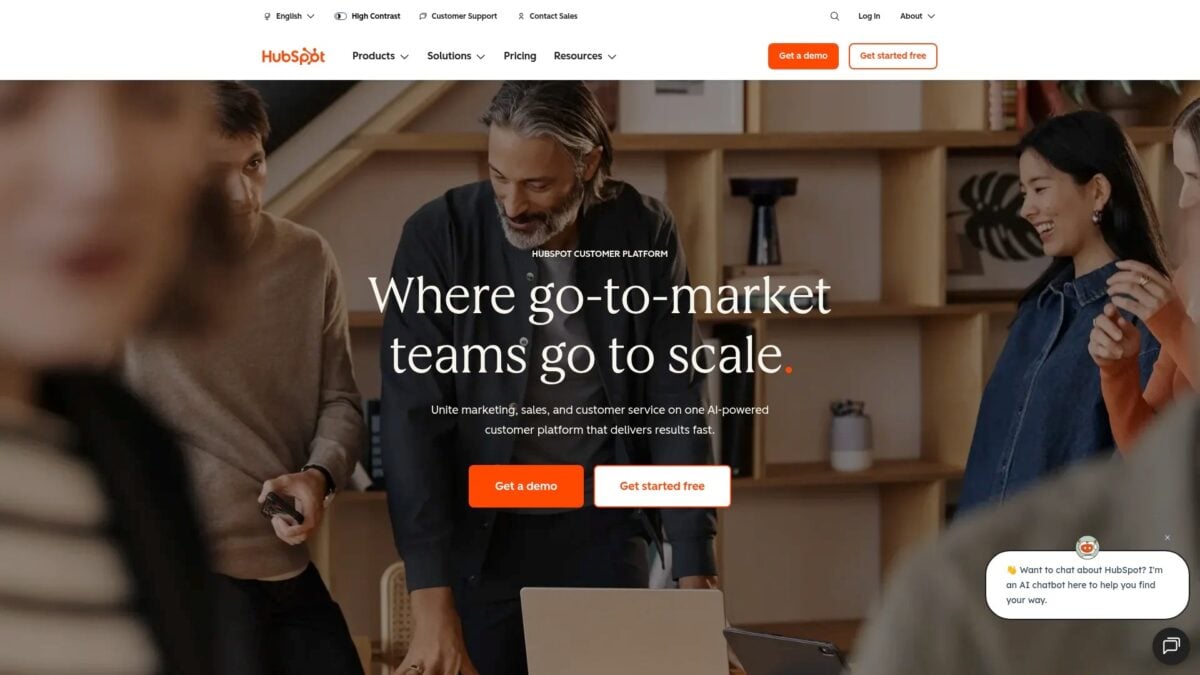
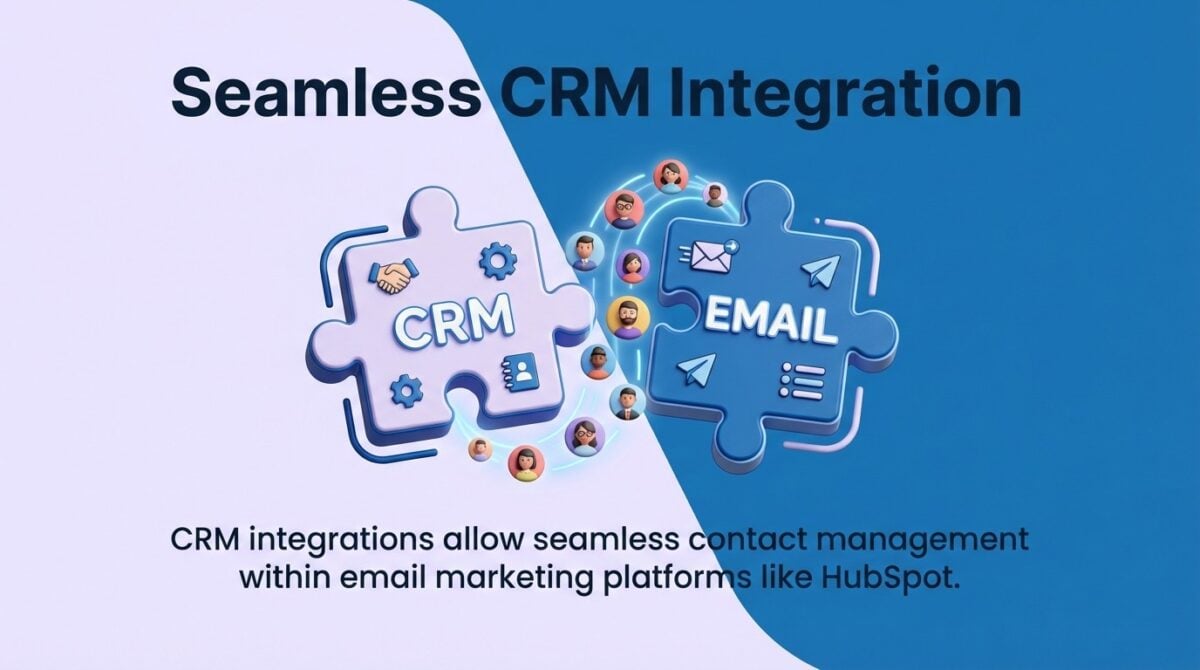
The free CRM includes basic email marketing features. This integration provides context about each subscriber’s interactions with your business.
Key Features:
- Built-in CRM with contact management
- Email templates and drag-and-drop editor
- Contact lifecycle stage tracking
- Form builders and pop-ups for list growth
- Marketing automation workflows (paid plans)
Pricing Structure: The free plan supports 2,000 email sends per month. Marketing Hub Starter begins at higher price points for increased volume.
Best For: Businesses wanting unified customer data across marketing and sales activities.
Limitations: Advanced automation and reporting require significant plan upgrades. The platform can feel overwhelming for simple email needs.d reporting require significant plan upgrades. The platform can feel overwhelming for simple email needs.
4. Constant Contact – Event Management and Nonprofit Focus
Constant Contact serves small businesses and nonprofits with a complete marketing suite. The platform extends beyond email to include event management and social media tools.
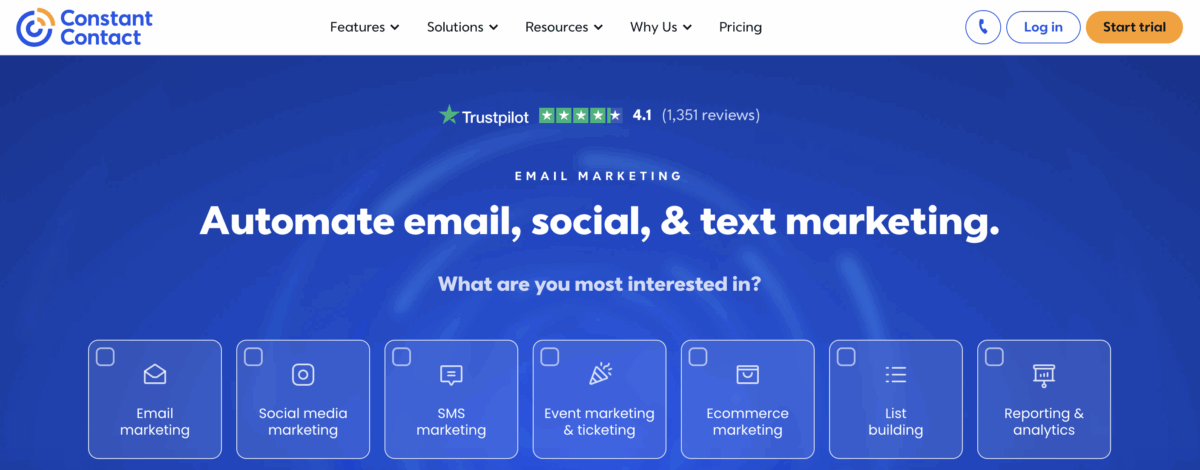
The built-in event management system sets Constant Contact apart from basic email platforms. You can create event registration pages, sell tickets, and manage RSVPs directly within your email marketing workflow.
Key Features:
- Integrated event management with ticketing and registration
- Extensive email template library (500+ templates)
- Social media posting and scheduling tools
- List segmentation and contact management
- Live chat and phone support on all paid plans
Pricing Structure: No free plan available. Free trial for 60 days. Lite plan starts at $12/month for 500 contacts. Standard plan begins at $35/month with automation features.
Best For: Nonprofits, event organizers, and local businesses needing event management alongside email marketing.
Limitations: Higher pricing compared to competitors with similar features. Automation capabilities are basic and limited to higher-tier plans.
5. Brevo – Unlimited Contacts on Budget Plans
Brevo (formerly Sendinblue) takes a different pricing approach. Brevo offers an $8/month plan for email marketing services with unlimited contact storage.
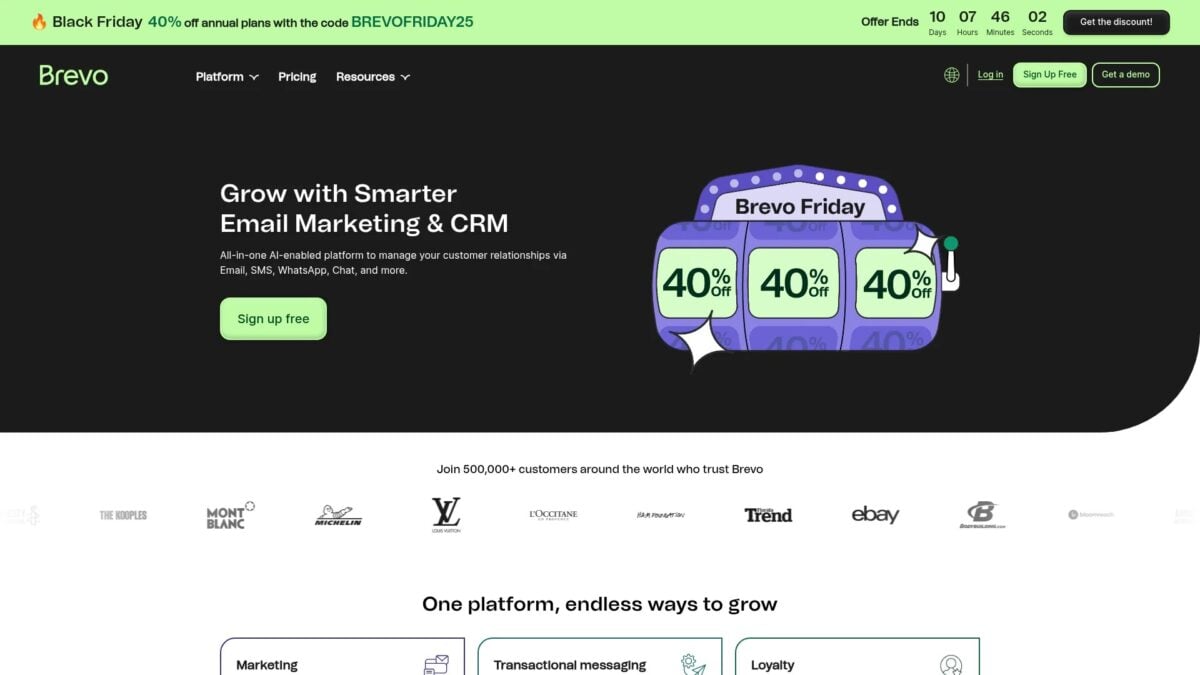
You pay based on email volume sent, not contacts stored. This benefits businesses with large lists but infrequent sending patterns.
Key Features:
- Unlimited contact storage across all plans
- SMS marketing alongside email campaigns
- Marketing automation with visual workflow builder
- Landing page creation tools
- Transactional email infrastructure
Pricing Structure: Plans start at $8/month for 5,000 emails. You can store unlimited contacts regardless of plan tier.
Best For: Businesses with large contact lists but moderate email sending needs.
Limitations: Email volume limits can feel restrictive for high-frequency senders. Advanced features require higher-tier plans.
6. GetResponse – Advanced Segmentation Capabilities
GetResponse focuses on sophisticated audience targeting. GetResponse includes advanced segmentation and tagging features for dynamic contact grouping.
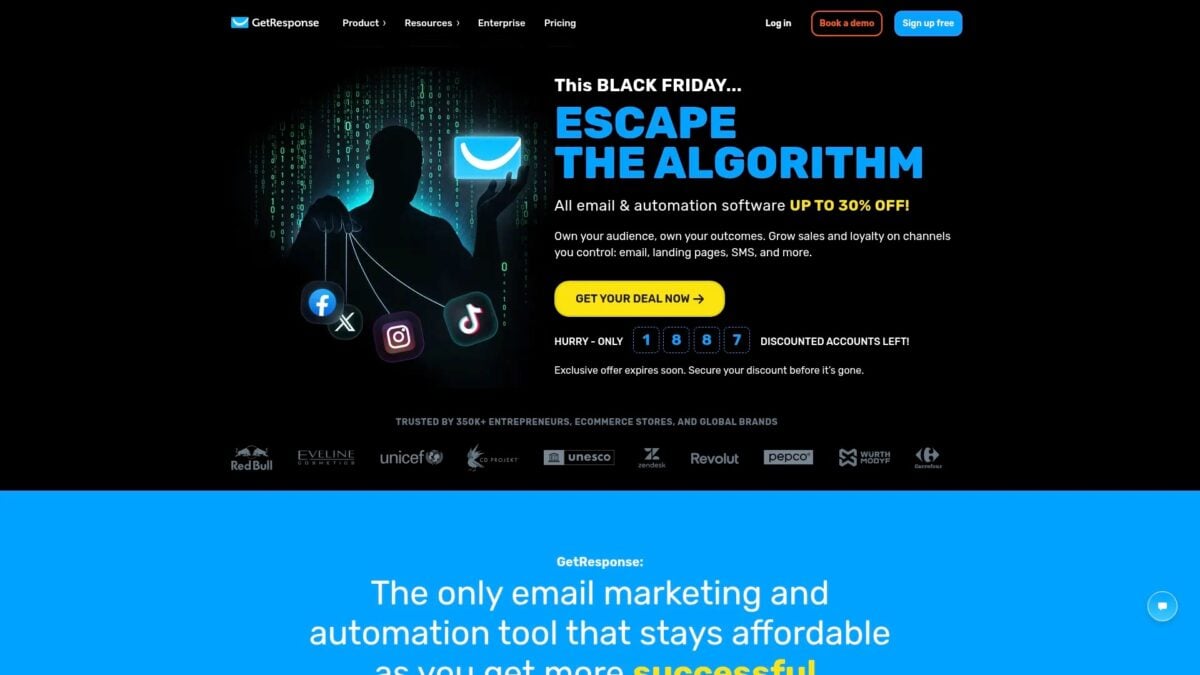
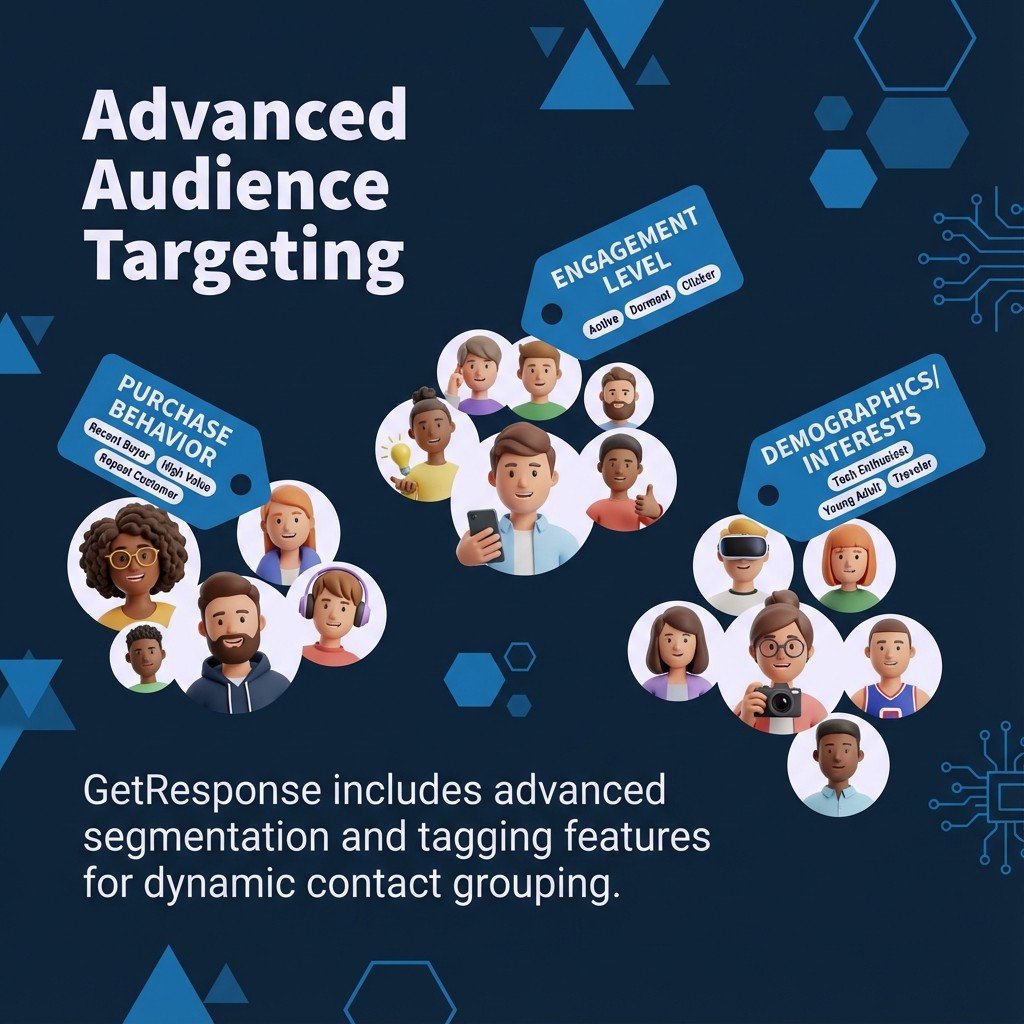
The platform excels at behavior-based segmentation and conditional workflows. You can create complex automation sequences based on subscriber actions.
Mailmodo’s analysis of DMA research found that marketers have seen a 760% increase in email revenue from segmented campaigns.
Key Features:
- Advanced segmentation with multiple conditions
- Tagging system for detailed subscriber organization
- Visual automation builder with split paths
- Webinar hosting integrated with email campaigns
- E-commerce tools for product recommendations
Pricing Structure: No free plan available. Paid plans scale based on subscriber count and feature access.
Best For: Businesses with complex segmentation needs and sophisticated automation requirements.
Limitations: No free tier limits accessibility for businesses testing email marketing. Interface complexity requires learning investment.
7. Klaviyo – Ecommerce Revenue Optimization
Klaviyo specializes in email marketing for ecommerce businesses. The platform integrates deeply with Shopify, WooCommerce, and other ecommerce platforms to track revenue and customer behavior.
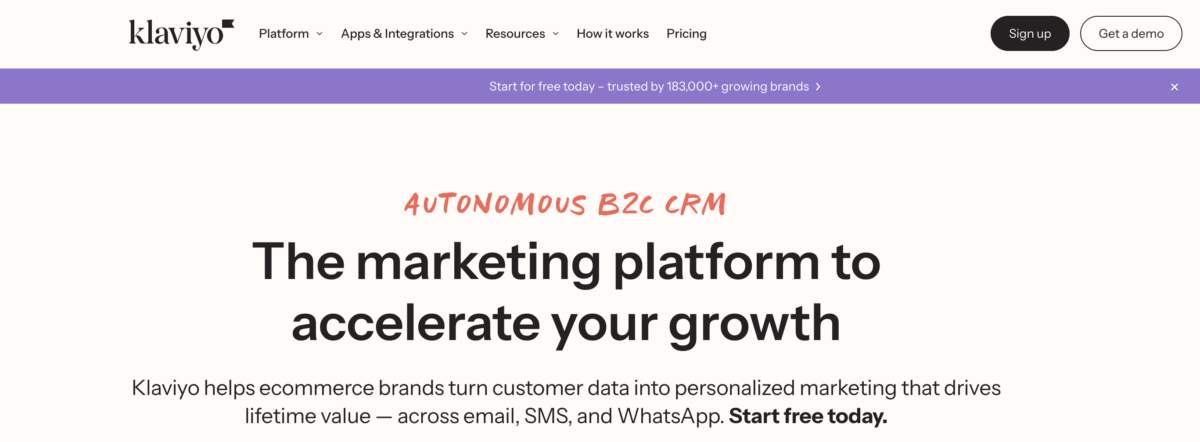
Predictive analytics and AI-powered features set Klaviyo apart from general email platforms. You can segmePredictive analytics and AI-powered features set Klaviyo apart from general email platforms. You can segment customers based on purchase behavior, predicted lifetime value, and product affinity to maximize revenue per subscriber.
According to InboxAlly’s analysis of Omnisend data, 33% of e-commerce revenue is driven by email marketing, and the average email marketing ROI for e-commerce businesses is $68 for every dollar spent in the US.
Key Features:
- Deep ecommerce platform integrations (Shopify, WooCommerce, BigCommerce)
- Predictive analytics for customer lifetime value and churn risk
- Revenue attribution tracking per campaign and flow
- Advanced segmentation based on purchase behavior and browsing history
- Pre-built automation flows for abandoned cart emails, browse abandonment, and post-purchase
Pricing Structure: Free plan available for up to 250 contacts and 500 monthly email sends. Paid plans start at $20/month for 251-500 contacts. Pricing increases based on contact count.
Best For: Ecommerce businesses focused on maximizing customer lifetime value through data-driven email marketing.
Limitations: Pricing scales quickly as contact lists grow. Platform complexity requires time investment to use advanced features fully.
8. MailerLite – Simplicity and Affordability Combined
MailerLite prioritizes ease of use without sacrificing essential features. The platform offers intuitive design tools that make email marketing accessible for beginners and small businesses.
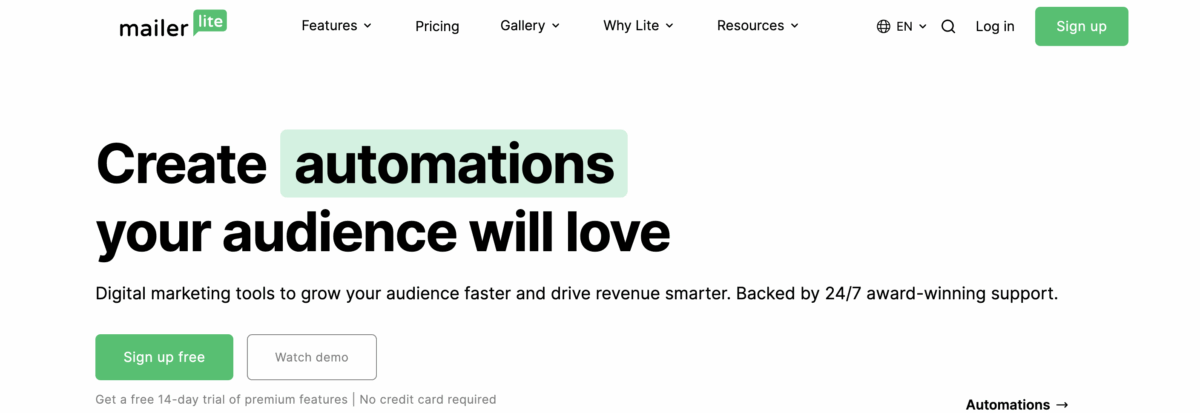
The drag-and-drop editor and straightforward interface reduce the learning curve significantly. You can create professional campaigns, landing pages, and websites without technical expertise or design experience.
Key Features:
- Intuitive drag-and-drop email and landing page builder
- Built-in website builder included in all plans
- Marketing automation workflows with visual editor
- Pop-ups and embedded forms for list growth
- 24/7 email support across all plan tiers
Pricing Structure: Free plan supports up to 1,000 subscribers and 12,000 monthly emails with access to automation and landing pages. Growing Business plan starts at $10/month for expanded features.
Best For: Small businesses and beginners seeking user-friendly tools with generous free plan limits.
Limitations: Advanced features like custom HTML editor require paid plans. Template selection is smaller compared to enterprise-focused platforms.
9. ConvertKit – Built for Content Creators
ConvertKit, now known as Kit, targets bloggers, podcasters, and digital creators with tools designed specifically for content-driven businesses.
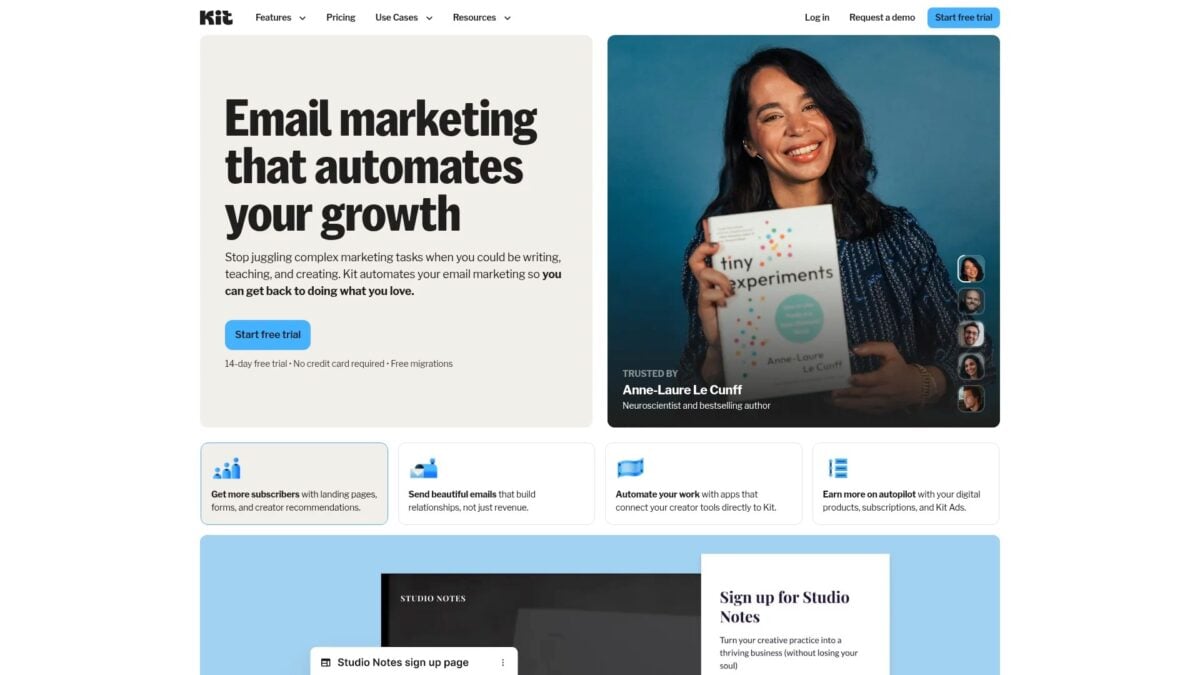
The platform emphasizes simplicity while providing powerful automation. Tag-based organization replaces traditional list management. This is the platform I currently use for my own email marketing.
Key Features:
- Tag-based subscriber organization
- Visual automation builder for sequences
- Landing page and form creation
- Digital product delivery
- Subscriber scoring and engagement tracking
Pricing Structure: Free plan supports up to 1,000 subscribers with limited features. Creator plans unlock automation and advanced features.
Best For: Content creators, bloggers, and course creators who prioritize subscriber relationships.
Limitations: Design flexibility is limited compared to other platforms. E-commerce integrations are basic.sic.
10. Sender – Best Free Plan for Growing Lists
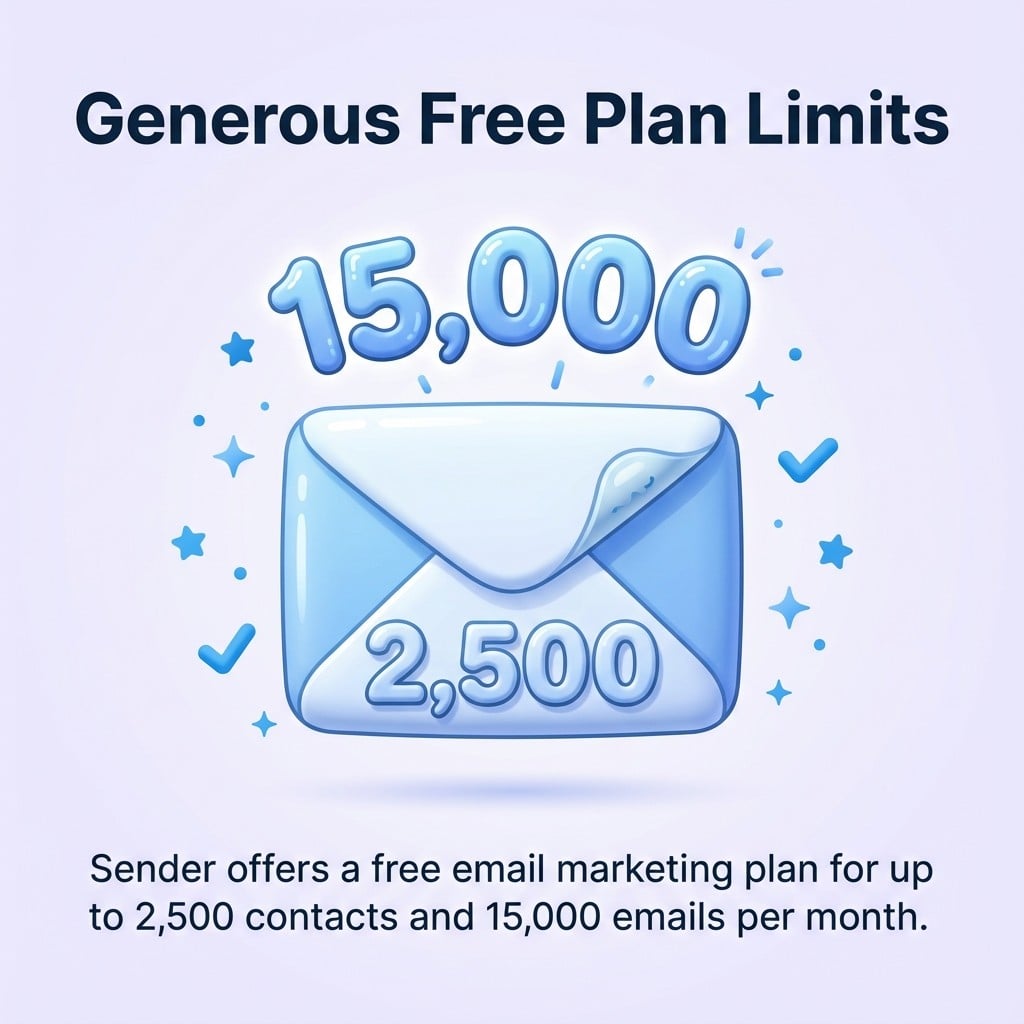
Sender provides one of the most generous free email marketing plans available. Sender offers a free email marketing plan for up to 2,500 contacts and 15,000 emails per month.
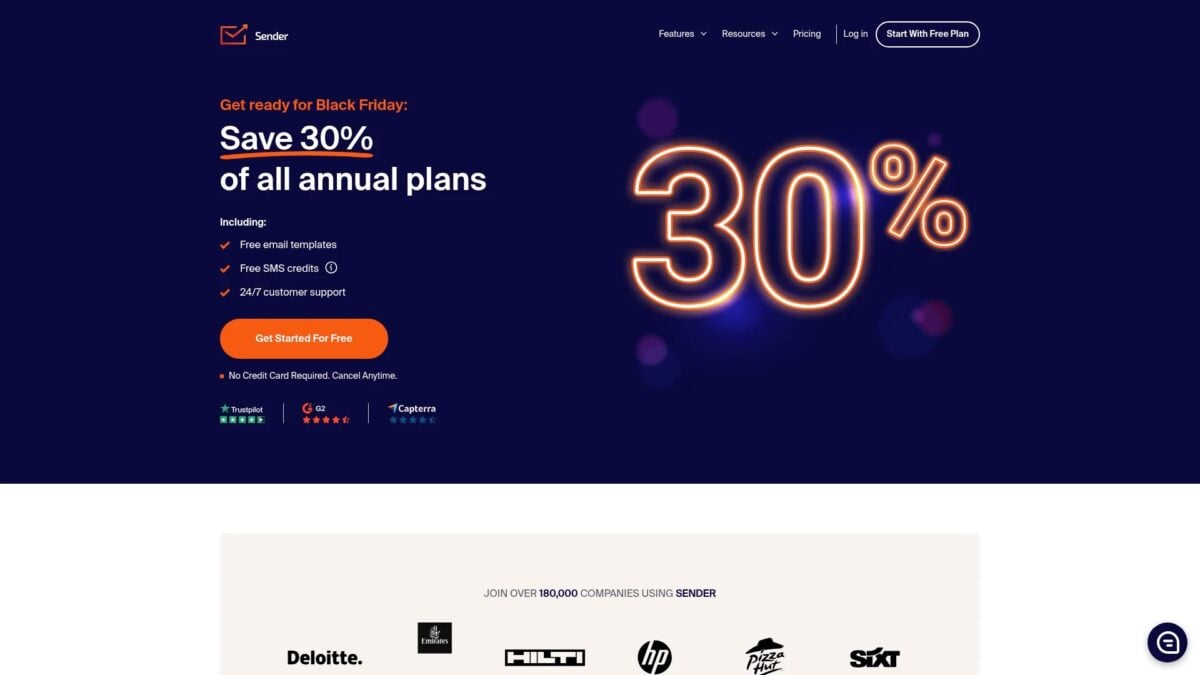
The platform includes automation workflows, segmentation tools, and email templates at no cost. This makes it ideal for small businesses and solopreneurs testing email marketing strategies.
Key Features:
- Drag-and-drop email editor with mobile preview
- Automated welcome series and drip campaigns
- List segmentation based on subscriber behavior
- A/B testing for subject lines and content
- Real-time analytics and reporting dashboard
Pricing Structure: The free plan covers 2,500 subscribers and 15,000 monthly emails. Paid plans start when you exceed these limits.
Best For: Businesses building their first email list who need professional features without upfront costs.
Limitations: Advanced automation features require paid plans. Support options are limited on the free tier.
Why Does Email Segmentation Matter So Much?
Segmentation is the difference between emails that get opened and emails that get deleted. Period.
According to FluentCRM’s analysis of HubSpot data, segmented email campaigns can drive 30% more opens and 50% more click-throughs than non-segmented ones. Most marketers (78%) say segmenting their email lists into groups is the best way to make their email campaigns work well.
Here’s how the numbers break down:
| Segmentation Impact | Performance Improvement |
|---|---|
| Open rate increase | 30% higher |
| Click-through rate increase | 50% higher |
| Revenue increase | Up to 760% |
| Unsubscribe rate decrease | 20% lower |
The best email list management tools make segmentation easy. You should be able to create segments based on:
- Demographics: Age, location, job title
- Behavior: Purchase history, email engagement, website visits
- Lifecycle stage: New subscriber, active customer, at-risk churn
- Preferences: Content interests, communication frequency
For more on improving your email performance, check out my guide on how to improve email open rates.
How Does Email Automation Impact Revenue?
Email automation isn’t optional anymore. It’s essential.
Omnisend’s research found that one in three people who click on an automated message make a purchase, compared to just one in 18 for scheduled campaign messages. Around one in two people who click on automated welcome or abandoned cart emails end up making a purchase.
| Email Type | Performance |
|---|---|
| Automated emails | 320% more revenue than manual sends |
| Welcome emails | 50% average open rate |
| Abandoned cart emails | 39% open rate, 23% click rate |
| Triggered behavioral emails | 10x greater revenue than other types |
The key is setting up the right automated workflows:
- Welcome series: Introduce new subscribers to your brand
- Abandoned cart recovery: Bring back lost sales
- Post-purchase follow-up: Build loyalty and encourage reviews
- Re-engagement campaigns: Win back inactive subscribers
Learn more about building effective sequences in my email marketing automation guide.
What Features Should You Prioritize When Choosing a Tool?
Not all features matter equally. Here’s what actually moves the needle:
Must-Have Features
| Feature | Why It Matters |
|---|---|
| List segmentation | Drives 30-50% higher engagement |
| Basic automation | Welcome emails alone boost revenue 320% |
| Mobile-responsive templates | 62% of emails are opened on mobile |
| Deliverability tools | Your emails need to reach the inbox |
| Analytics dashboard | You can’t improve what you don’t measure |
Nice-to-Have Features
- A/B testing capabilities
- Landing page builder
- SMS marketing integration
- Advanced reporting
- AI-powered content suggestions
Features You Can Skip (For Now)
- Complex predictive analytics (unless you’re enterprise-scale)
- Built-in CRM (unless you don’t have one)
- Webinar hosting (use dedicated tools instead)
Focus on tools that do the basics exceptionally well. You can always upgrade later. For more guidance, see my email marketing best practices guide.
Common Questions About Email List Management
How do you organize an email list effectively?
Segment your audience based on demographics, behavior, and engagement levels. Use tags and custom fields to create targeted groups that you update regularly based on subscriber actions. Remove inactive subscribers quarterly to maintain list quality and protect your sender reputation. Clean lists improve email deliverability rates and campaign performance.
What is the 60/40 rule in email?
The 60/40 rule recommends that emails contain at least 60% text and no more than 40% images. This balance helps avoid spam filters and ensures better deliverability across different email clients. It also improves accessibility and load times for recipients on mobile devices or slow connections.
What is the best free email list management tool?
Sender offers the most generous free plan with 2,500 contacts and 15,000 monthly emails. MailerLite provides strong value with 1,000 contacts and 12,000 emails, plus access to automation and landing pages. For unlimited contacts, Brevo’s free tier allows email sends to any number of subscribers (limited to 300 emails per day). Choose based on whether you need high contact limits or high sending volume.
Which email platform is best for small business?
MailerLite balances ease of use, affordability, and features for most small businesses. The intuitive interface and generous free plan make it ideal for beginners. For small businesses needing advanced automation, ActiveCampaign provides sophisticated workflows worth the higher investment. Ecommerce businesses should consider Klaviyo for revenue tracking and product recommendations.
How often should I clean my email list?
Review list quality quarterly at minimum. Remove hard bounces immediately after each campaign and evaluate engagement patterns every 90 days. Run re-engagement campaigns for subscribers inactive for 60-90 days. Remove contacts who don’t respond to re-engagement attempts to maintain sender reputation and improve deliverability. For more tips, see my email marketing tips guide.

Ready to Choose Your Email List Management Tool?
The best platform depends on your list size, budget, and automation needs:
- Starting out? Choose Sender or MailerLite for generous free plans with full features.
- Need automation? ActiveCampaign offers the most sophisticated workflows for growing businesses.
- Running ecommerce? Klaviyo’s revenue tracking and predictive analytics justify the premium pricing.
- Want CRM integration? HubSpot provides unified customer data across marketing and sales.
- Budget-conscious? Brevo’s unlimited contacts at $8/month offers unmatched value.
Start with a free plan or trial to test the interface and features. Most businesses outgrow their first platform, so choose tools that handle current needs affordably, then upgrade as requirements evolve.
Success in email marketing comes from consistent execution, not feature lists. Focus on building engaged subscriber relationships regardless of which email marketing tool you choose.
Want to go deeper? Download my free Email Marketing Guide for step-by-step strategies, or join my Digital First Group Coaching Community where I help entrepreneurs and creators build effective email marketing systems.
Have questions about choosing the right platform? Contact me and let’s figure out what works best for your business.
Actionable advice for your digital / content / influencer / social media marketing.
Join 13,000+ smart professionals who subscribe to my regular updates.