
Increasingly, LinkedIn is an important marketplace for professionals of all types. What once was primarily a job-seeking site is now a place to see and be seen, catch up with industry news, and congratulate friends and colleagues for their recent milestones.
However, LinkedIn increasingly has a more exhaustive role: sharing industry news, often through blog posts and company page announcements. As part of this shift, more and more professionals and companies are creating and maintaining a LinkedIn newsletter. Let’s look at this newer phenomenon and how we can best manage it to our advantage.
Key Takeaways
✅ A LinkedIn newsletter is a recurring article series that notifies subscribers directly, giving your content reliable reach that ordinary feed posts cannot match.
✅ Newsletters extend beyond your own audience, since your followers’ networks can discover, share, and comment on each edition.
✅ Use a clear, topic-driven name with a 300 x 300 pixel logo and original imagery so people know exactly what they are subscribing to.
✅ Strong headlines, commentary that invites discussion, and a consistent publishing schedule do the most to grow readership over time.
✅ Make Follow the primary button on your profile, since connections cap at 30,000 while followers are unlimited.
What is a LinkedIn Newsletter?
Simply put, a LinkedIn newsletter is a periodic posting that updates people about relevant news. These can be written in any industry by executives, social media managers, or even individuals. In the last case, an individual would produce a newsletter about their career or about their expertise.
With that said, a newsletter is not quite the same thing as a blog post. That’s because the subject matter is different, but also because of the formatting. In particular, most people do not include entire articles within a newsletter, and a newsletter typically touches on multiple subjects. However, almost all newsletters primarily feature industry-related news and other relevant content.
How do LinkedIn Newsletters Work?
LinkedIn newsletters work by informing the public about what is happening in your business or industry. On that basis, readers of your newsletter will not only be exposed to your brand but will also be encouraged to visit your website. Once people get onto your website, it is easier to reach them with marketing messages.
Of course, that isn’t to say that newsletters are the only way to get your brand message out. In fact, they are a more vintage form of outreach that has been making a comeback over the last few years. As the old saying goes, there’s a time and a place for everything, which means that sometimes a particular tool is suitable, and at other times you’re better off using a different one.
By far the most useful method of action for a LinkedIn newsletter is building a relationship with your readers. While you certainly can advertise new articles in a different way in other places on social media, a newsletter is something that subscribers receive at regular intervals. This way, you don’t have to take as big of a chance that your content will get buried beneath a whole bunch of competitors.
Is a LinkedIn Newsletter Effective for Businesses and Worth the Time?
Deciding to add a new marketing technique to your overall strategy isn’t always easy. The staff has limited time, and it’s always important to maximize your return on investment. Therefore, while writing a newsletter isn’t that complicated or expensive, it’s critical to think about whether it’s worthwhile.
Here are some reasons why you should create a LinkedIn Newsletter
- Helps you reach a wider audience because your newsletter’s reach is not limited to your ad targeting or other tailored audience methods. That’s because anyone who has a connection to your followers can see your LinkedIn newsletter, whether or not you think they are part of your target audience. You never know what opportunities can develop through these chance encounters.
- Increases user engagement because you give people an opportunity to discuss your content. While this also works with LinkedIn articles, the added bonus here is that people may have to go off of LinkedIn to learn all the important details. At the same time, they may share the newsletter link or comment on a featured story.
- Promotes brand awareness by providing value in a way that isn’t salesy. A lot of people will appreciate that you respect their time.
- Establishes authority through thought leadership. If people see your brand as the go-to place for industry news, there’s a higher chance that they will visit your website. Later on, they will be more likely to buy your goods and services.
- Boosts lead generation. As people navigate to your website, they have the opportunity to provide personal information. Sometimes this is because they want to talk to sales, but in other situations, they might be responding to a lead magnet. Either way, you win.
How to Create a LinkedIn Newsletter
Before we can discuss LinkedIn newsletter best practices, you need to know how to create a newsletter. Fortunately, it is relatively easy to get started.
- Confirm you have newsletter access. LinkedIn retired the old Creator Mode setting in 2024, so there is no longer a switch to flip. Newsletter creation is now available to members and company pages that meet LinkedIn’s access criteria, which generally means an active posting history and a base of followers.
- Click ‘Write article’ at the top of your feed on desktop. This opens LinkedIn’s publishing tool, which is where both standalone LinkedIn articles and newsletters are created.
- In the publishing tool, select the ‘Create a newsletter’ option and give your newsletter its name, description, logo, and publishing cadence. You will then be able to write and edit your first edition. If you want, you can compose the actual text in a word processor, then copy and paste it in. This has the advantage of more word processing tools being available, and the fact that you can pass the text around for approval or editing as needed. When you’re done writing, follow the prompts to finish publishing.
6 LinkedIn Newsletter Best Practices to Reach a Wider Audience
Now that you understand how to create a LinkedIn newsletter, let’s look at the best practices. Each of these will help your newsletter look nicer, attract more readers, and be more compelling. Then, you will have more opportunities to engage with your audience and drive sales.
1. Choose a Relevant Newsletter Name
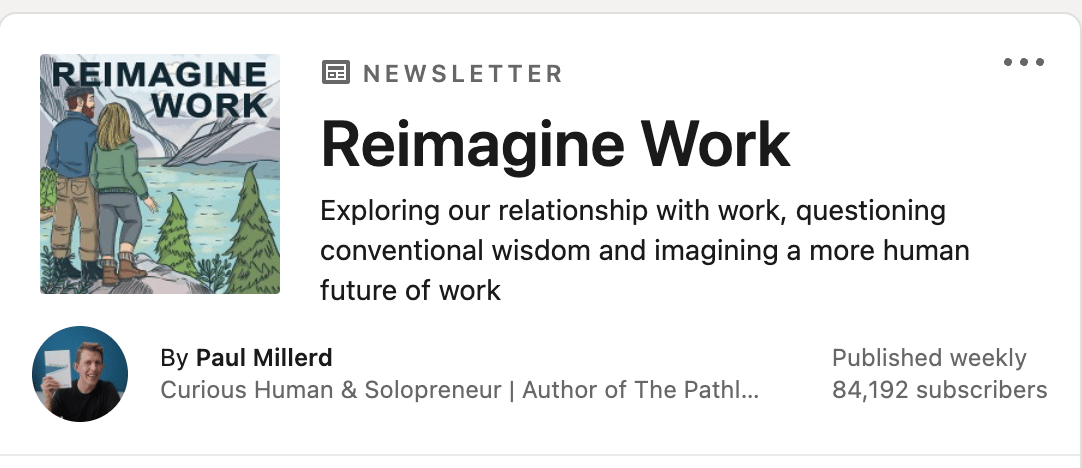
Your newsletter’s name should reflect the subject or topic you intend to cover. After all, you want people to subscribe already knowing what you will talk about. In addition, a good newsletter name will help people find and subscribe to your newsletter more often.
Next, upload a professional logo. LinkedIn recommends that the logo be 300 X 300 pixels. You also want a cover photo, with recommended dimensions of 1280 X 720 pixels. Be sure to avoid stock images and clip art. Not only are these less professional, but they aren’t unique. Your LinkedIn newsletter should always reflect your brand through its messaging and originality.
2. Write an Impactful Headline
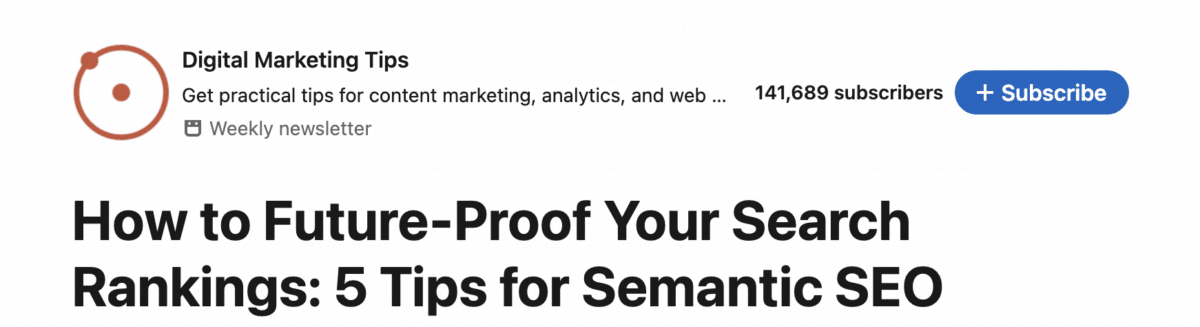
Your newsletter articles should have a clear headline. This helps readers know what the contents of your article are. In addition, you should use each headline to draw people into your article. This way, they will be more likely to read it and more likely to click through to your website. At the same time, be sure not to misrepresent the contents of your article. Otherwise, a lot of people will be turned off and not read your newsletter anymore.
3. Provide Commentary for Engagement

Arguably, the best way to get lots of engagement is to ask for it. This is as true with a LinkedIn newsletter as it is with other social media content. Therefore, you should always include content that incites discussion and encourages feedback. In addition, you should either ask people to participate and discuss or ask a question at the end of each article to encourage engagement. Remember, the more engagement you get the better your newsletter will perform on the LinkedIn algorithm.
4. Share and Promote Your Newsletter

Your LinkedIn newsletter should not be confined only to LinkedIn. While LinkedIn should remain the platform where people can read the newsletter, you can also use other distribution methods to drive traffic. For instance, you might include a link to the newsletter on your X profile, encourage people to read it through your email marketing campaigns, or add a preview to your company’s Facebook profile.
Remember, the more people that read your LinkedIn newsletter, the more impact it will have. This is true whether you are primarily reporting on changes within the company, have more industry-specific news, or are offering tutorials and use cases. As you increase channels of communication with your customers, your relationship-building activities across platforms will become far more effective. Plus, you’ll get more ROI from your newsletter.
5. Publish Regularly
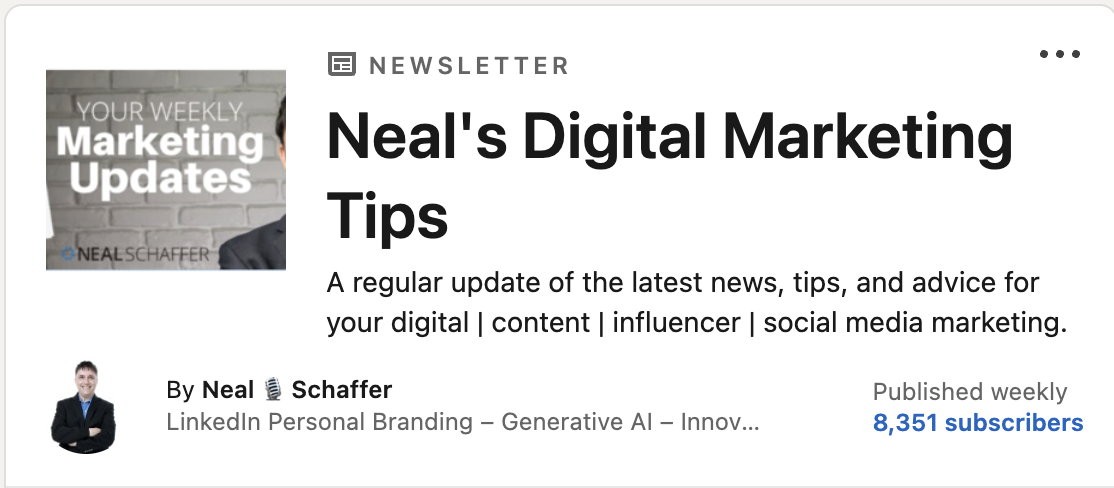
As with other social media marketing activities, a LinkedIn newsletter should be published regularly. One reason for this is that people come to expect or even look forward to your next newsletter. In addition, it helps you and your brand remain front of mind. This is especially important in B2B marketing because potential decision-makers are incredibly busy.
Furthermore, depending upon what you sell, your products may be an occasional purchase item. In this case, it may be a long time between your introducing your company and its products and the decision maker needing to buy an item of that type. In the meantime, your competition is also trying to get attention. Therefore, it is critical to keep your brand as a go-to source for information. By publishing your LinkedIn newsletter regularly, you will help yourself achieve that goal.
6. Change the “Connect” Button on Your Profile to “Follow”

In your profile settings, be sure to make Follow your primary button as pictured above. This will allow people who view your profile to follow your activity and read what you’re sharing on LinkedIn. In other words, it gives people an alternative to connecting with you as a way to see your content. Connections are capped at 30,000, but followers are unlimited, so making Follow the primary button increases your newsletter’s potential circulation significantly even as you continue to grow your LinkedIn network.
The Digital Marketing Playbook for Small Teams
My latest book helps small businesses, entrepreneurs, and marketers bring search, email, and social together into one digital marketing strategy that actually compounds.
Drawing on my work as a Fractional CMO, Digital Threads turns complicated tactics into a clear, practical plan you can follow, whatever your budget or team size.
Grab your copy on Amazon and start weaving your own digital threads. Click the cover or the button below to get started.

Frequently Asked Questions About LinkedIn Newsletters
A LinkedIn newsletter is a series of articles you publish on a recurring schedule from your profile or company page. Members can subscribe, and LinkedIn notifies subscribers when a new edition goes live. That notification layer is what separates newsletters from ordinary posts, which only reach whoever the feed algorithm selects.
On desktop, click “Write article” at the top of your feed, then choose the option to create a newsletter and fill in its name, description, logo, and publishing cadence. Newsletter access is available to members and company pages that meet LinkedIn’s criteria, which generally means an active presence and a follower base.
Pick a cadence you can sustain, whether weekly, biweekly, or monthly, and hold to it. Consistency trains subscribers to expect your next edition and keeps your brand front of mind between purchases. An ambitious schedule you abandon after a month damages credibility more than a modest schedule you keep.
Yes, when used consistently. Newsletters expand your reach beyond your immediate network, build engagement through comments and shares, establish thought leadership, and drive traffic back to your website where lead generation happens. They are one of the few LinkedIn formats that notify your audience directly instead of competing in the feed.
LinkedIn recommends a 300 x 300 pixel logo for your newsletter and a cover image of 1280 x 720 pixels for each edition. Use original, brand-consistent imagery rather than stock photos or clip art, since the logo appears everywhere your newsletter is recommended and shared across the platform.
Make Your LinkedIn Newsletter Worth Subscribing To
Writing a LinkedIn newsletter is a great way to reach out to current and potential customers. Just as importantly, it provides a different format for you to use when presenting company information and industry trends. However, just throwing text up on the Internet won’t get you very far. By following these best practices, you can make your LinkedIn newsletter a must-read item for people in your industry. To see these principles in action, subscribe to my own LinkedIn newsletter, and for my complete playbook on building your brand and business on the platform, download a free preview of Maximizing LinkedIn for Business Growth.