Editorial Note: I may earn a commission when you visit links that appear on my website.
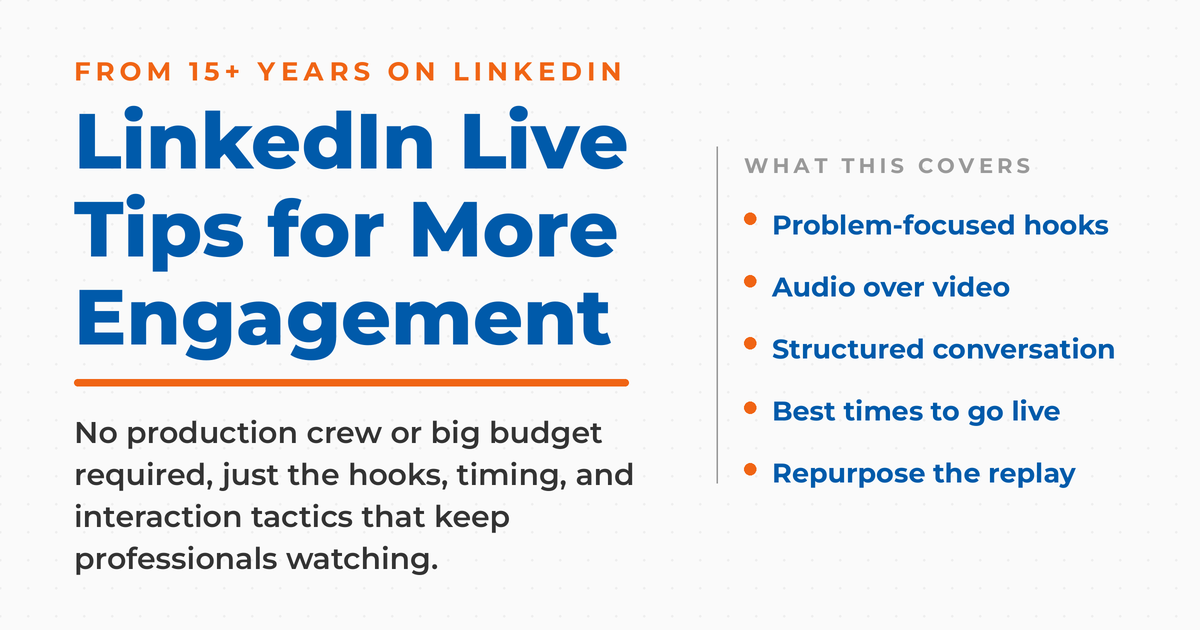
Top LinkedIn Live Tips for More Engagement
You don’t need a production crew or Hollywood budget to nail LinkedIn Live. After 15+ years watching LinkedIn evolve from a basic networking platform to a powerhouse for B2B engagement, I’ve seen the mistakes that kill audience retention and the simple tactics that actually work.
Most professionals overthink LinkedIn Live and lose their audience in the first 30 seconds. The platform’s algorithm now favors video content that hooks viewers immediately, prioritizing authentic content over polished presentations. You’re competing against scroll-happy professionals who make split-second decisions about your value.
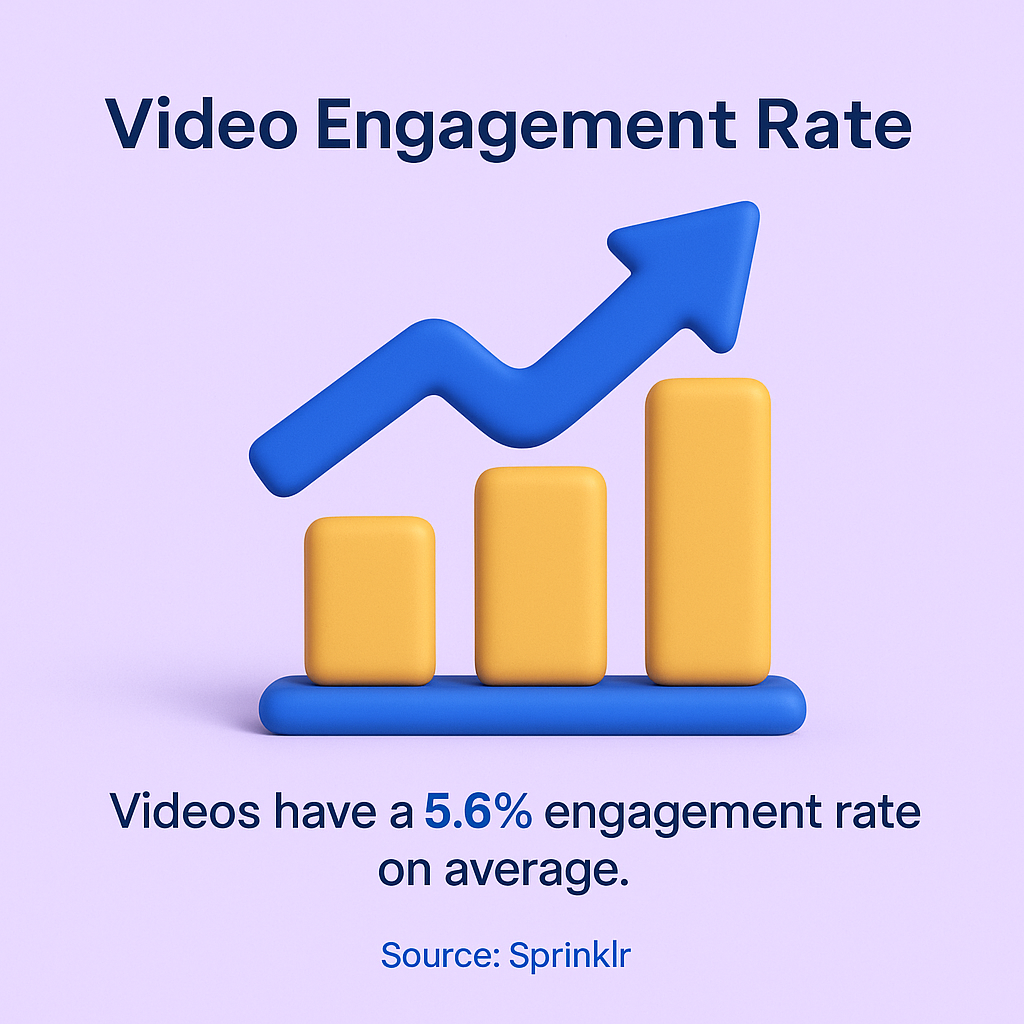
The truth is, video posts achieve 5.6% engagement rates on LinkedIn, but only when they solve real business problems quickly. Your LinkedIn Live success depends less on your equipment and more on your ability to deliver immediate value while maintaining genuine professional conversations.
I’ll walk you through the specific tactics that transform LinkedIn Live streams from ignored broadcasts into engaged business discussions.
Remember: When your followers and 2nd degree connections don’t attend your livestream, they will see the archived video. When they press play, you are competing with all of the other native videos on the platform, not just other LinkedIn Lives.
One other important note before we get started: Like LinkedIn Polls and other blatant engagement-bait content many moons ago, LinkedIn Live performance is also impacted by both its preference in the LinkedIn algorithm at any time as well as the content consumption habits of your network.
Key Takeaways
✅ Your first three seconds decide everything: open with a specific business problem, not a greeting or backstory, or scroll-happy professionals move on.
✅ Audio quality matters more than video quality, and minimum standards (1080p, a decent mic, stable upload) beat expensive gear that goes unused.
✅ LinkedIn Live works best as a structured conversation, not a presentation: pause every few minutes to take comments and answer by name.
✅ Time sessions for midweek mornings in your audience’s time zone, keep them to 15 to 30 minutes, and promote them in advance.
✅ The replay competes with every native video on the platform, so repurpose each stream into clips, posts, and newsletter content to extend its reach.
Start Strong With Problem-Focused Hooks
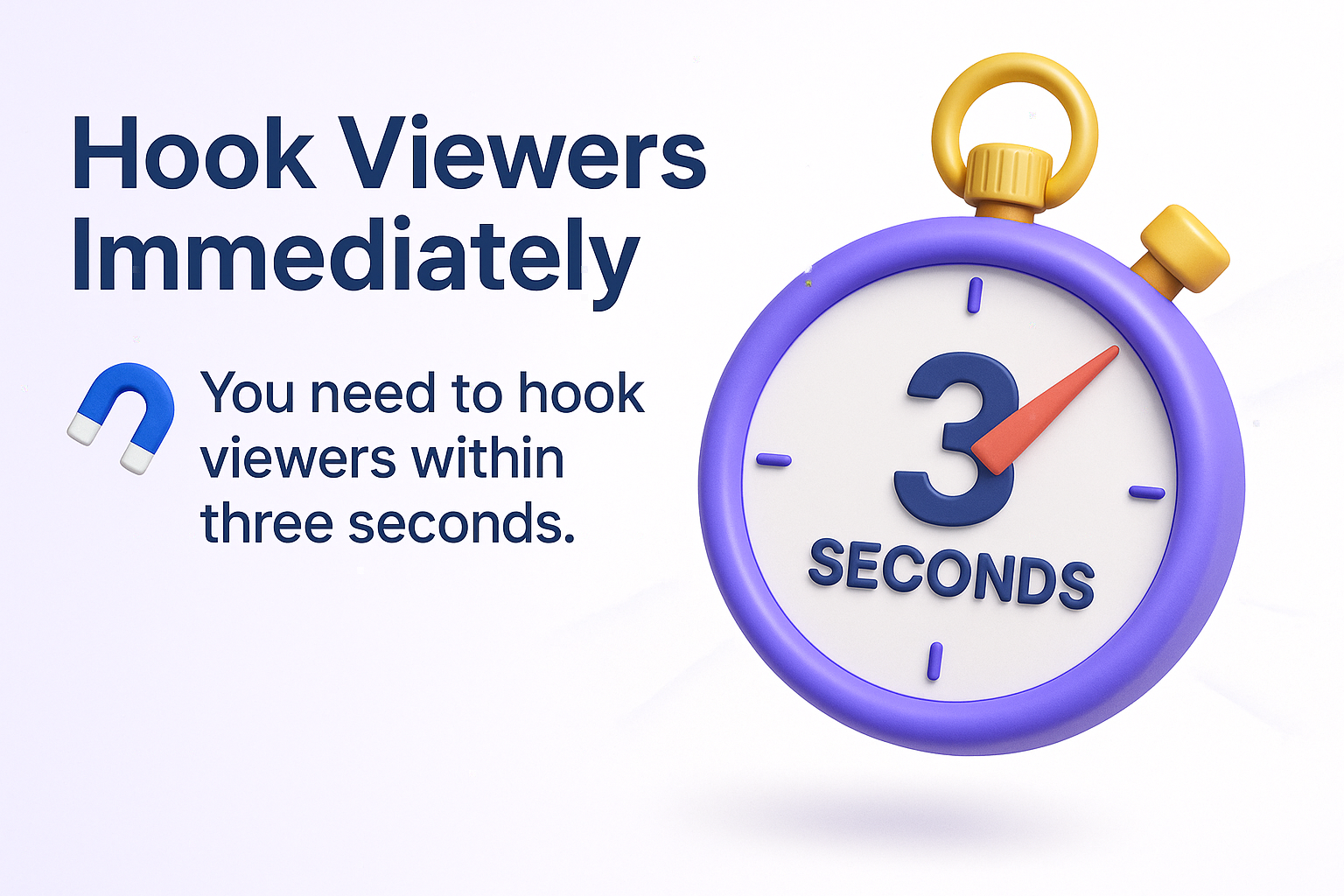
Your first three seconds determine whether professionals stop scrolling or keep moving. LinkedIn users are decision-makers with limited time, scanning their feed between meetings or during brief breaks. They need to understand your value proposition immediately.
Videos should hook viewers immediately with relatable problems or bold questions within the first three seconds. Skip the lengthy introductions and personal backstories. Jump straight into the business challenge your audience faces daily.
Instead of “Hi everyone, I’m excited to be here today to talk about sales strategies,” try “If your sales team missed quota last quarter, this 15-minute session will show you three specific changes that can turn things around.” The second approach immediately identifies who should stay and what they’ll gain.
Test these opening formulas for your LinkedIn Live sessions:
- Problem statement: “If you’re struggling with [specific challenge], here’s what’s actually causing it”
- Bold prediction: “Most companies will change their [process] by next year, here’s why”
- Counterintuitive insight: “Everyone thinks [common belief], but data shows [opposite truth]”
- Time-sensitive urgency: “The next 10 minutes will change how you approach [business function]”
Your hook works when viewers can immediately identify themselves in your opening statement. Make it specific to their role, industry challenge, or current business climate. Generic opening statements get ignored by professionals who value their time.
Optimize Your Technical Setup for Professional Quality
LinkedIn professionals expect clear audio and stable video, but they don’t need broadcast television quality. Focus your technical efforts on the elements that impact viewer experience most significantly.
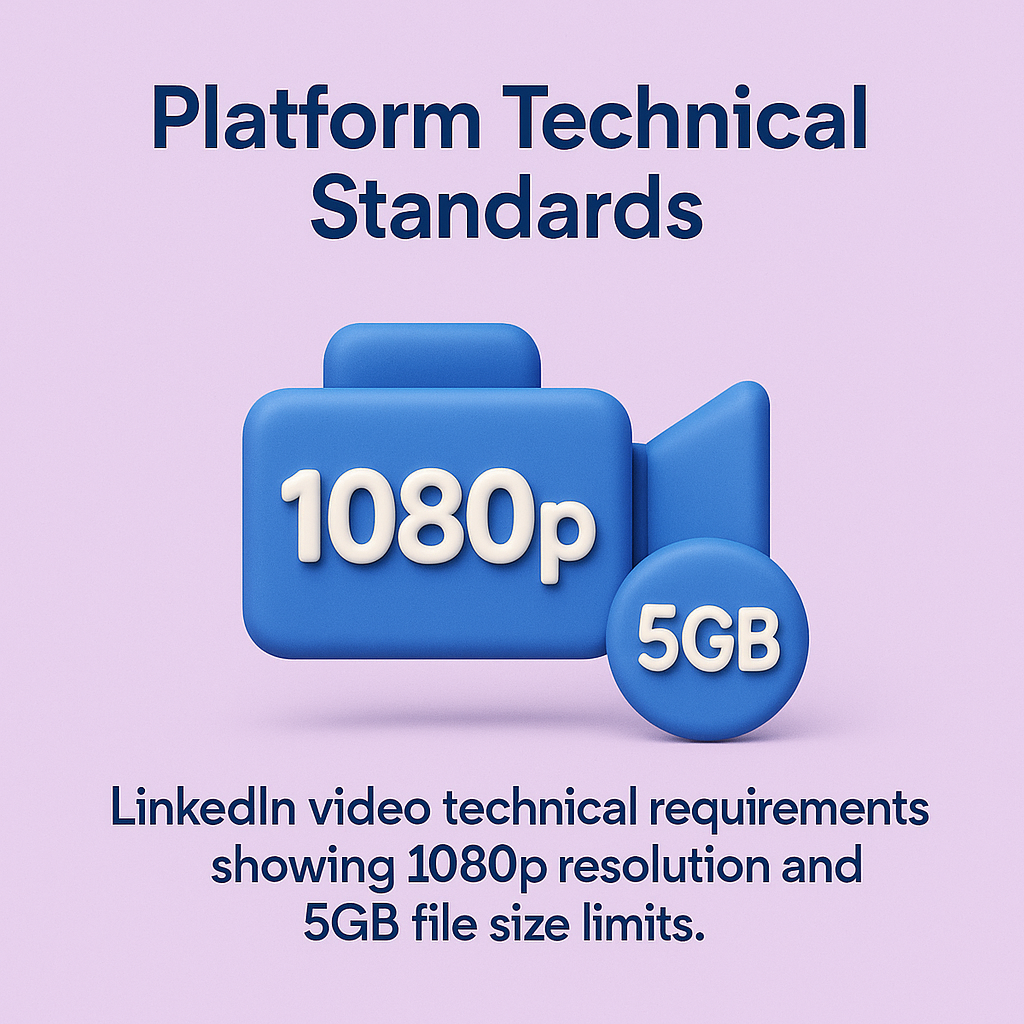
The platform recommends 1080p resolution for optimal performance. Most modern smartphones and laptops can achieve this standard without additional equipment investment.
Audio quality matters more than video quality for LinkedIn Live engagement. Poor audio causes viewers to leave immediately, while slightly grainy video rarely impacts professional discussions. Invest in a decent USB microphone like the Blue Yeti or use wired earbuds to improve sound clarity. If you want to invest a little more, get the same microphone that I use: The Shure MV7.
| Technical Element | Minimum Standard | Professional Upgrade |
| Video Resolution | 720p webcam or phone | 1080p with ring light |
| Audio Quality | Wired earbuds/headset | USB microphone |
| Internet Speed | 5 Mbps upload minimum | 10+ Mbps for stability |
| Lighting Setup | Face window or lamp | Ring light or softbox |
| Background Choice | Clean wall or office | Professional backdrop |
This table shows the technical standards that actually impact viewer retention. You don’t need the professional upgrade level to succeed, but meeting minimum standards prevents technical issues from disrupting your content flow.
Test your setup before going live by recording short videos and reviewing them critically. Check for audio echoes, video lag, or lighting issues that could distract from your message. Note that LinkedIn Live requires you to use 3rd party software to broadcast. There are currently 11 approved providers, with my recommendation being to use Streamyard.
Master the Art of Professional Conversation
LinkedIn Live works best as structured conversations rather than formal presentations. Your audience consists of business professionals who want practical insights they can apply immediately, not academic lectures or sales pitches.
Professionals should prioritize unpolished, human elements over high-production gloss, as LinkedIn’s audience values genuine expertise over scripted perfection. This doesn’t mean being unprepared, but rather allowing natural conversation flow instead of rigid script adherence.
Structure your LinkedIn Live sessions like productive business meetings. Start with clear objectives, address specific agenda items, and end with actionable next steps. This approach resonates with your professional audience’s daily experience and expectations.
Engage viewers through direct questions and real-time problem solving. Instead of monologuing for 20 minutes, pause every 3-4 minutes to address comments or pose questions to your audience. Engagement strategies that work in other formats adapt well to live streaming.
Share specific examples from your professional experience, but avoid lengthy personal anecdotes. LinkedIn users want to learn from your expertise, not hear detailed stories about your weekend activities. Keep personal sharing relevant to business lessons.
When discussing complex topics, use the “explain it to a colleague” approach. Assume your viewers are intelligent business professionals who need context, not condescending explanations of basic business concepts.
Time Your Content for Maximum Professional Reach
LinkedIn’s professional user base follows predictable patterns that you can use for better reach and engagement. Understanding when decision-makers are most active and therefore when best to post to LinkedIn helps you schedule LinkedIn Live sessions for optimal attendance.
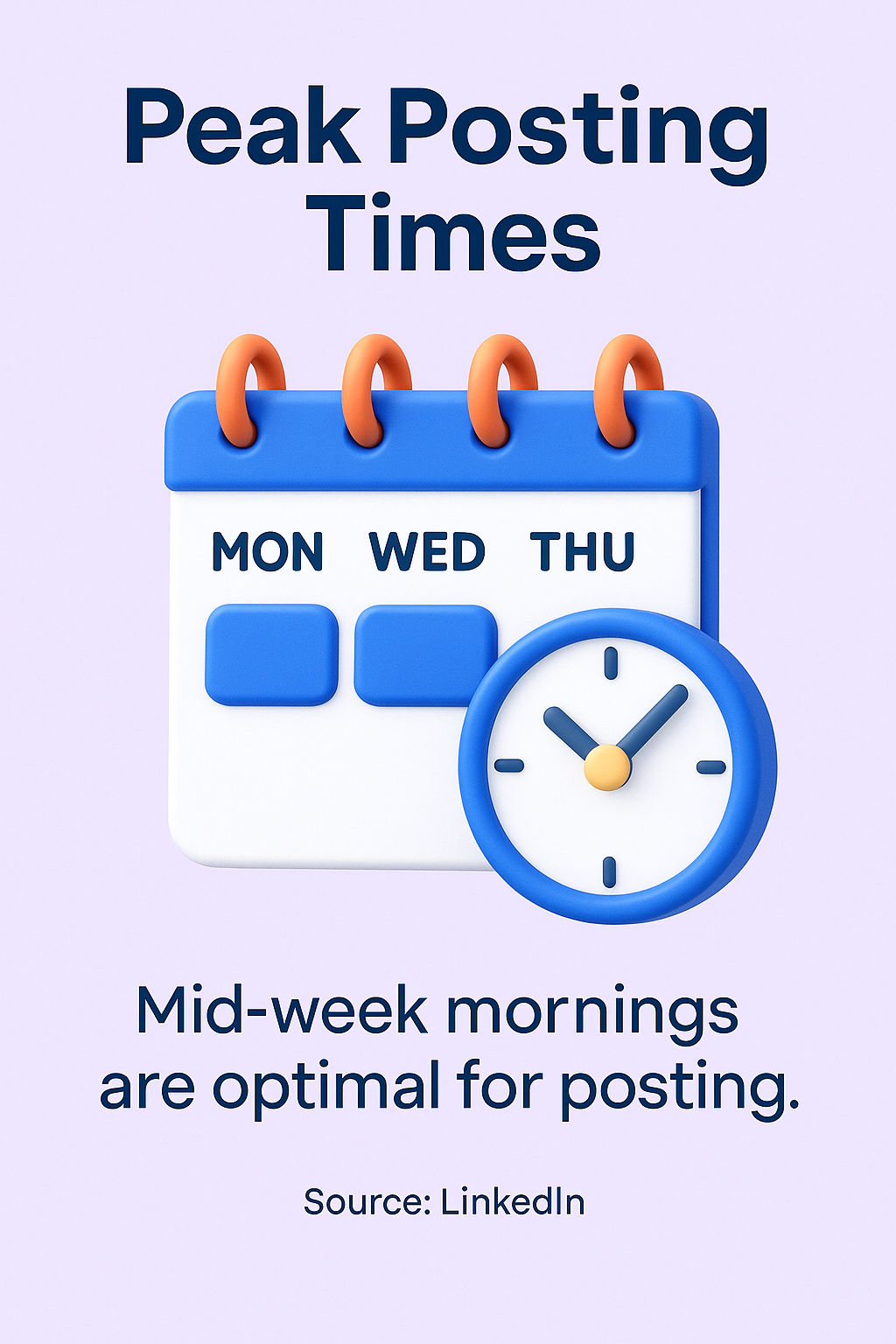
Peak posting times for LinkedIn video content are typically mid-week mornings to catch decision-makers during their routine scrolls. Tuesday through Thursday, between 8 AM and 10 AM in your target audience’s time zone, consistently delivers the highest engagement rates.
Consider your audience’s work schedule when planning LinkedIn Live timing. B2B sales professionals might be available during early morning coffee breaks, while executives might engage during lunch hours or end-of-day wind-down periods.
| Time Slot | Audience Type | Content Focus |
| 8-9 AM weekdays | Early morning professionals | Industry news, quick tips |
| 12-1 PM weekdays | Lunch break viewers | Longer discussions, training |
| 3-4 PM weekdays | Afternoon break audience | Problem-solving sessions |
| 6-7 PM weekdays | Post-work learners | Skill development content |
This timing guide reflects when different professional segments are most likely to engage with LinkedIn Live content. Match your content type to the audience mindset during each time period.
Announce your LinkedIn Live sessions in advance through regular posts and connection messages. Users posting 2-5 times per week see a modest lift in reach and engagement, so consistent promotion builds anticipation for your live content.
Keep your LinkedIn Live sessions between 15-30 minutes for optimal engagement. Shorter sessions don’t provide enough value depth, while longer sessions lose audience attention as professionals move to other responsibilities.
Drive Interaction Through Strategic Engagement Tactics
LinkedIn Live succeeds when you create genuine interaction with your audience, not when you broadcast at them. The platform’s algorithm rewards content that generates comments, shares, and meaningful engagement from professional users.
The platform’s algorithm updates in 2025 have tilted heavily toward video content that encourages comments and interaction. This means your success depends on creating content that viewers want to discuss and share with their professional networks.
Ask specific, actionable questions throughout your LinkedIn Live session. Instead of “What do you think about this topic?” try “Which of these three approaches would work best in your industry?” Specific questions generate thoughtful responses that extend your content’s reach through the algorithm.
Address comments by name during your live stream. When someone asks a question or shares an insight, mention their name and respond directly to their point. This personal acknowledgment encourages continued participation and shows other viewers that you’re genuinely engaged.
Use polls and quick surveys to gather real-time feedback. LinkedIn’s live features allow you to pose questions that viewers can answer instantly, creating interactive moments that boost engagement metrics while providing valuable audience insights.
Share your screen to show relevant documents, websites, or tools during your LinkedIn Live session. Visual elements keep viewers engaged longer than talking head presentations. Different video content types can be adapted for live streaming to maintain visual interest.
Create follow-up actions for your LinkedIn Live audience. End each session with a specific next step viewers can take, whether that’s connecting with you, joining a follow-up discussion, or implementing a specific strategy you discussed.
Repurpose Your LinkedIn Live Content for Extended Reach
Your LinkedIn Live session shouldn’t end when you stop broadcasting. Smart content repurposing multiplies your time investment and extends your message’s reach across different professional audiences and timeframes.
LinkedIn automatically saves your live videos, but you can maximize their value through strategic editing and redistribution. Create shorter clips highlighting key insights for users who missed the original broadcast or prefer condensed content formats.
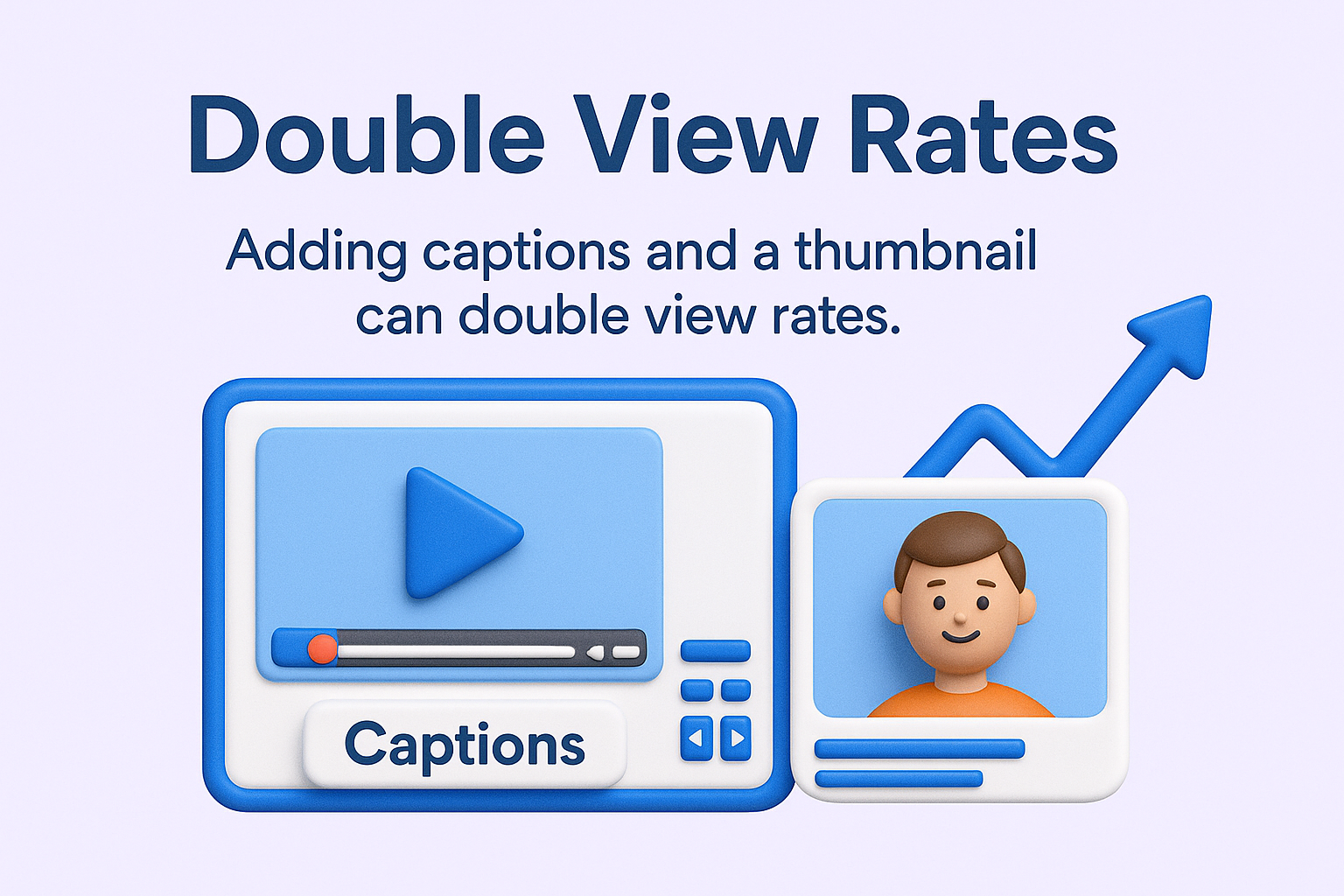
Incorporating captions and eye-catching thumbnails can double view rates on LinkedIn video content when combined. Make sure you enable automatically-generated captions on your livestream platform to improve accessibility and engagement for viewers watching without audio.
Transform key points from your LinkedIn Live sessions into written posts, infographics, or detailed newsletter articles. Content creation strategies should leverage multiple formats from single source materials to maximize efficiency.
Extract quotable insights and data points from your LinkedIn Live sessions for standalone social posts. These bite-sized pieces of value can attract new audience members to your future live sessions while reinforcing key messages with existing followers.
Create a series approach where each LinkedIn Live session builds on previous discussions. Reference earlier sessions, follow up on viewer questions, and develop ongoing themes that encourage regular attendance from your professional audience.
Measure and Improve Your LinkedIn Live Performance
LinkedIn provides analytics that reveal how your live content performs, but the key metrics for professional success differ from traditional social media vanity numbers. Focus on engagement quality and professional relationship building rather than just view counts.
Track average viewing time to understand when your audience stays engaged and when they drop off. This data helps you identify which topics resonate most strongly and which presentation approaches hold professional attention effectively.
Monitor comment quality and follow-up connections generated from your LinkedIn Live sessions. High-quality business discussions and new professional relationships indicate more valuable outcomes than high view counts without engagement depth.
| Metric | What It Measures | Success Indicator |
| Average View Duration | Content engagement depth | 60%+ of total session length |
| Comment Quality | Professional discussion value | Thoughtful questions and insights |
| Connection Requests | Relationship building success | 5-10% of live viewers |
| Content Shares | Professional network expansion | 2-5% of total engagement |
These metrics reflect LinkedIn Live success better than basic vanity numbers. Focus your improvement efforts on the areas where you’re not meeting these professional engagement standards.
Survey your regular LinkedIn Live attendees about content preferences and timing. Professional audiences appreciate being consulted about format changes or topic priorities, and their feedback helps you create more valuable future sessions.
Compare your LinkedIn Live performance to your regular video posts to understand which format delivers better professional engagement. Since video content reaches 5.6% engagement on average, track whether your live sessions exceed this benchmark.
Document successful topics and formats for future reference. Build a library of approaches that work well for your professional audience, allowing you to replicate success while testing new content ideas strategically.
Frequently Asked Questions About LinkedIn Live
What do you need to go live on LinkedIn?
You need an eligible account or page and approved third-party broadcasting software, since LinkedIn Live cannot be started natively from the app. Beyond that, the essentials are a 1080p-capable camera, a decent microphone, and a stable upload connection. Eligibility is granted to accounts and pages that meet LinkedIn’s access criteria.
How long should a LinkedIn Live session be?
Aim for 15 to 30 minutes. Shorter sessions rarely deliver enough value to justify a viewer’s time, while longer ones lose professional audiences who move on to other responsibilities. Within that window, front-load your most valuable points in case viewers drop off partway through.
When is the best time to go live on LinkedIn?
Tuesday through Thursday, roughly 8 to 10 AM in your target audience’s time zone, consistently performs best, since that is when decision-makers scan their feeds. Match your topic to the time slot, and always promote the session in advance so people plan to attend rather than catching only the replay.
Does the LinkedIn Live replay still get views?
Yes, and often most of your views come from the replay rather than the live broadcast. Followers and second-degree connections who miss the stream see the archived video in their feed, where it competes with all native video on the platform. Captions and a strong thumbnail meaningfully increase replay views.
Is LinkedIn Live worth it for B2B?
For building authority and relationships, yes. LinkedIn’s professional audience rewards genuine expertise delivered live, and the format generates the comments and shares the algorithm favors. Measure success by viewing duration, comment quality, and connection requests rather than raw view counts, which tell you little about business impact.
Use LinkedIn Live to Build Professional Authority and Drive Business Results
LinkedIn Live represents a significant opportunity for professionals who approach it strategically rather than as another social media experiment. The platform’s professional user base rewards authentic expertise and practical value over entertainment or viral content. Live video only pays off when it sits inside a wider plan, which is what my guide to using LinkedIn for business lays out.
Start with your strongest area of professional expertise and create LinkedIn Live sessions that solve real business problems for your target audience. Focus on consistency over perfection, building regular engagement with professionals who value your insights and approach.
Your next LinkedIn Live session should implement three elements from this guide: a problem-focused hook, strategic engagement tactics, and clear follow-up actions for viewers. Test these approaches, measure the professional relationships they generate, and adjust based on your specific audience’s response patterns. For the complete system behind turning LinkedIn into a growth channel, download a free preview of Maximizing LinkedIn for Business Growth.

Actionable advice for your digital / content / influencer / social media marketing.
Join 13,000+ smart professionals who subscribe to my regular updates.