Editorial Note: I may earn a commission when you visit links that appear on my website.
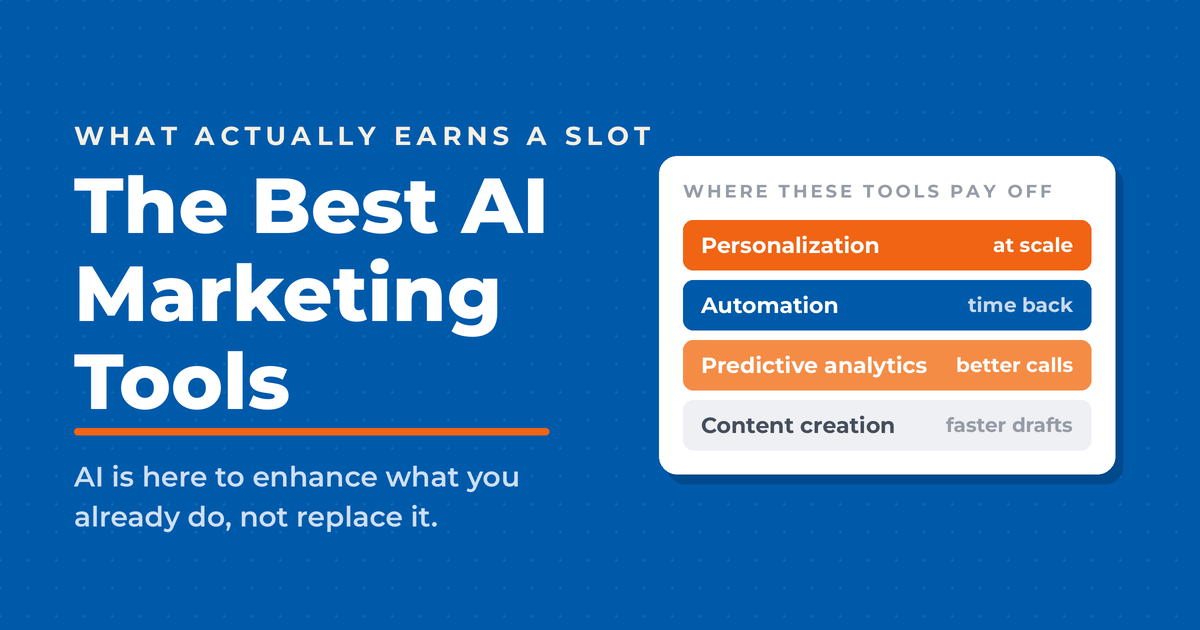
The Best AI Marketing Tools for 2026: Revolutionizing Digital Strategies
Way too many marketers are paying for AI tools they barely open. They signed up for six platforms over the past two years, actively use two, and can’t point to a single number any of them moved. I’ve been testing AI marketing tools inside my own business and across Fractional CMO client engagements since generative AI went mainstream, and the ten below are the ones that keep earning their subscription. If you want the strategy layer before the software layer, start with my guide to AI marketing. This post covers the tools themselves: what each one does, who it’s for, and what it costs.
Key Takeaways
✅ 88% of organizations now regularly use AI in at least one business function, up from 78% a year earlier, per McKinsey’s Global Survey on the state of AI. Adoption alone no longer sets you apart. What separates teams now is which tools they pick and how deeply they wire them in.
✅ Only about a third of organizations have moved past the pilot stage. Buying the software takes an afternoon. Redesigning the workflow around it is the part most marketing teams never finish, and it’s where the actual return lives.
✅ Match the tool to the job. Content generation, SEO optimization, social listening, conversational lead capture, and email send timing are five different problems, and no single platform in this roundup wins all five.
✅ Start free before you start paying. Several tools here include a free tier, and I keep a separate list of free AI tools for marketing that will carry a small team a long way before any credit card comes out.
✅ Every one of these still needs a human editor. AI drafts fast, and it’s confidently wrong often enough that shipping unreviewed output will cost you more credibility than the tool saves you in time.
Five of these come up in almost every conversation I have about AI tooling. This is how they compare before we get into the full list.
| Tool | Main Use | Key Feature | Pricing Model |
|---|---|---|---|
| Jasper AI | Content creation | Brand voice customization | Paid only, priced per seat, free trial |
| MarketMuse | SEO content strategy | Content gap analysis | Free tier; paid plans quote-only |
| HubSpot Breeze | Marketing automation | Multi-channel content generation | Free plan available |
| Surfer SEO | Content optimization | Real-time SEO suggestions | Paid only, tiered by article volume |
| Hootsuite | Social listening and analytics | Sentiment analysis at scale | Free plan plus paid tiers |
The rest of this post covers all ten tools in depth, starting with how the category has shifted over the past two years and how I evaluated each one.
How AI Marketing Has Changed
AI has flipped digital marketing on its head. Let’s look at how it’s shaken things up.
Personalization on Steroids
AI now cranks out personalized experiences like never before. By 2026, marketers are using AI to tailor content, product suggestions, and ads based on what you’re doing right now. It used to be a pain to do this, but now it’s a must if you want to keep up.
Content Creation Made Easy
Drafting used to be the bottleneck in every content calendar I built. It isn’t anymore. The time now goes into deciding what’s worth writing and verifying that the draft is actually true.
Crystal Ball for Marketers
Predictive analytics stopped being an enterprise-only capability. Tools that used to require a data science team now sit inside platforms a two-person marketing department can afford. The catch is that a prediction is only as good as the data you feed it, and most small teams have messier data than they think.
Chatbots People Will Actually Talk To
AI chatbots and virtual helpers have come a long way. They’re so good now that by 2026, you might not even know if you’re talking to a robot or a real person. They answer questions fast and fix problems right away, making customers happy campers. The next step past a chatbot is an agent that can take action on its own, which is what AI agents for marketing teams are built to do.
Shopping with Your Eyes
AI has made it possible to shop just by snapping a pic. See something you like? Take a photo and boom – you can find it online. This opens up a whole new world for marketers to show off their stuff.
Where the Time Actually Goes
The time savings are real, but they land unevenly. Drafting, first-pass research, and reformatting compress dramatically. Approvals, stakeholder alignment, and fact-checking do not, and fact-checking usually gets longer. Teams that budget for the second category are the ones who see the first category pay off.
Team Players
AI is forcing different parts of the business to play nice together. This teamwork is leading to better, more unified strategies.
Campaigns That Hit the Mark
Campaign optimization is where AI has the longest track record, well before generative tools arrived. Bid management, audience expansion, and creative rotation have been machine-driven on the major ad platforms for years. The change now is that the creative itself gets generated and tested in the same loop, which shortens the distance between a hypothesis and a result.
None of this is optional anymore. The marketers I see pulling ahead got genuinely good at two or three tools instead of dabbling in ten.
How I Picked These Tools
I didn’t just pick these AI marketing tools out of a hat. I dug deep, looking at four key factors:
- Performance: Does it actually work?
- Integration: Does it play nice with other tools?
- Price: Is it worth the money?
- Growth Potential: Can it keep up as you grow?
Let’s break it down:
Performance
I’ve used Jasper and Frase in my own publishing workflow for years, so those two I can speak to directly. For the rest, I weighted documented customer results, hands-on reviews from practitioners I trust, and whether the vendor is transparent about what the tool can’t do.
Integration
Your marketing tools need to talk to each other. I looked for documented APIs and pre-built integrations, and I weighted native connections to WordPress and the major CRMs heavily. A tool that forces you to copy and paste between tabs will get abandoned inside a month, no matter how good its output is.
Price
Money matters, and it moves. Every tool in this list has repriced, repackaged, or both in the last eighteen months, so I weighted the shape of the pricing more than the sticker: does it have a free tier or trial, does it charge per seat, and does the entry plan actually do the job or is it a demo in disguise. Check the current number on the vendor’s page before you commit to anything here.
Growth Potential
A tool that fits a two-person team and a tool that fits a thirty-person team are rarely the same product, so I looked at what happens at the seam. Does the next tier up actually solve the problem you’ll hit, or does it just raise a cap? Per-seat pricing is the thing that quietly breaks budgets here, because the cost of adding a writer is often higher than the cost of the first seat.
Marketing and sales consistently shows up in McKinsey’s research as one of the functions where AI produces the most reported revenue benefit. That’s a reason to be deliberate about which tool you put where, not a reason to buy all of them.
1. Jasper AI
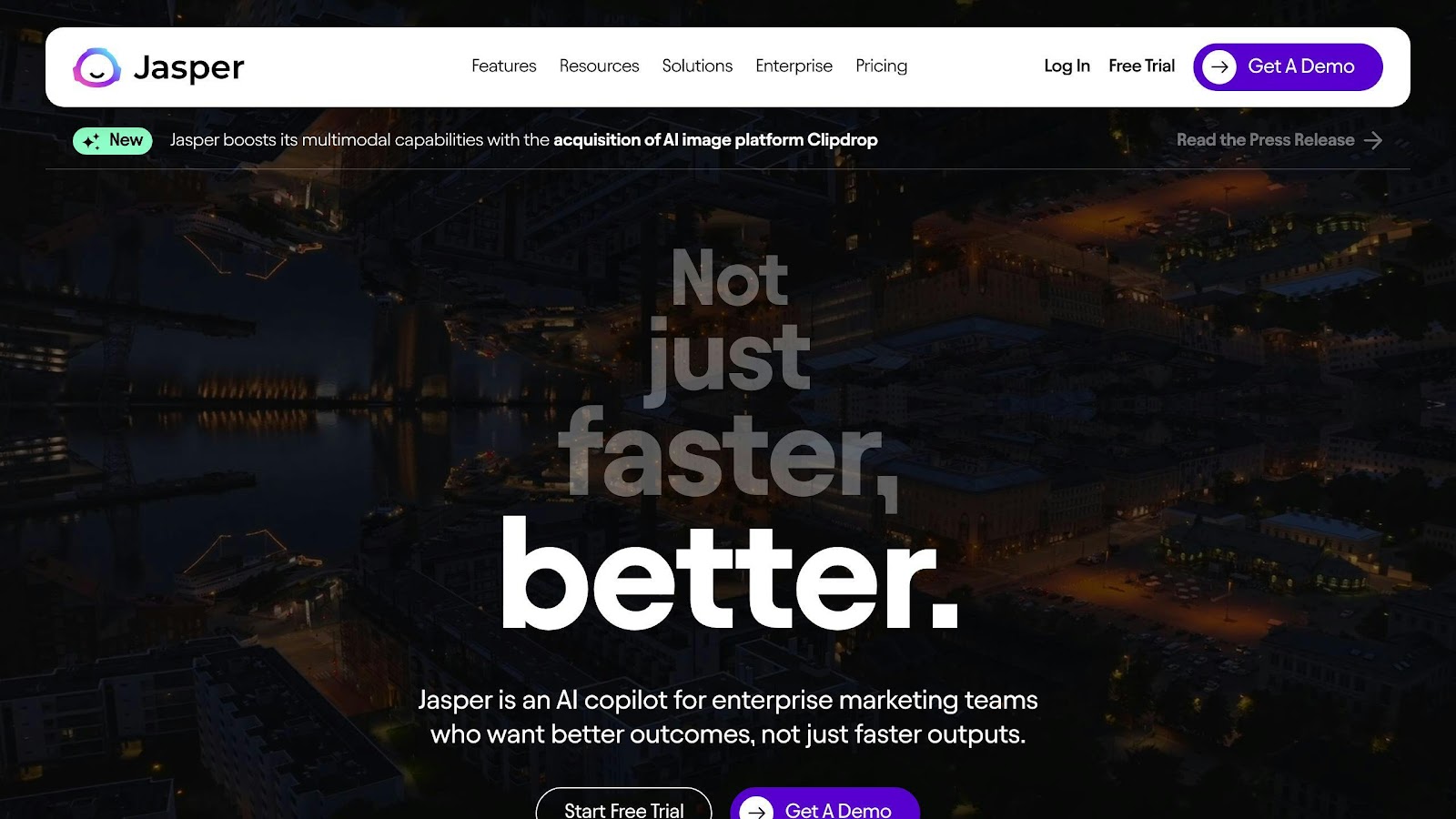
Jasper AI has come a long way since its early days as a simple writing tool. It’s now a full-fledged marketing copilot that does way more than just pump out content.
Here’s what makes Jasper tick:
Company Knowledge Hub Think of it as your brand’s brain in the cloud. You can upload all your important docs – brand guidelines, campaign strategies, you name it. This means Jasper’s output always sounds like your company, not some generic robot.
Team Acceleration Jasper’s not a lone wolf. It’s built to boost your whole marketing squad. With content calendars and team tools, it’s like having a bunch of extra hands on deck.
Performance Analytics This is where Jasper really flexes. It doesn’t just make content; it makes content that works. You get real-time insights on how your stuff is doing, so you can tweak and improve on the fly.
Timothy Young, Jasper’s CEO, nails it:
“Jasper has long been a cost savings tool. With the addition of performance analytics, it becomes a revenue generating one too.”
But here’s the real deal: Jasper’s not just about speed. It’s about results. In a world where marketers worry about AI churning out generic or wrong stuff, Jasper steps up. By baking your company’s know-how right into the content, it cuts the risk of off-brand or inaccurate output.
Price-wise, Jasper sells a Pro plan billed per seat with a free trial, plus a custom-quoted Business plan once you need multiple seats and the enterprise controls. It dropped its old entry-level Creator tier, so this is no longer the cheap option it was a couple of years ago. Confirm the current per-seat number on Jasper’s pricing page, and budget carefully if you’re adding writers, because per-seat pricing is where the bill climbs fast.
For big teams cranking out tons of content across different channels, Jasper’s a game-changer. It’s not just for blog posts or tweets. It can handle everything from ad copy to product descriptions, with over 50 templates to streamline your work.
The best part? You don’t need to be a tech whiz to use it. Jasper’s interface is so user-friendly, you can start pumping out quality copy in minutes, even if you’re new to AI tools.
Jasper works best for teams producing a high volume of on-brand content across several channels. For a solo marketer writing four posts a month, it’s more platform than the job requires.
2. MarketMuse
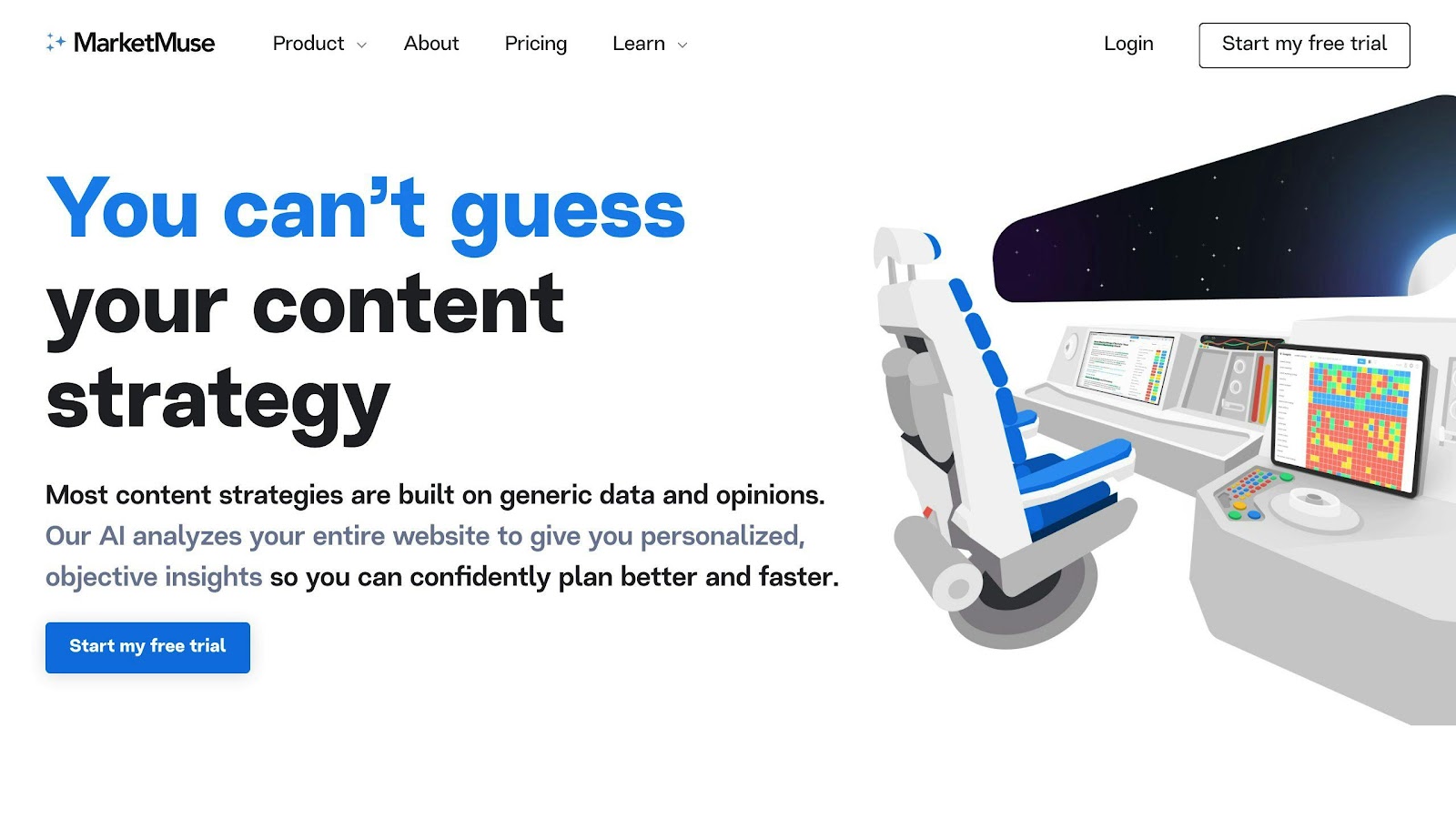
MarketMuse plans content at the site level. That’s the job it does better than anything else here.
Smart Content, Smarter Results
Its Content Score estimates how thoroughly a given page covers its topic against what’s already ranking, which is a more useful signal than raw keyword density.
This isn’t guesswork. MarketMuse looks at things like content length and topic coverage, giving you a clear path to SEO success.
Beat Your Competitors with AI
MarketMuse doesn’t just tell you what your rivals are doing – it shows you how to do it better. The “Compete” tool analyzes top-ranking pages for any topic, revealing gaps you can fill.
Let’s say you’re writing about “AI in marketing”. MarketMuse might show that top pages talk about ROI, but miss the challenges of implementation. That’s your chance to create content that fills this gap and potentially outrank your competitors.
Content Creation Made Easy
MarketMuse isn’t just for analysis – it helps you create content too. Its AI-powered brief generator is like having a pro editor by your side. It gives you:
- Target word count
- Must-cover topics
- Questions to address
- Suggested headlines
This ensures your content is well-written, thorough, and search-engine friendly.
What It Costs
MarketMuse still offers a free tier with limited queries, but it stopped publishing prices for its paid plans after Siteimprove completed its acquisition of the company in October 2024. Paid access now runs through a sales conversation, and MarketMuse is also sold as an add-on inside Siteimprove bundles. Budget for a demo call rather than a credit card, and treat any specific dollar figure you find on a comparison site as unverified.
That acquisition matters beyond pricing. If you already run Siteimprove for accessibility or analytics, MarketMuse is a much easier internal sell than it would be standalone. If you don’t, you’re now buying into a larger platform’s roadmap rather than an independent product’s.
Plays Well with Others
MarketMuse shines with its integrations. It works with tools like Google Docs and WordPress, making your content workflow smoother. You can optimize your content without switching between a bunch of platforms – a huge time-saver for busy marketing teams.
MarketMuse is a planning tool more than a writing tool, and that’s the right way to think about where it fits. If your problem is deciding what to publish next across a large site, it earns its place. If your problem is producing the draft, you want something else on this list.
3. Frase
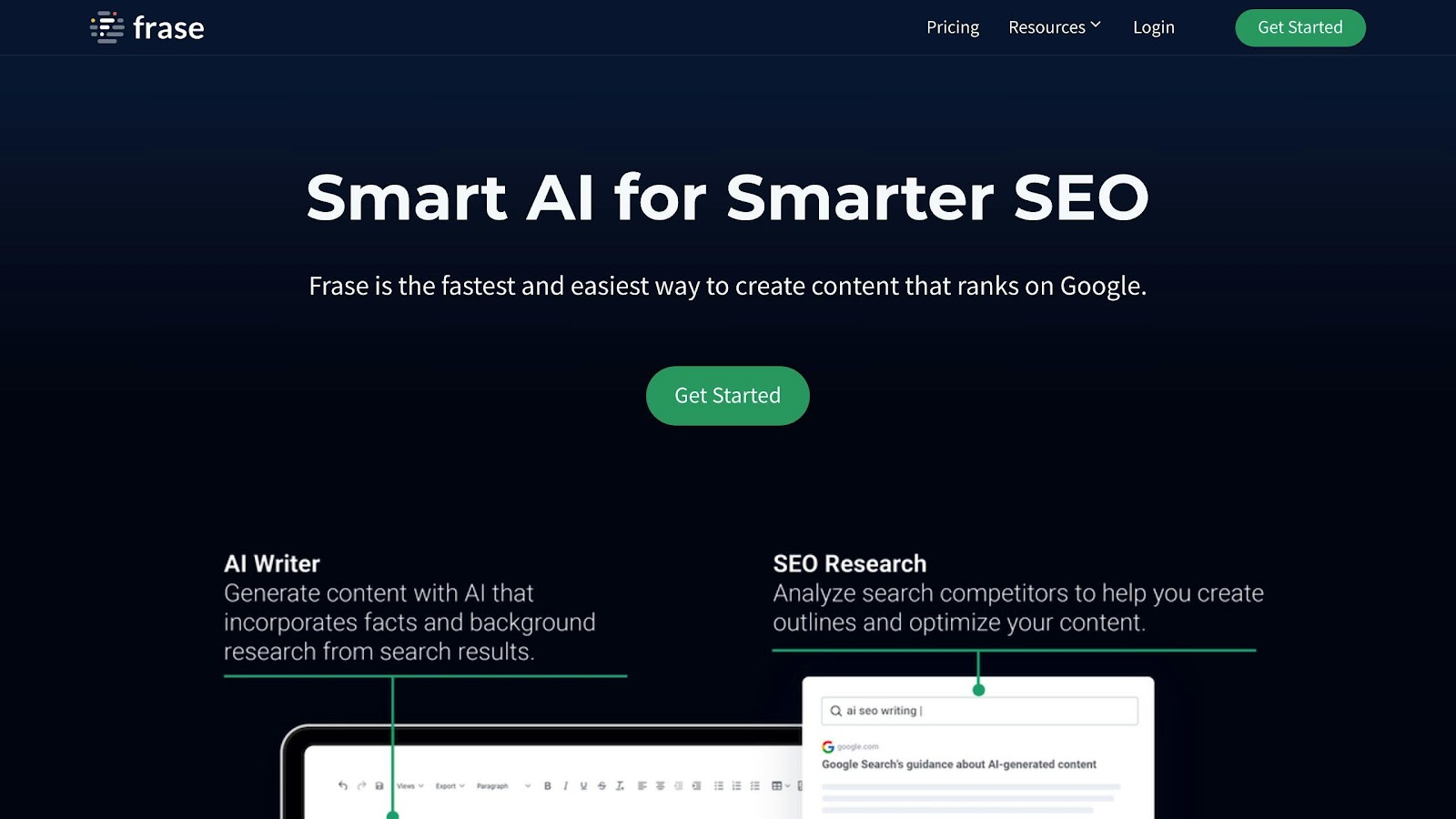
Frase has become a top AI content creation tool that I have relied on for years. It’s an all-in-one platform that combines research, writing, and optimization. Content teams use it to work faster and rank higher in search results.
AI-Powered Content Briefs
Frase’s main feature is its AI-generated content briefs. These briefs give writers a clear plan for creating articles. Here’s what they do:
- Analyze top-ranking pages for your keyword
- Figure out why people are searching for your topic
- Suggest keywords and how often to use them
Content Creation Made Easy
Frase’s text editor is where you write your content. It’s designed to help you create articles that rank well. Here’s how it works:
1. Outline Generation
You can quickly make outlines using headings from search results or let AI create one for you. This saves a lot of research time.
2. AI Writing Assistant
As you write, Frase’s AI checks your content and offers tips to make it better for readers and search engines. It helps with:
- Making complex ideas simpler
- Splitting up long paragraphs
- Using keywords the right amount
3. Content Optimization
The “Optimize” feature compares your content to top-ranking articles and tells you how to improve it.
Where It Saves Time
The time savings come from collapsing three steps into one workspace: researching the SERP, building the brief, and optimizing the draft. If your current workflow has those spread across a search tab, a doc, and a separate optimization tool, that consolidation is the real win. Just don’t confuse a faster draft with a finished one. Frase gets you to a solid, well-structured starting point; the accuracy and voice pass is still yours.
What It Costs
Frase repriced and repackaged its plans in 2025, so any specific number you find in an older review is wrong. It runs a tiered model billed by content volume, with a paid entry plan and a short free trial rather than a permanent free tier. Every tier includes the full research-brief-optimize loop; what climbs with price is how many articles and how many seats you get. Check the live number on Frase’s pricing page before you commit, because this is one of the faster-moving prices in the category.
For a solo writer or a small blog, the entry tier does the job. Teams producing at volume are the ones who need to look further up the ladder.
The Bottom Line
Frase stands out by offering a complete platform for research, writing, and optimization. It creates data-driven content briefs and gives real-time suggestions to improve your writing. This makes it a valuable tool for content teams who want to create more high-quality content.
Tools like Frase are becoming must-haves for competitive content marketing. By using AI to streamline content creation, marketers can focus more on strategy and creativity, leading to better search rankings and more engaged audiences.
4. HubSpot Breeze

HubSpot’s Breeze has become a big deal in content creation. It’s a complete AI assistant that’s changing how marketers think about content.
What Can It Do?
HubSpot’s Breeze, powered by OpenAI’s GPT, is packed with features:
- Writes blog posts, social media captions, and email newsletters
- Creates SEO-friendly titles and descriptions in one click
- Polishes web pages, CTAs, and emails
It’s smart enough to get your brand’s voice and what your audience likes. That’s why marketers love it for keeping their content consistent.
Saves Time, Boosts Efficiency
The time savings are the whole pitch, and they’re real for teams already inside HubSpot.
- Beat writer’s block with AI-generated ideas and drafts
- Pump out good, engaging content fast
- Automate publishing and SEO optimization
This frees up marketing teams to focus on the big picture stuff instead of getting stuck in the weeds of writing.
Plays Well with Others
HubSpot’s Breeze isn’t a loner – it’s part of the HubSpot family. That means:
- You can switch between writing yourself and using AI right in HubSpot
- It works smoothly with WordPress
- It helps with all kinds of content, from blogs to landing pages
Marketers who need to create lots of different content types love how versatile it is.
Real Results
While we don’t have tons of case studies yet, marketers using HubSpot’s Breeze have seen:
- More content without sacrificing quality
- Better SEO performance
- More time for strategy instead of just writing
What’s It Cost?
Good news – HubSpot has a free plan that includes the AI Content Assistant. If you need more, you can get extra features with paid Marketing Hub plans.
Remember, HubSpot’s Breeze is here to help human creativity, not replace it. The best content today comes from combining AI efficiency with human creativity and understanding.
As AI takes over more of the marketing world, tools like HubSpot’s Breeze are raising the bar for content creation. By using this tech, marketers can create more great content, rank higher in search, and get better results from their digital marketing.
5. Lately.ai
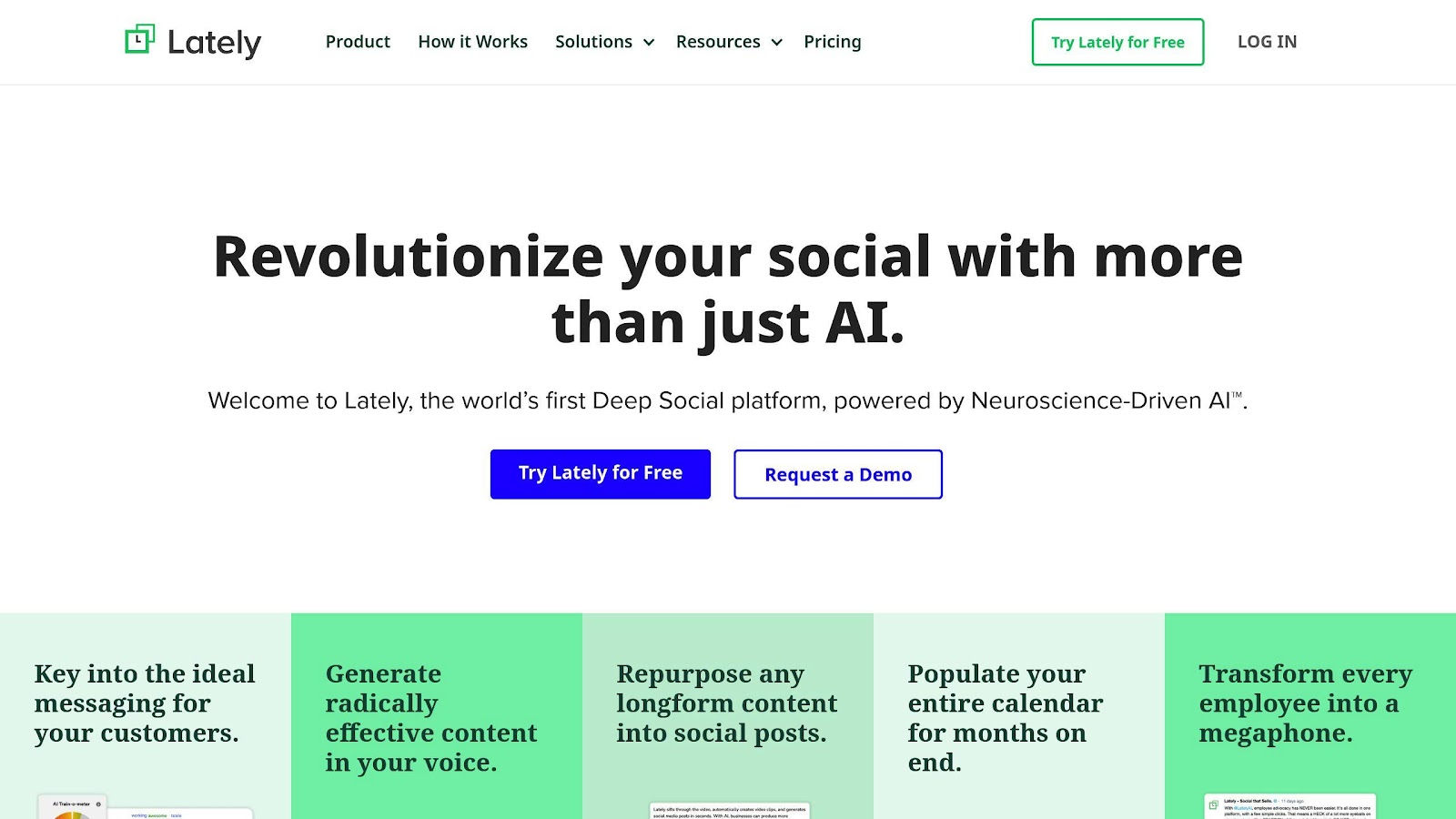
Lately.ai turns long-form content into social posts. If you’re producing podcasts, webinars, or video and struggling to break them into pieces, that’s the problem it solves.
Lately.ai uses AI and neuroscience to learn your brand’s voice and create social media posts that click with your audience. It’s more than a scheduler; it turns long content into snappy social posts.
Here’s what Lately.ai can do:
- Write AI-generated social posts that sound like your brand
- Turn long videos into short, social-friendly clips
- Give you data to improve your content strategy
- Manage and schedule posts across platforms
What’s cool about Lately is that it can predict how well a post will do before you even publish it. It looks at what’s worked before and uses that info to make your new content better.
Lately plays nice with other marketing tools like Hootsuite, HubSpot, Salesforce, and Marketo. This makes it easy to fit into your existing setup.
Lately has compliance controls built in, which matters if you’re in financial services or healthcare and can’t ship social copy without review.
Lately doesn’t share its prices publicly, but its value is clear. It frees up your marketing team to think big picture by handling the content creation and optimization.
As AI gets smarter, tools like Lately.ai are raising the bar for social media marketing. They’re helping marketers reach more people and get more engagement in a crowded digital world.
6. Hootsuite
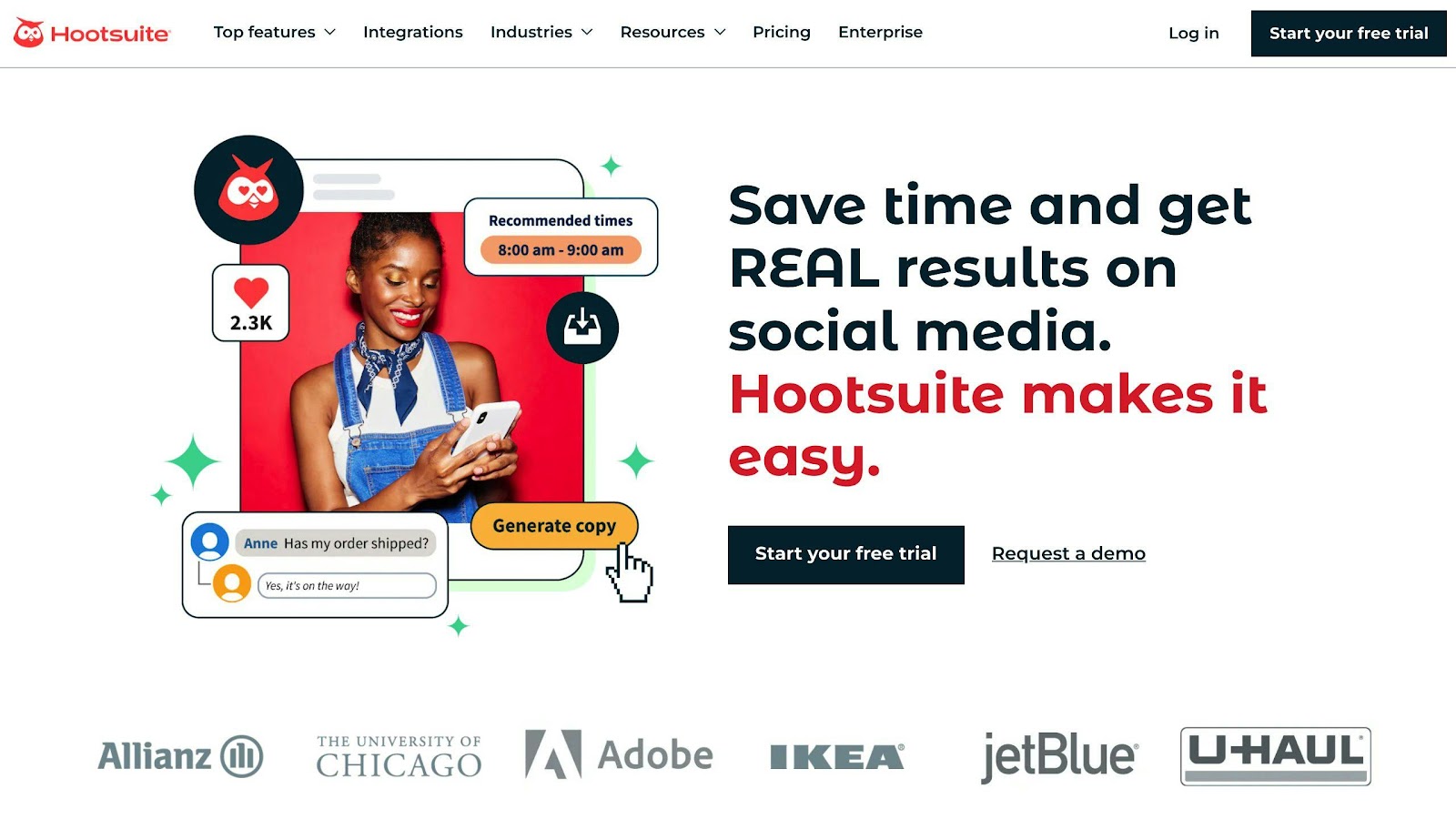
Hootsuite’s real differentiator now is listening, not scheduling. A dozen tools schedule. Far fewer do listening at this depth.
Data Overload (In a Good Way)
Hootsuite Insights taps into:
- 130+ million sources
- 30+ social media channels
- Twitter, Facebook, Instagram, LinkedIn, YouTube, Reddit, and more
- Blogs, forums, news sites, and review sites
You won’t miss a beat about your brand or industry.
AI Reads Between the Lines
The sentiment analysis is the part worth paying for. It doesn’t just count mentions – it figures out how people feel about your brand. This helps you spot and fix problems fast, or make the most of good vibes.
Eileen Kwok from Hootsuite puts it simply:
“You don’t know what your ROI is until you’ve laid out the goals you are tracking towards.”
Proving Social Media’s Worth
Proving social ROI is the question I get asked about more than any other in this category, and it’s the one Hootsuite Insights is genuinely built for. Three features do most of the work:
1. Make Your Own Metrics: Create custom metrics for organic and ad accounts. Line up your social media game with your business goals.
2. ROI Breakdown: Set up custom profiles to measure and report on social ROI for individual posts and accounts.
3. Track Those Links: Use unique post IDs to connect web conversions directly to your social media efforts.
Spy on Your Competitors
Keep tabs on up to 20 competitors per social network. See their best posts, trending hashtags, and content styles. Use this intel to up your own game.
Catch Trends as They Happen
Hootsuite’s Blue Silk AI™ takes social listening to new heights:
- Predicts trends
- Spots sudden spikes in activity
- Finds logos and mentions in images, videos, and GIFs
This helps brands jump on trends and marketing opportunities in real-time.
What It Costs
Hootsuite prices per user, with a paid entry tier for a single seat and a handful of social accounts, mid-tiers that add seats and approval workflows, and a custom-quoted enterprise plan where the deep listening and analytics live. It’s at the premium end of social management pricing, and it has restructured its tiers more than once, so the plan names and numbers you see quoted around the web don’t always agree. There’s a trial rather than a permanent free plan. The listening and sentiment features that make Hootsuite worth it are concentrated in the higher tiers, so price the plan against those specifically rather than the base scheduling features.
7. Surfer SEO
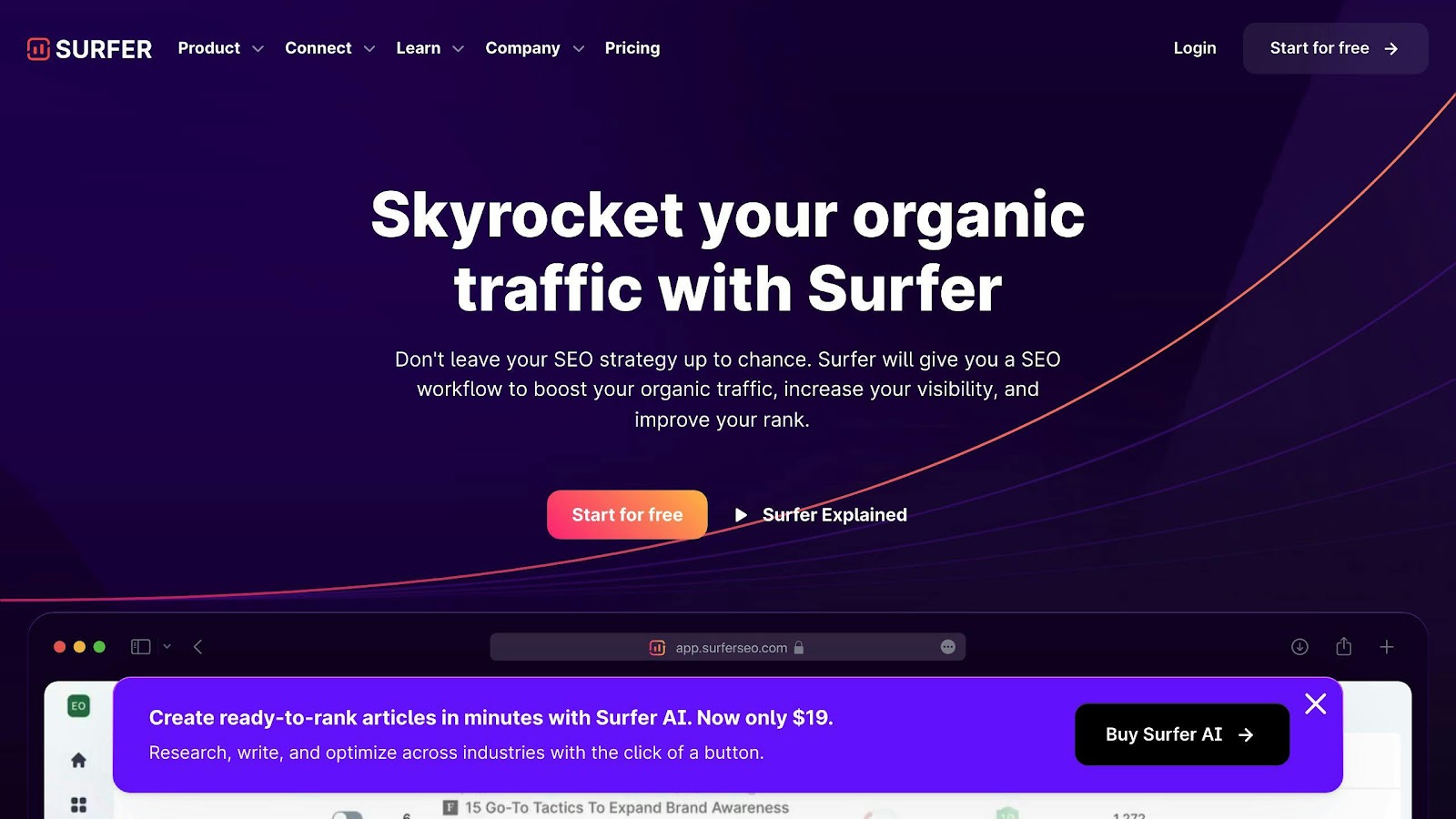
Surfer SEO has become a go-to tool for content optimization. This cloud-based solution makes on-page SEO easier for marketers.
Content Editor: Your Writing Buddy
The Content Editor is Surfer SEO’s main attraction. It looks at top-ranking pages for your keyword and gives you tips as you write. It’s like having an SEO pro right there with you.
This tool doesn’t just count keywords. It checks over 500 on-page factors, including:
- How often you use keywords
- How you structure your content
- How easy it is to read
- How you use headings
- Related keywords
Following these recommendations tends to help, though optimization is one input among many. A page with weak backlinks or thin topical coverage won’t rank just because the Content Editor score is green. Treat the score as a quality-control check on a page you’ve already got a reason to rank, not as a ranking guarantee.
SERP Analyzer: Spy on Your Rivals
The SERP Analyzer is another key feature. It breaks down the first page of Google results for any keyword. This helps you understand what works for top-ranking pages.
AI Outline Generator
Surfer SEO has an AI Outline Generator worth noting. This tool creates content structures based on what your competitors are doing. It saves you tons of time on research and planning.
What It Costs
Surfer runs a paid-only, tiered model with the entry plan capped by how many articles you optimize per month and higher tiers raising that cap along with seats and add-ons. It repriced upward in 2025, and its AI writing features sit in a separate credit pool from the core optimization credits, which is the part that trips up first-time buyers. There’s no free plan, but there is a money-back window to test it. Pull the current entry price off Surfer’s own page before you buy, and match the tier to how many articles you’ll actually run rather than the one that looks cheapest.
Does It Work?
Many users say yes, they’ve seen their rankings improve.
Surfer won’t fix a site with weak technical SEO or no content strategy. Given a decent foundation, it reliably tightens individual pages.
8. Drift (Being Sunset)
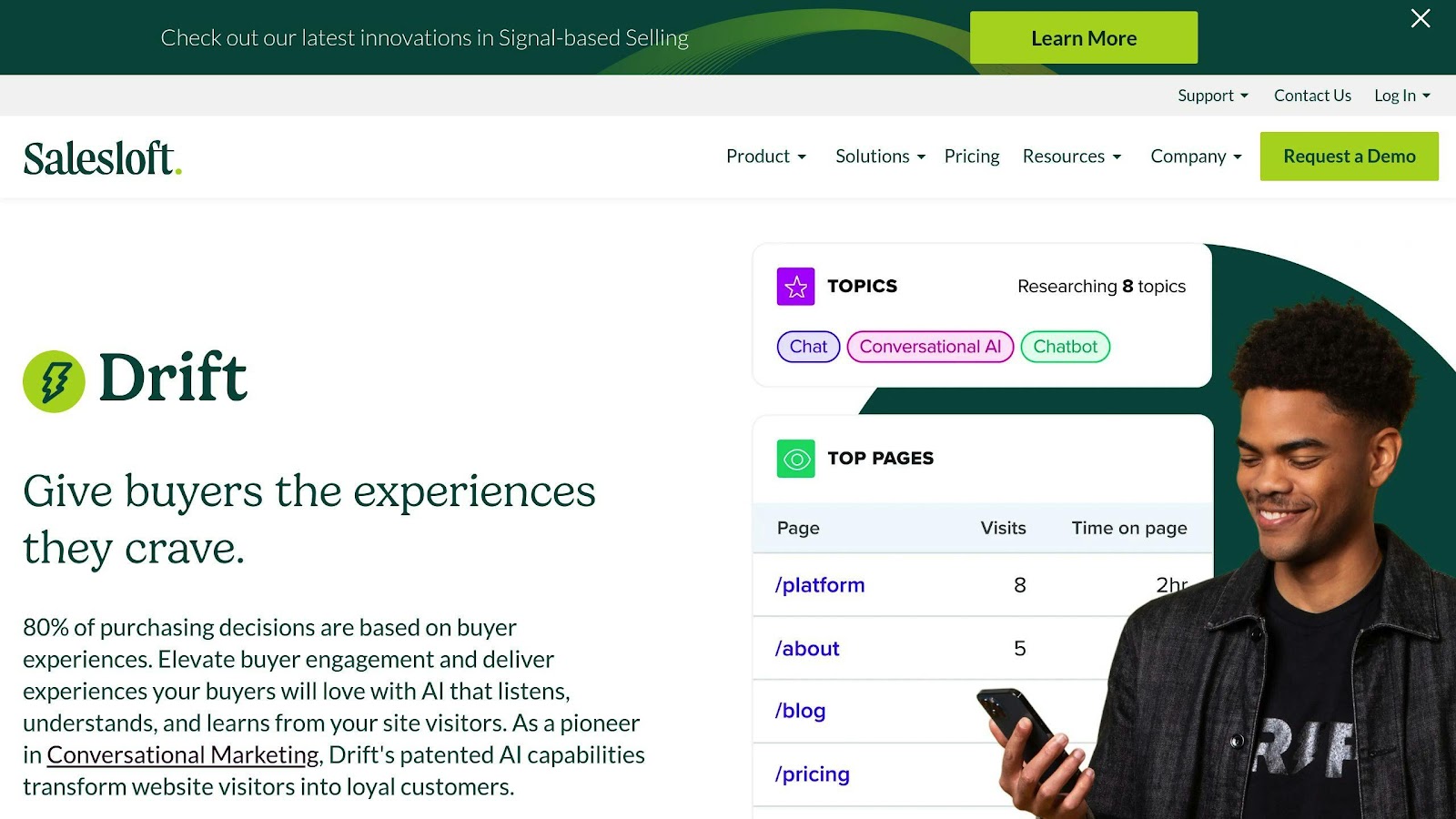
Drift invented the conversational marketing category. For years it was the default chat widget on B2B pricing pages, and it earned that position.
It is on the way out. On March 5, 2026, Clari + Salesloft announced the gradual sunset of Drift as part of a partnership with 1mind, and said it will refer existing Drift clients to 1mind as the successor. No hard end-of-life date has been published, and active development on the product has stopped.
I’m leaving Drift in this list instead of quietly deleting it, because a lot of “best AI marketing tools” roundups still recommend it and you deserve to know that before you sit through a demo. If you’re running Drift today, start your migration evaluation now rather than waiting on a cutoff date that may show up with very little warning.
What Drift got right still belongs in your requirements list for whatever replaces it: qualify the visitor inside the conversation, route them by intent, and book the meeting without making them fill out a form. Anything you evaluate should do all three.
9. Seventh Sense
Seventh Sense does one thing: it decides when each individual subscriber gets your email. This AI tool personalizes email delivery times for each recipient, making campaigns more effective.
How It Works
Seventh Sense uses machine learning to study individual email habits. It looks at:
- When people open emails
- Click rates
- Time preferences
- Device use
- How often people like getting emails
Forget the 9 AM Rule
Seventh Sense busts the myth that there’s one perfect time to send emails. Their data shows:
- 9 AM: Highest open rates
- 11 AM: Highest click rates
- Evening: When decision-makers often read emails
How Marketers Use It
1. Spread Out Sending: Instead of one big blast, emails go out over hours or days.
2. New Subscriber Approach: For new contacts, they use random send times. This builds better data and boosts engagement.
3. Easy Integration: Works with HubSpot and Marketo, so it’s simple to start using.
Where the Gains Come From
The premise is that a fixed send time treats a whole list as if everyone reads email on the same schedule, which nobody does. By learning each subscriber’s actual open behavior and delivering to match, Seventh Sense lifts opens and clicks without changing a word of your copy. The size of the lift depends entirely on how much volume and history you’re feeding it, so treat any headline percentage from a vendor page as a ceiling, not an expectation.
Why It Matters
Seventh Sense solves a narrow problem well. If you’re already sending enough volume that send-time optimization would show up in your open rates, it’s worth a look. If you’re emailing a list of 2,000 once a month, fix the subject lines first.
10. Albert AI
Albert AI runs paid media campaigns with far less human input than anything else on this list. It’s the closest thing here to an autonomous agent rather than an assistant.
Albert handles entire marketing campaigns autonomously. It runs and optimizes campaigns across multiple channels, making real-time adjustments based on performance data. But that’s not all. Albert creates and tests thousands of ad variations simultaneously, figuring out what works best for your audience.
By analyzing patterns across the entire marketing funnel, Albert connects the dots between top-of-funnel activities and bottom-line results. But does it actually work?
Let’s look at Telenor, a major telecom player. After using Albert, they saw:
- 30% lower costs
- 122% year-over-year increase in leads
- 423% return on ad spend
Albert reached those numbers by combining creative assets and running tests continuously, identifying the winning combinations within two days. A human team running the same tests sequentially would take weeks.
But it’s not just for big companies. An e-commerce company saw an 800% improvement in Return on Ad Spend (ROAS) after bringing Albert on board. Even better? They’ve continued to see 10-20% improvements year after year.
Albert isn’t just about numbers, though. It’s changing how marketers work. Sagi Weinberg, Sales Director at Albert, says:
“The best way to maximize AI tech for your paid media campaigns is to see it as your ally and work with it.”
Albert takes over the mechanical side of campaign optimization. Strategy, positioning, and offer design stay with you. By handling the nitty-gritty of campaign optimization, Albert frees up marketers to focus on strategy and creativity.
One of Albert’s coolest tricks? It can overcome human biases in ad creation. Nir Huberman, VP Product at Albert AI, explains:
“A creative director who has succeeded with bold headlines or has a preference for certain colors and color combinations will bring these biases to the ad creation and optimization process.”
Albert, on the other hand, makes decisions based purely on data. It can test everything from font sizes to color schemes, finding what works best for your audience.
But Albert isn’t cheap. It’s designed for businesses ready to invest seriously in their digital marketing. If you’re a small business or just starting with AI marketing, you might want to look at more budget-friendly options.
For those ready to dive in, Albert offers a powerful way to streamline marketing operations, boost ROI, and stay competitive. As we move further into the age of AI, tools like Albert AI are becoming less of a nice-to-have and more of a must-have for businesses in the digital world.
Tools at a Glance
Let’s dive into the top AI marketing tools. We’ll compare their features, pricing, and main uses to help you pick the right ones for your strategy.
| Tool | Key Features | Pricing Model | Main Use |
|---|---|---|---|
| Jasper AI | Content creation, brand voice, analytics | Paid only, per seat, free trial | Team and enterprise content |
| MarketMuse | Content strategy, SEO, competitor analysis | Free tier; paid plans quote-only | Content and SEO planning |
| Frase | AI content briefs, SEO optimization | Paid only, tiered by volume, free trial | Content and SEO |
| HubSpot Breeze | Blog posts, social media, emails | Free plan available | Marketing automation |
| Lately.ai | AI social posts, video repurposing | Quote-only | Social media |
| Hootsuite | Social listening, sentiment analysis | Free plan plus paid tiers | Social analytics |
| Surfer SEO | Content optimization, keyword research | Paid only, tiered by volume | SEO |
| Drift | AI chatbots, lead qualification | Being sunset, closed to new customers | See section 8 |
| Seventh Sense | Email send time optimization | Paid, quote-based | Email marketing |
| Albert AI | Campaign management, multi-channel | Quote-only, enterprise contract | Campaign automation |
MarketMuse’s Heatmap is the feature I’d point a site owner to first. It checks up to 20 pages in a content cluster and shows you which ones are carrying the topic and which ones are dead weight. That’s a different question from “how do I optimize this page,” and it’s the more valuable one once you’re past a hundred posts.
Surfer answers the page-level question well, which is why the two get compared more often than they should be. They’re complementary, not competing. Surfer names Shopify, FedEx, and Lenovo among its customers, so it scales from a solo blog up to large content operations.
How to Use These Tools
Buying the tool is the easy part. Here’s the sequence I walk clients through.
Start with clear objectives
Before you jump in, figure out what you want to improve. Are you aiming to personalize more? Boost conversions? Make content creation easier? Having specific goals will help you pick the right tools and use them effectively.
Pick tools that fit your needs
There are tons of options out there, so choose tools that match your goals. If you’re focused on content, Jasper AI or HubSpot Breeze might be your best bet. For social media, look into Lately.ai or Hootsuite, and if you want the wider field of AI social media tools before you commit to one, start there.
Get your data in order
AI tools work best with good data. Make sure your data is clean and easy to access. Deduplicate your contact records, fix the field mapping, and standardize how you tag sources before you connect anything to an AI tool. This is the least interesting work in the entire process and skipping it is why most AI implementations quietly underperform.
Test and tweak
Once you’ve got your tools running, test them against what you were doing before. A/B test the AI-optimized version against your own baseline rather than assuming the tool is an improvement. Half the value of these tools is discovering which of your existing habits they can’t beat, and that only shows up if you measure.
Keep your strategy fresh
AI is always changing. Stay up to date on new tech and best practices, and be ready to adjust based on how well your AI tools are performing.
Use AI throughout your marketing funnel
Don’t just use AI for one thing. Look for ways to use it at every stage of your marketing:
- Top of funnel: Use AI for content creation and SEO (like Surfer SEO)
- Middle of funnel: Use AI chat to qualify leads and book meetings, keeping in mind that this category is in flux after Drift’s sunset
- Bottom of funnel: Use AI for personalized emails (like Seventh Sense)
Train your team
AI tools work best when your team knows how to use them. Invest in training so your marketers can get the most out of these tools.
Track your results
Keep an eye on your key metrics to see how your AI tools are doing. Are you getting better engagement? Higher conversion rates? More ROI? Use tools like Google Analytics to track these numbers.
Remember, AI tools are here to boost human creativity, not replace it. They handle the repetitive stuff and give you data-driven insights, freeing up your team to think big and solve problems creatively.
Start small when you’re adding these tools to your workflow. Learn from each step and fine-tune as you go. With some patience and persistence, you’ll see how AI can transform your marketing efforts.
What’s Next for AI Marketing
Every trend below is real. What’s uncertain is how fast each one arrives and whether it matters for your business.
Hyper-Personalization Takes Center Stage
Personalization is moving from segment-level to individual-level, which sounds impressive until you consider the data you’d need to do it well. Most businesses don’t have it. The ones that do, mainly ecommerce and subscription companies with real behavioral history, will see meaningful gains here before anyone else.
Emotional AI Enters the Scene
Imagine ads that change based on your mood. That’s emotional AI. It’ll read how you’re feeling and adjust on the fly. Brands will connect with you on a whole new level.
Content Creation Gets a Boost
AI’s stepping up to help create content. It’ll write first drafts and optimize for SEO in real-time. Marketers can focus on the big picture while AI handles the grunt work.
Virtual and Augmented Reality Go Mainstream
Get ready for marketing that feels like you’re in it. Nike’s “Nikeland” on Roblox? That’s just the start. Soon, more brands will blur the lines between digital and real-world experiences.
Voice Search Optimization Becomes Critical
As AI gets better at understanding how we talk, voice search will be huge. Brands will need to think about how they sound, not just how they look.
AI-Driven Predictive Analytics
AI will help marketers see the future. Well, kind of. It’ll predict trends and customer behavior, letting businesses make smarter decisions.
Ethical AI Takes Center Stage
With AI everywhere in marketing, people will care more about how it’s used. Brands will need to be open and responsible to keep customers’ trust.
We might see these capabilities appearing in an ever-growing number of devices, enabling more natural and useful voice-to-voice communication.
Most of this will arrive more slowly and less completely than the vendors promise. Pick the one or two shifts that actually touch your business and ignore the rest until they’re real.
Conclusion
The tools on this list will keep moving. While I was updating this post, two of them repriced, one was acquired, and one was put on a sunset path. What doesn’t move is the sequence: pick the workflow that costs you the most time, choose one tool for it, and run it long enough to produce a number you can point at.
Most marketing teams I work with are already paying for two AI tools they’ve never fully wired into their process. Finishing that job beats buying a third. It’s unglamorous work and it’s where the return actually shows up.
If you want help deciding what belongs in your stack and what to cut, that’s a large part of what I do as a Fractional CMO. If you’d rather work through it alongside other marketers, my Digital First Mastermind covers this kind of decision every month. And if you just want a framework to start from, grab my Digital and Social Marketing Tools Buyer’s Guide before you spend anything.
Actionable advice for your digital / content / influencer / social media marketing.
Join 13,000+ smart professionals who subscribe to my regular updates.