How to Use Twitter for Beginners: 15 Tips for Success!
Although Twitter, which is now called X, has been around for a long time, there are always newcomers. Not only do people get older and want to try something new, but X is a great place to talk about hobbies, news events, and much more. At the same time, Twitter can seem a bit intimidating at first, because it’s so manual and lacks a lot of the “flavor” of other networks.
With that said, there are a lot of benefits to hanging out on Twitter that go far beyond political debates. Particularly if you’re a business owner, Twitter is a good place to discuss your industry. For instance, conversations around a shared hashtag and X Communities are wonderful for building community and exchanging ideas. I still post to X a few times a week myself, mostly to share what I publish on my blog. With that in mind, here are some pointers on how to use Twitter for beginners that will set you up for success.
Key Takeaways
✅ Decide on a content strategy before you post anything. Pick the mix of evergreen posts and time-sensitive posts you can actually sustain, then let that mix drive every tweet.
✅ Your username carries more weight than your display name. People find you, tag you, and talk about you by handle, so pick something branded and easy to remember.
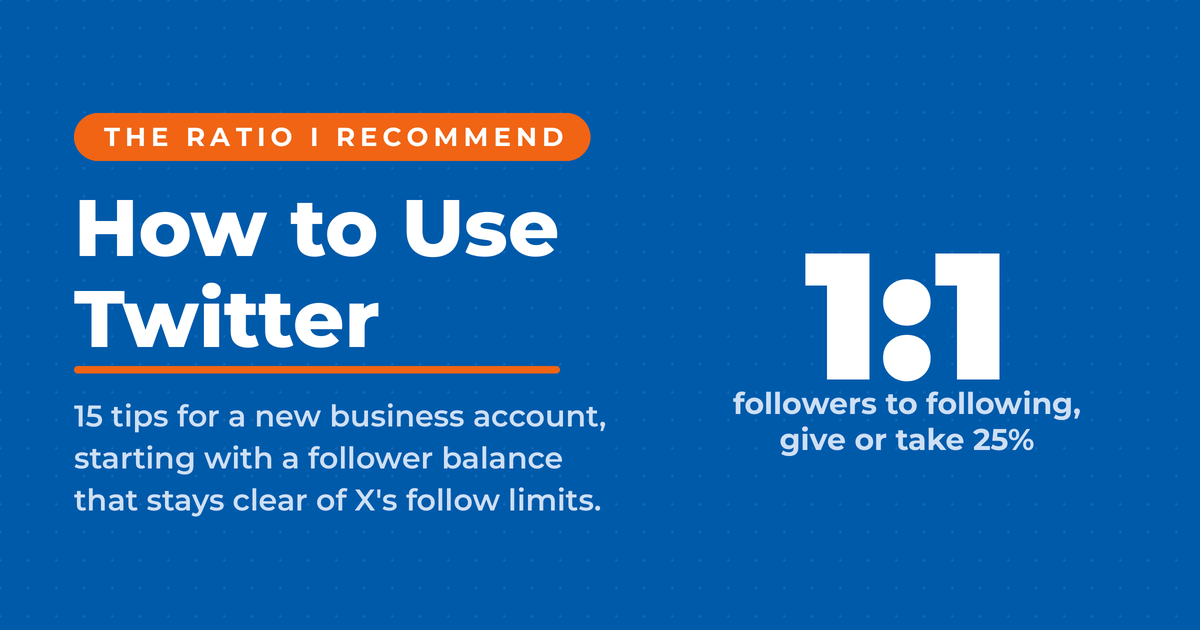
✅ Aim for roughly 1 follower for every account you follow, give or take 25% on either side. X also caps follows at 400 a day, and once you follow 5,000 accounts it limits further follows by your own ratio.
✅ Search is the fastest way to find your niche. Keyword and hashtag searches surface the creators and thought leaders worth following before anyone has heard of you.
✅ Answer every @mention you get, because ignoring one reads as rude and gives people a reason to unfollow.
1. Create A Content and Marketing Strategy
Arguably, the most important thing you can do as a business on Twitter is to have a strategy. My guide to Twitter marketing covers that strategy layer in depth. For some users like news organizations, the strategy is typically simple: announce the news and encourage people to click through for the whole story. From there, a news organization will usually have a rubric to decide which stories get posted, mainly based on what they think their audience will want to read about.
On the other hand, businesses with a product other than the news will need to craft a different strategy. Most, if not all, other businesses should have some evergreen content like inspirational quotes and funny memes. However, more time-sensitive posts are also important. For instance, if you sell travel tours and there’s a sale by one of your vendors, sending out Tweets will help bring in the callers.
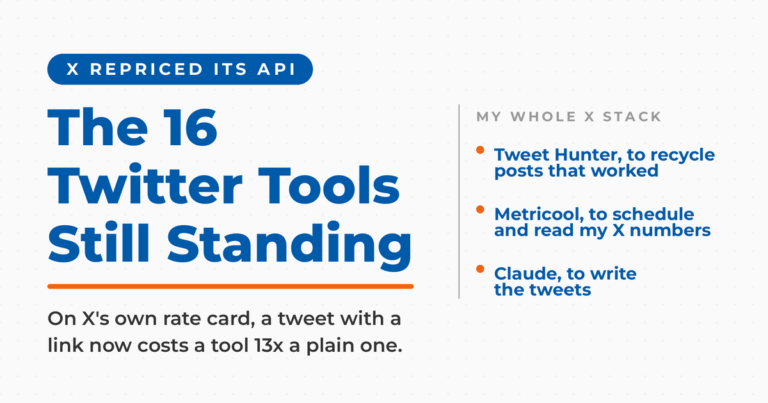
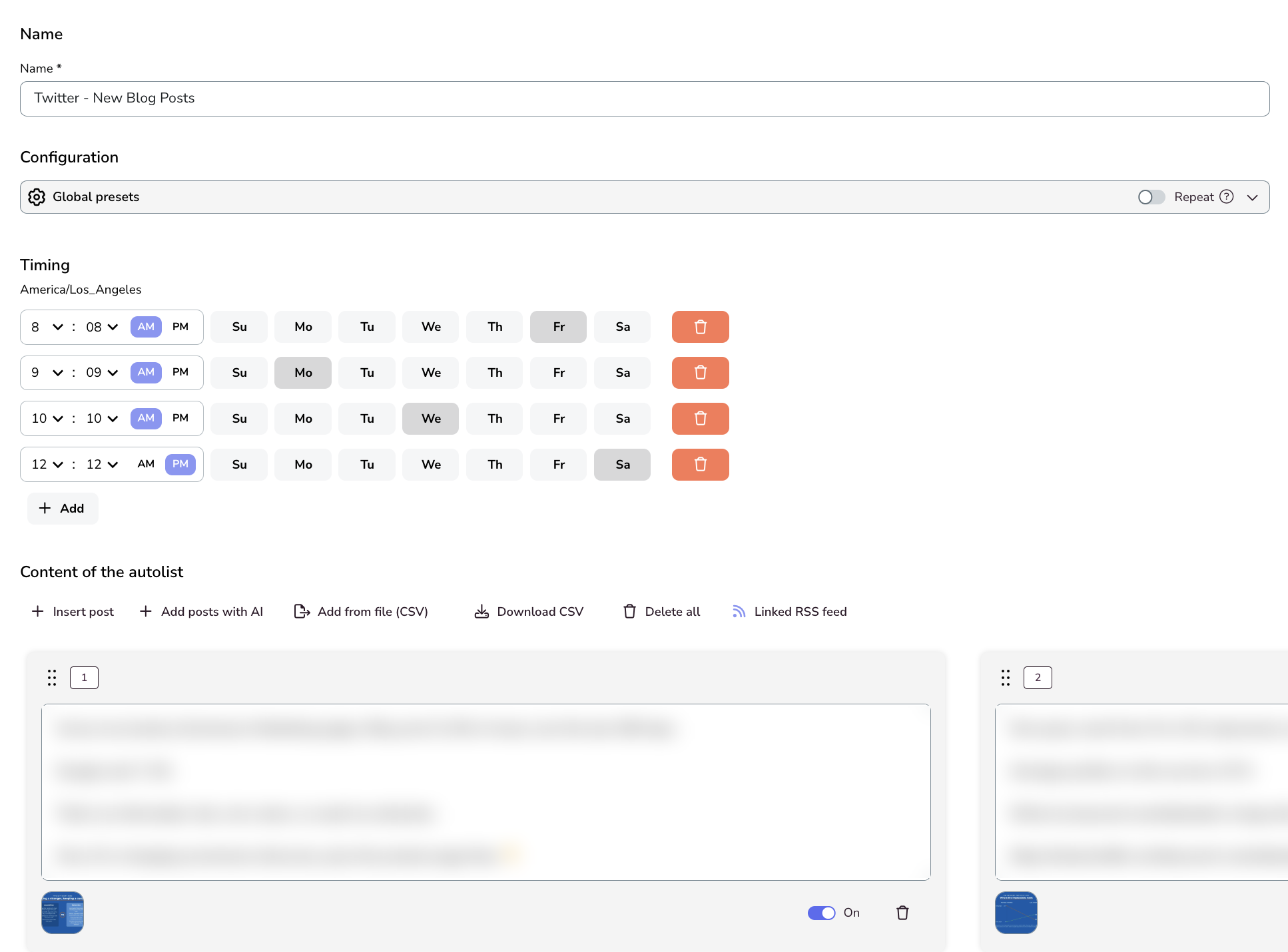
My own X strategy is simple. I draft most of my tweets from my blog posts with Claude, then load them into an evergreen queue in Metricool. The queue cycles those posts through set time slots each week, so a good post keeps working long after the day I wrote it.
2. Secure A Good Branded Username
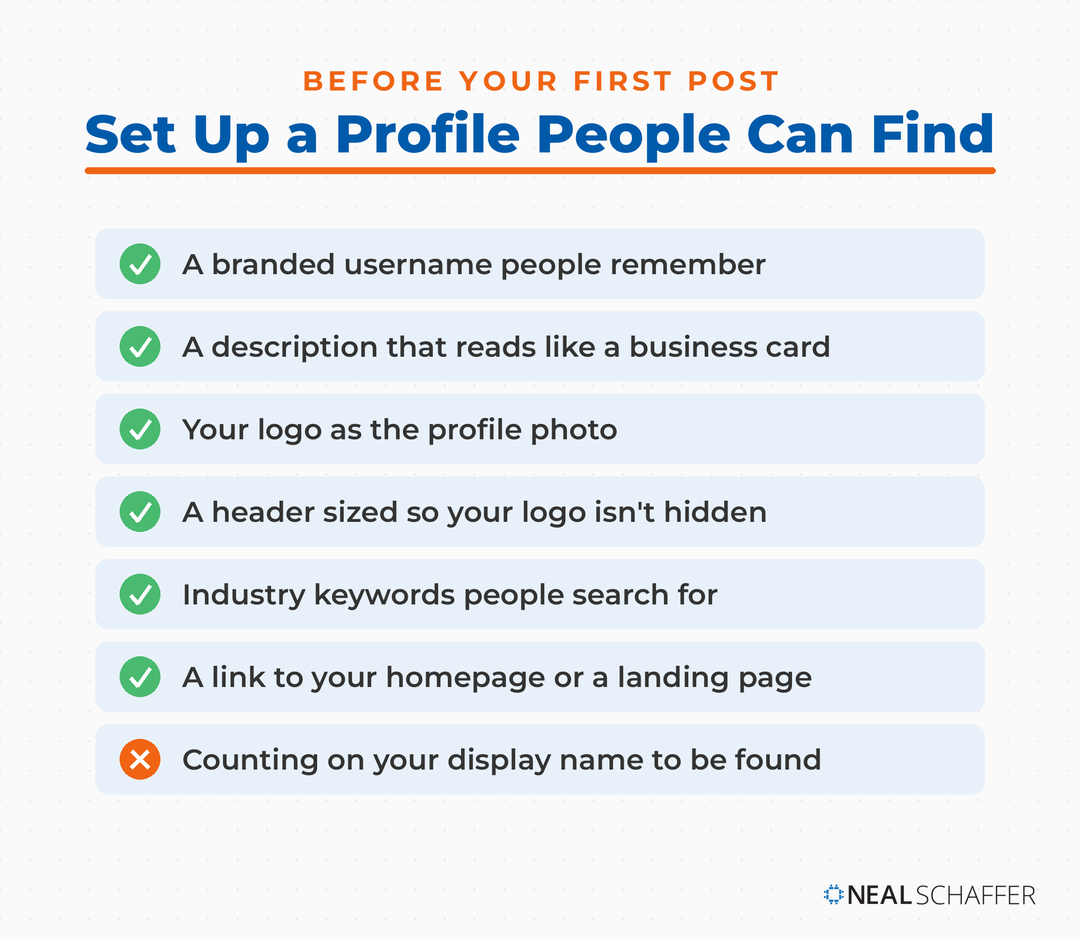
On Twitter, people interact with you based on your username instead of your display name. Because of this, it’s more important than ever to have a branded username. Ideally, you’ll want to choose something that people remember easily. This way, they won’t look around for your username and give up. And if you have not signed up yet, my walkthrough on how to create a Twitter account covers the setup steps that come before this decision.
Similarly, your branded username helps set the tone for your content, and for the discussion around your brand. For this reason, you want to pick something that’s on-brand. And, if a competitor or similarly-named company has already claimed something too similar, change it so your feed is easy to tell apart from the others so you’ll have brand recognition.
3. Set Up Your Profile
Once you’ve chosen a great username, it’s time to set up your profile. In some ways, getting this right is one of the most important tips on how to use Twitter for beginners, because your profile reflects heavily on your brand. If the bio itself is what trips you up, I collected a set of Twitter bio ideas you can borrow from. With that in mind, here are some ways to make your profile awesome.
Write A Great Description
Generally speaking, a business profile should function a lot like a business card. To that end, list your corporate contact information and mention what industry you’re in. By doing this, you can help people see if your content is relevant to them, and you’ll have a more relevant Twitter following.
Include Your Logo
Your company logo not only functions the same way as it would in other advertising, but also as a way for people to identify your Twitter profile. Plus, this practice reinforces your branding and reminds people that they’re “talking” to the company, not the person running the account. The same goes for the header running across the top of the page, and getting the Twitter banner size right is what keeps your logo from ending up half hidden behind your profile photo.
Use Keywords
Like all social media networks, Twitter has a search engine and an algorithm. When you use keywords in your profile, you’ll help people find your page because it’ll get indexed properly. Part of how to use Twitter for beginners involves targeting the right audiences, and one of the best ways is by using industry-relevant keywords. Later on, you’ll use some of these keywords in a marketing campaign.
Add Links
Finally, be sure to add links to your Twitter profile. For most businesses, this will include the company website. Choose your homepage or use a landing page that welcomes Twitter traffic. In the latter case, you’ll be able to track how much traffic is generated from Twitter. And finally, adding a link lets people learn more about your company with just a click.
4. Learn the Twitter Lingo
Learning how to use Twitter for beginners is indeed daunting, but learning the lingo helps you a lot. Armed with this information, you can learn a lot more on internet sites, ask questions of more experienced users, and understand discussions more easily. Plus, learning the lingo helps you select the right campaigns, content types, and other options down the road.
5. Use Twitter Search to Find Your Target Customers
Twitter search is your best friend. This little bar at the top of the Twitter page lets you find almost anything. Search by keyword, name, or even hashtag to find people and Tweets that you’ll find interesting. Like most other social networks, X wants you to keep discovering posts and accounts. And, in addition, they want you to expand your follower and following list. For a business learning how to use Twitter for beginners, the search function is a valuable way to find their niche community.
In the search bar, consider using niche-relevant hashtags. By searching through hashtags, you can see who talks about particular hashtags, you’ll find people who have common interests. Then, you should selectively follow users that appear to be both content creators and thought leaders within your niche. Many of them will follow you back, growing your follower list. Once the basic search bar stops surfacing new names, Twitter advanced search lets you filter by date, location, and engagement level.
6. Be Cognizant of Your Follower-Following Ratio
Critical to learning how to use Twitter for beginners is understanding the follower-following ratio. In other words, what’s the numerical balance between the people you are following, and the number of followers you have. There’s little question that your follower and following lists will diverge to some extent. After all, you don’t want to follow every spambot that follows you.
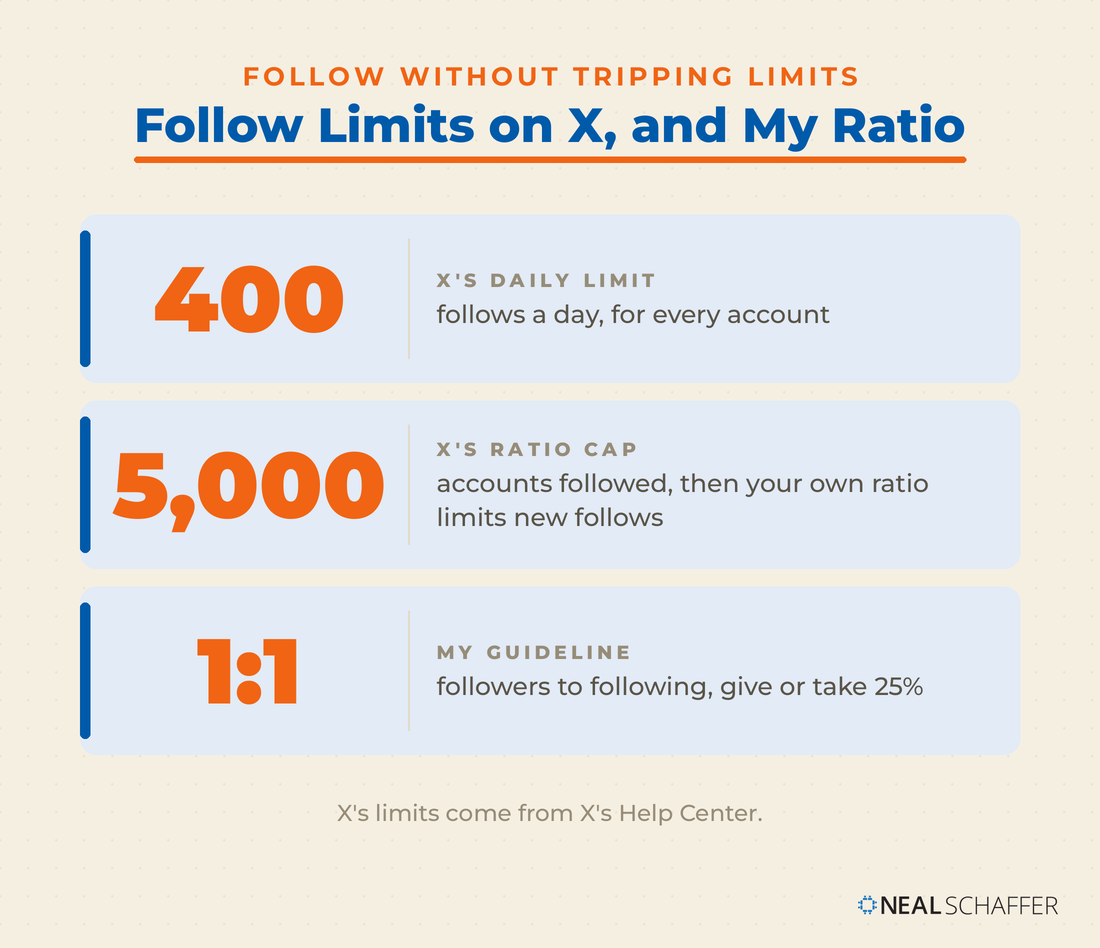
However, you also don’t want to follow a bunch of accounts and not have many followers. X limits every account to 400 follows a day, and once you follow 5,000 accounts it limits further follows based on your own ratio, according to X’s Help Center. It’ll take a while to reach this benchmark. Even so, I generally recommend around 1 follower for each person you follow, give or take 25% or so. I made the longer case for follower quality over follower count in a separate post.
7. Share Relevant Content
One of the great things about Twitter is that you can share other people’s content. For instance, if someone has a great inspirational quote, you can ReTweet it from the buttons at the bottom of each Tweet. Then, the message will appear on your feed and that of your followers. It’s a great way to promote other creators and build community.
When you ReTweet, be sure to use the relevant hashtags. It could be that the hashtags already on the Tweet are sufficient, or you might need to add some. Either way, make sure that people in your niche can see the Tweet because it’ll help you boost your following.
8. Interact with Other Users
Even as you learn how to use Twitter for beginners, it’s important to interact with other people. One reason for this is that it increases your following. And, at the same time, you’ll build a community. Some people will follow you because of your niche, and others because they like what you have to say. Even as a business, your brand voice and “personality” can keep people engaged.
The LinkedIn Playbook for Real Business Growth
My latest book helps professionals, entrepreneurs, and business owners turn LinkedIn from a static profile into a real source of clients and growth.
Maximizing LinkedIn for Business Growth gives you clear, practical steps to build a profile that gets noticed and a network that actually sends business your way.
Grab your copy on Amazon and put it to work this week. Click the cover or the button below to get started.

There’s more to interaction than getting more followers, however. Over time, your interaction and content can help you become an influential voice in your growing Twitter community. This is true, whether you have a more industry-focused community or it’s more branded. Either way, as people find what you have to say valuable they’ll “bring their friends.”
9. Engage with Your Followers
Like most other things in social media, community building on Twitter is a two-way street. People follow you because they value what you have to say, they’re interested in your brand, or both. However, if you don’t engage your followers there’s a good chance they’ll go elsewhere. After all, why should they spend time reading your posts, if you don’t care about them?
Of course, this doesn’t mean you need to be long-winded. Sometimes a simple “like” is all it takes for your followers to realize you appreciate them. In addition, you can follow them back, comment on their comments, and engage in a back-and-forth Tweet storm. By doing this, you’ll build a community around your brand. At the same time, you’ll increase the engagement rates of your own Tweets. As the saying goes, “if you build it, they will come.”
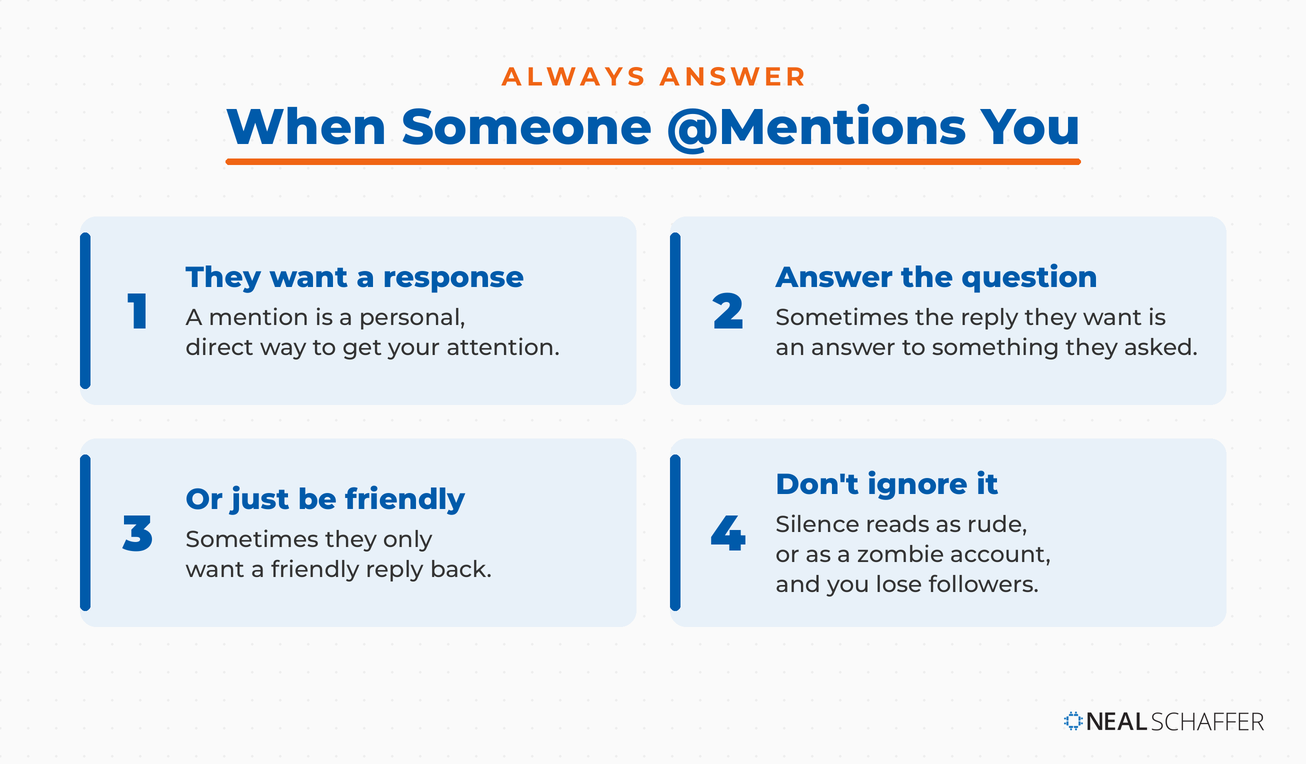
10. Respond When People @Mention You
When people @Mention you, they want a response. Otherwise, they’d probably just use hashtags. Sometimes the desired response is a reply to their question, or it might be that they want to be friendly. However, a mention is something different from the ordinary Tweet where people share their thoughts. It’s a very personal and direct way to get someone’s attention on Twitter.
Here’s another way to look at it. If you get a mention and don’t respond, it could be considered rude. Or, the mentioner might decide that you’re a zombie account that doesn’t care about them. Either way, you’ll lose followers or, worse, make people mad. Neither problem is a good one to have, and it can seriously undermine your efforts.
11. Know When to Take Conversations Private
It almost goes without saying, that not everything should be broadcast all over the Internet. As with other social networks, it’s important to remember that people can read anything you discuss in a public Tweet. For that reason, if you’re talking to a customer about something confidential, take it to the private messages. There, only you and the customer can read it.
12. Use Quote Posts
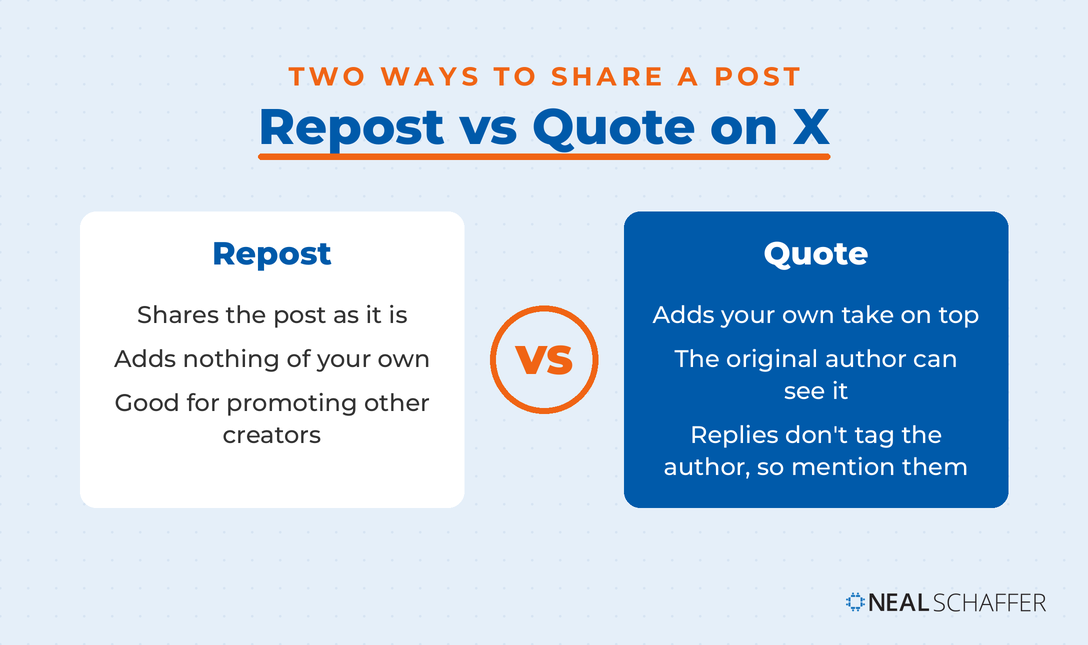
Learning how to use Twitter for beginners means understanding the different ways you can share someone else’s post. A regular repost simply broadcasts it to your followers. A quote, which used to be called a retweet with comment, lets you add your own take, and X’s Help Center walks through how to do it. The original author can see your quote, so it can strike up a conversation, and people get to see you as more of an expert in the field. Replies to your quote don’t automatically include the original author, so mention their handle if you want them in the conversation.
13. Post Visual Content
Most people think of the pithy posts on X, since the character limit used to be very short. Premium subscribers can now write longer posts, according to X’s Help Center, and anyone can add videos or images. Doing this will give your audience an extra opportunity to consume branded content. In addition, you can use X as a way to distribute some of your content from other forums, including your blog or website.
14. Make Public Lists
Twitter lists are essentially what they sound like: lists of users. In particular, users who talk about a certain topic, industry, or niche. A lot of business accounts use these lists to keep track of the competition, but they also work to help you monitor industry conversations. You can also make these lists public. By doing that, you can share your knowledge about your industry and the voices who talk about it on Twitter. At the same time, you can increase brand awareness among people who were unaware of you beforehand.
15. Analyze Your Performance
I’ve spilled a lot of ink over the years about using analytics to monitor performance. Particularly when you’re using Twitter for business, it’s important to know how well you’re doing. Using an analytics tool, you can see your engagement rate, your follower ratio, click-through rate, and much more. My guide to Twitter analytics covers which of those numbers deserve your attention. This helps you fine-tune your organic reach efforts, and it helps again once you start advertising on Twitter.
I subscribe to X Premium mainly for the analytics. One quirk worth knowing is that link clicks don’t show on X’s Overview screen or in its Overview export. They appear as a URL Clicks column in the Content tab export, and the Posts tab in Metricool shows them too.

Frequently Asked Questions
How often should a beginner post on Twitter?
Start with one to three tweets a day, plus replies on top of that. Consistency matters more than volume early on, because a feed that posts daily gives people a reason to follow. Adjust once you see which posts earn replies.
Do I need a paid subscription to grow on Twitter?
No. A free account can build a following through search, replies, and steady posting. Paid features mainly add reach and formatting perks, so they are worth testing only after your posting habit is already stable. I pay for Premium mainly for its analytics.
How long does it take to build a Twitter following?
Expect months rather than weeks. Followers accumulate through repeated exposure in searches, replies, and retweets, so the accounts that grow are the ones that show up every week for a year. Set a schedule you can actually keep.
What is the biggest mistake beginners make on Twitter?
Treating the feed as a broadcast channel. Accounts that only publish links and never reply tend to stall, because growth on Twitter comes out of conversation. Budget as much time for replies as you do for posting.
Put These Twitter Tips to Work
As you can see, Twitter isn’t as mysterious as it might seem. Instead, Twitter is a vibrant network full of brand and niche communities that love to discuss what they’re passionate about. By following these tips on how to use Twitter for beginners, it’ll be easy to get started. Before long, you’ll have a nice community that follows your brand and all the rewards that come from running the community.
DIY your digital marketing with AI.
Practical advice on social, content, influencer, and search marketing, plus the AI tools that make each one easier. Join thousands of founders and business owners who read it.