

The 13 Best Social Media Management Tools You Need to Know
Editorial Note: I may earn a commission when you visit links that appear on my website.
With social media marketing now in its second decade, marketers are always trying to see if there are better social media management tools out there. After all, with all the changes that go on in social media marketing, you would assume that every tool would also be continually innovating, right?
Well, the truth is that is not always the case. Some social media management tools have not changed in years, while others might simply revise their user interfaces while keeping the backend functionality the same and limiting the reach of social media marketers.
Furthermore, social networks themselves are always jockeying for our attention, so a tool that we might have used for one social network might not have the functionality we need to manage a newer outlet, necessitating the development of an all-in-one social media management tool.
I have always been a proponent of recommending that my clients do regular social media management tool audits, with the reason being that companies innovate differently for a unique customer base and at varying speeds. It is always important to understand the technology landscape so that you are always using the best tool for the job, from bulk scheduling to creating social media ads.
Start that audit with the networks, not the software. The latest social media marketing statistics show where audiences are actually spending their time, and that answer should decide which platforms your tool needs to cover before you compare a single feature list.
With that in mind, here’s a snapshot of the best social media management tools today for you to consider as part of your next audit. If your smaller business has yet to start using an all-in-one tool, it will make managing all your accounts much easier and more efficient. Pick the right one, and you can do most things at a glance. Then you’ve got more time for other things, including interfacing with your customers and truly engaging with your followers.
Key Takeaways
✅ Thirteen tools made this list, and they sort into three groups: enterprise dashboards (Hootsuite, Sprout Social), all-in-one platforms for small teams (Buffer, AgoraPulse, Social Pilot, Zoho Social), and specialists built around one network or one job (Tailwind, Iconosquare, MeetEdgar).
✅ Entry pricing runs from free plans on Buffer, Zoho Social, Iconosquare, and CoSchedule up to $199 per seat a month for Sprout Social. So budget usually narrows the shortlist faster than any feature comparison does.
✅ Network coverage is the spec most buyers skip. Confirm that a tool supports every network you actually post to, including newer ones like Threads, before you compare anything else.
✅ Agencies should look at Sendible and Social Pilot first. White-label collaboration and client-ready PDF reporting change how an agency works day to day in a way that scheduling features do not.
✅ Audit your stack on a schedule rather than when something breaks. Tools innovate at very different speeds, and the platform that fit you two years ago may have shipped nothing since.
Here are some of the best social media management tools for you to consider:
1. Buffer
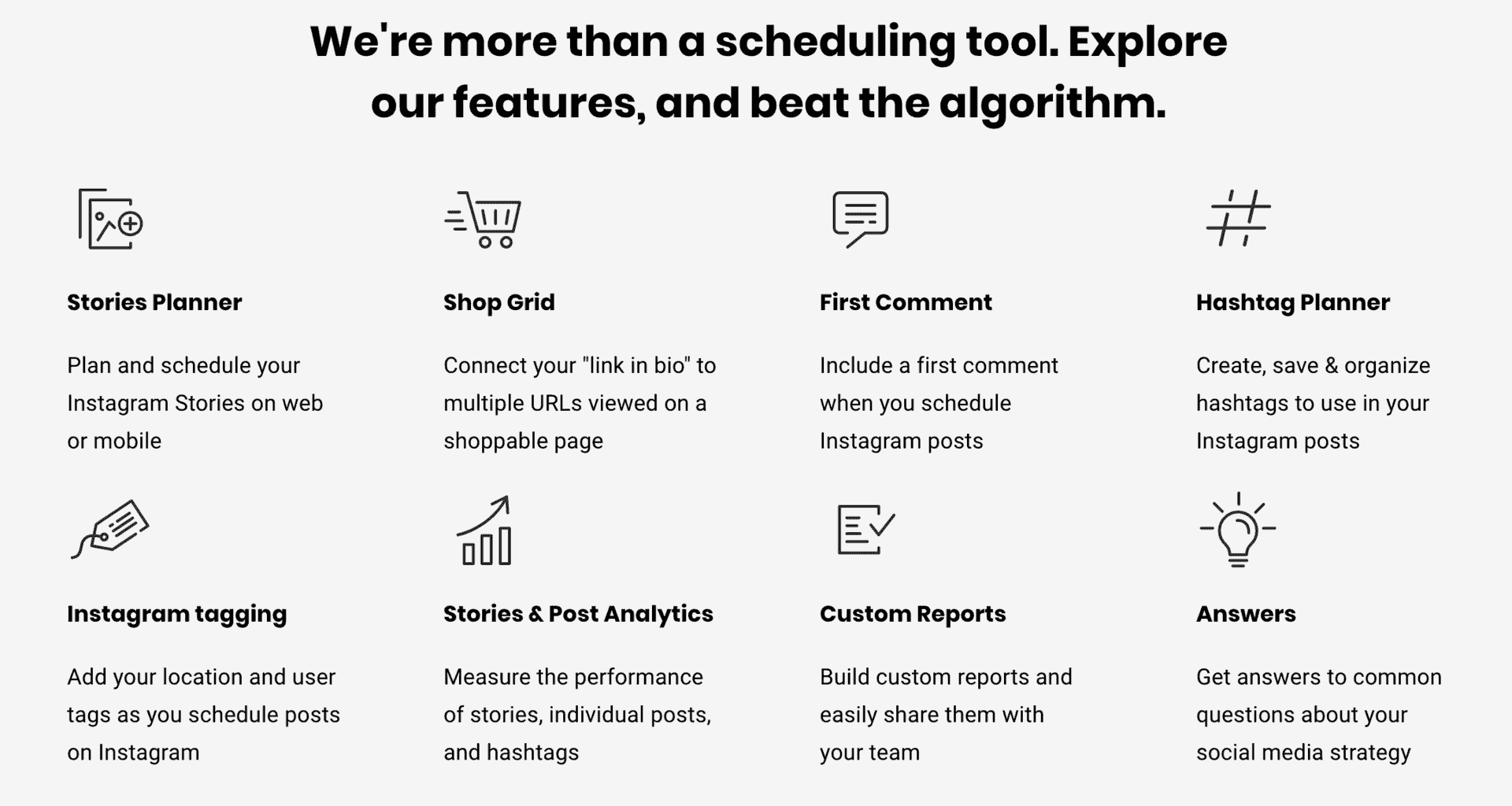
Buffer revolutionized the way that marketers can “buffer” content at ease so that they never run out of content to post on social media. They still maintain the ease of scheduling content, but have added on a host of new features over the years.
Like AgoraPulse, users can schedule social media posts in advance, and collaborate with other members of the team. There’s even a setting that the group owner can use to determine access levels for other users.
Pricing: Buffer has a free plan, and paid plans are priced per connected channel, at $5 per channel per month for Essentials and $10 for Team.
2. Hootsuite
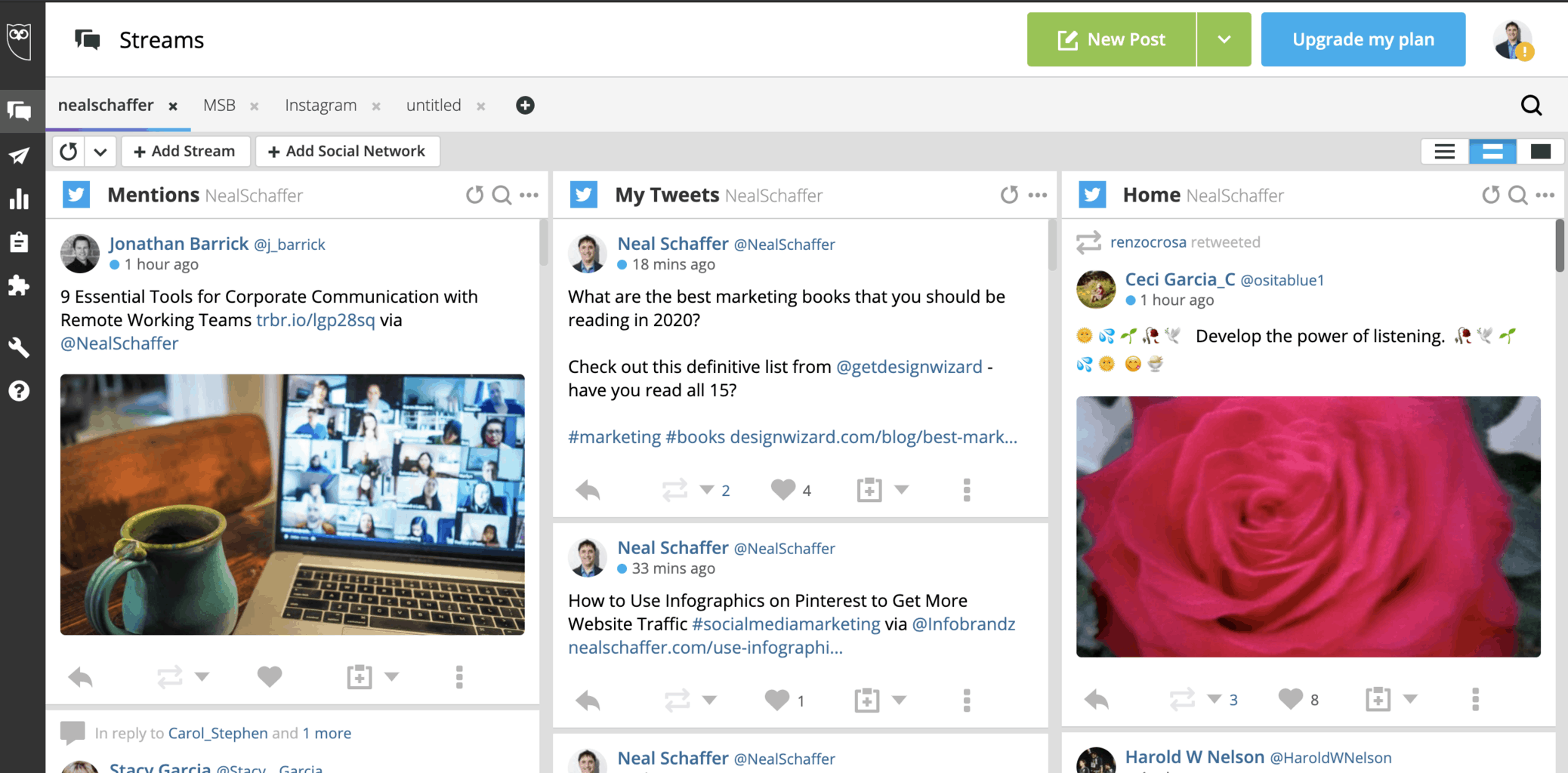
Hootsuite is the granddaddy of all social media management tools. It revolutionized the way that we manage social media through its unique framework of customizable columns. Since then, it has constantly added functionality as well as a host of 3rd party tools and integrations into its framework to improve social media engagement and social media marketing strategy.
Companies with an international presence and greater security or compliance needs should also be considering using Hootsuite. With Hootsuite, you can even integrate your social management with Slack and other project management tools, allowing for a smoother workday. Perhaps that’s why so many multinationals use this particular application. Best of all, there are specialized tools that help you ensure legal compliance across social media channels, and find great content elsewhere that you can promote.
Pricing: The Standard plan starts at $99 per user per month billed annually, after a 14-day free trial.
3. Zoho Social
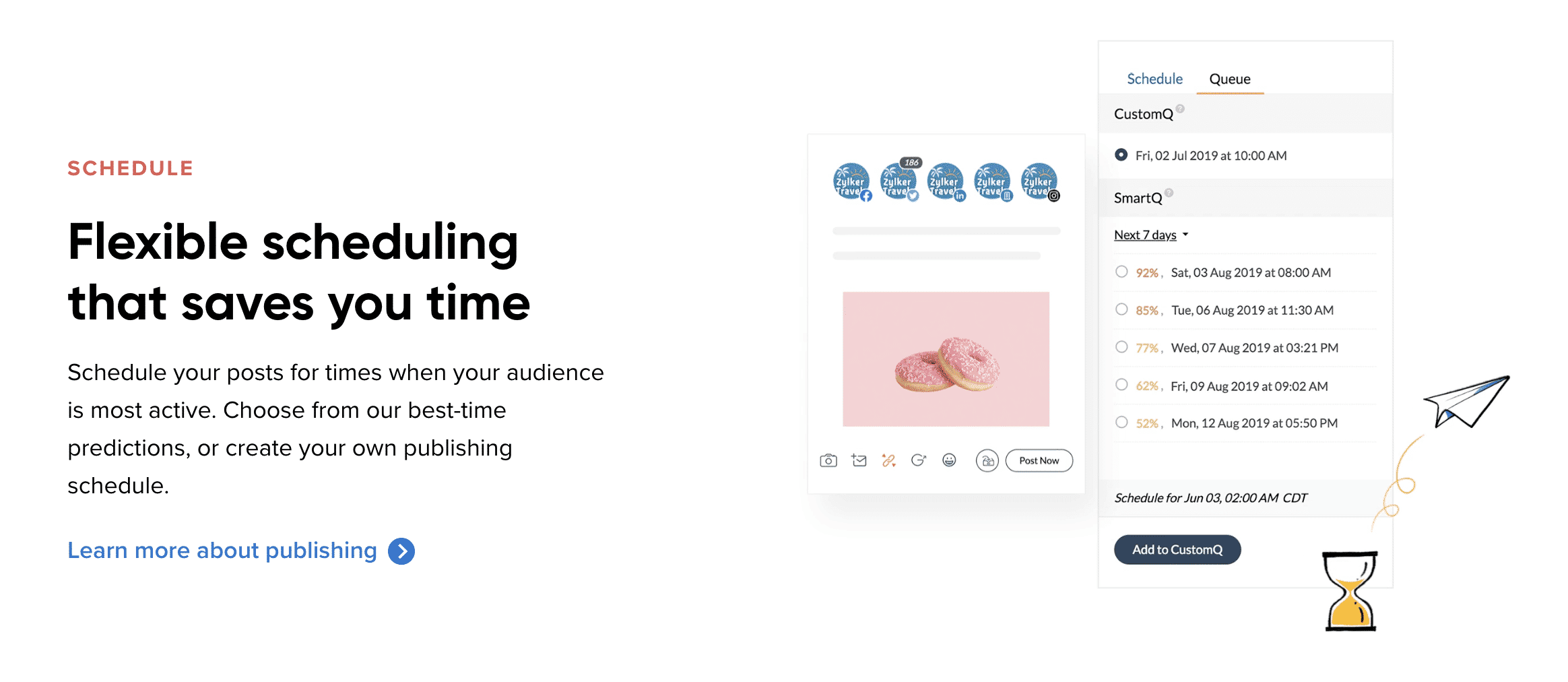
The enterprise software company Zoho has been investing in building a social media management tool for years, and today has a full-featured dashboard that is worth your attention.
Like most other management tools, Zoho Social has a wide variety of scheduling and analytics tools. This one allows the leader of a team to set permissions for each user on the account, helping to keep operational control while also allowing collaboration with fewer barriers.
However, what makes Zoho Social special is its integrations. For instance, your Facebook Lead Ads account can be linked to the Zoho dashboard. Even better, data from this source can be put directly into your CRM for sales. There are also some great features to speed up customer service.
Pricing: There is a free plan for one brand, and paid plans for businesses and agencies can be billed monthly or yearly, with yearly billing saving 33%.
4. Sprout Social
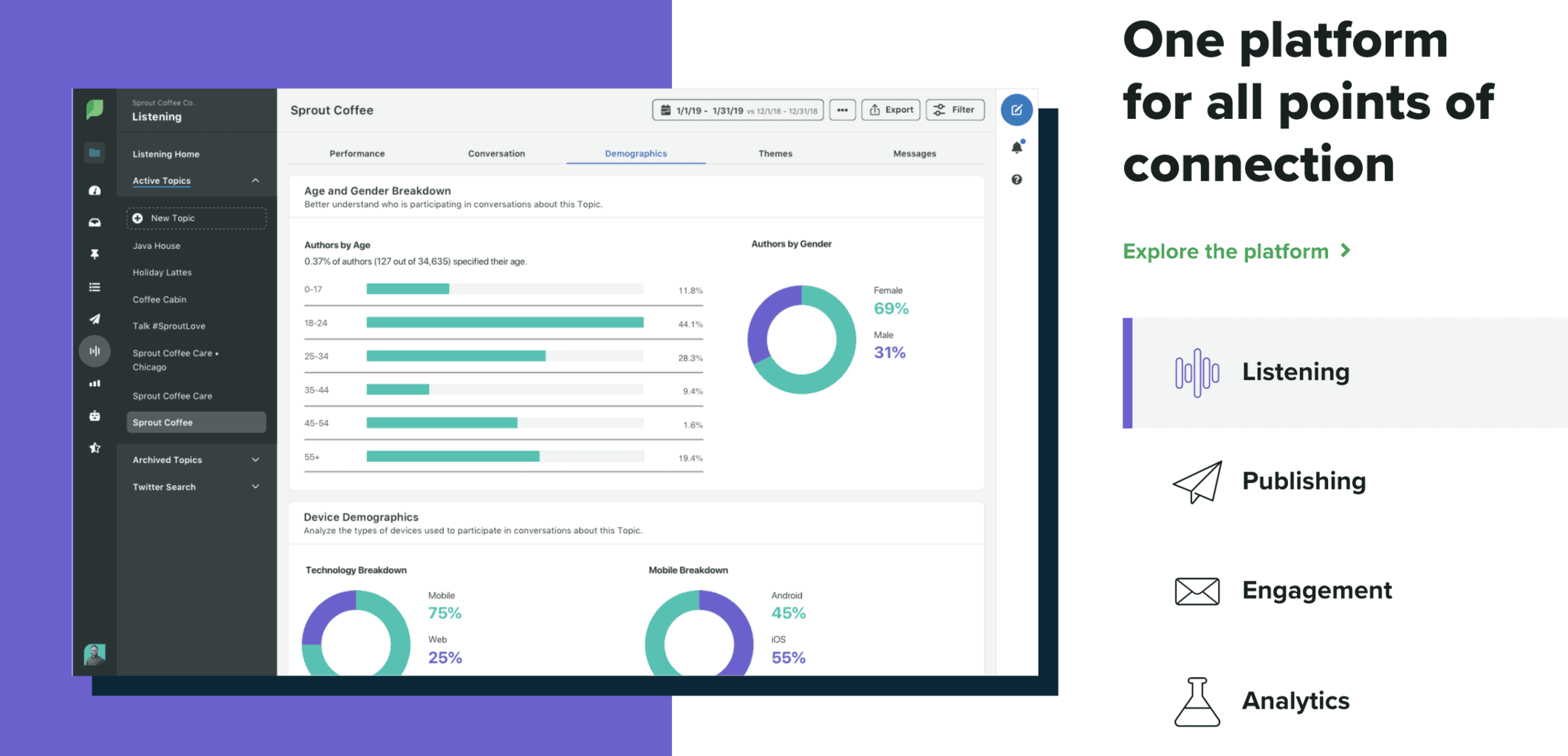
First there was Hootsuite, and then there was Sprout Social. Today, these two companies are the primary tools used by enterprises to manage large-scale social media, although both platforms can be used by small businesses, as well. However, where Hootsuite focuses on a column-based approach, Sprout Social was the first to provide a Social Inbox functionality that most of the social media management tools on this list have since emulated.
As one of the oldest social media management services, it goes without saying that Sprout Social has a complete solution for marketers. Sprout goes beyond the typical scheduling and analytics that most management tools offer. Instead, there’s a host of customer care tools available, if you have the required staffing. As they point out, social media-based customer care is more important than ever, and we can expect this trend to continue.
Another nice touch is the employee advocacy tool they launched as Bambu, now called Employee Advocacy by Sprout Social. Although it is intended primarily for employee advocacy, it can be adapted to be used by others, as well. Don’t be afraid of employee involvement in social media. Embrace it!
Turn LinkedIn Into a Real Growth Channel
My latest book helps professionals, entrepreneurs, and business owners turn LinkedIn from a static profile into a real source of clients and growth.
Maximizing LinkedIn for Business Growth gives you clear, practical steps to build a profile that gets noticed and a network that actually sends business your way.
Grab your copy on Amazon and put it to work this week. Click the cover or the button below to get started.

Pricing: Sprout charges per seat, with the Standard plan at $199 per seat per month, Professional at $299, and Advanced at $399.
5. CoSchedule

CoSchedule has its roots as a WordPress dashboard to help teams of bloggers and contributors manage editorial calendars efficiently. Today, CoSchedule uses that same core framework of team management of publishing content to apply to social media and social media scheduling. In other words, CoSchedule functionality is based around a calendar view of your social media, which should be quite natural for most marketers who have developed an effective social media calendar.
One thing I like about CoSchedule is its flexibility. You can buy the entire marketing suite if you’d like, which includes project management and other tools for most types of marketing campaigns. Or, you can buy just the social media manager, which is all you need if you’re only working with social media.
This social media manager has all the bells and whistles a social media specialist needs: posting tools, analytics, and even monitoring. Even better, they’ll help you see what’s worked in the past and how you’re improving your strategy now. For companies that are still refining their approach, this is a great tool. Plus, you don’t have to pay for stuff you don’t need.
Pricing: A free plan lets you schedule up to 15 posts at a time on one profile. Paid plans start at $29 a month billed annually ($39 billed monthly) for one user and three social profiles, and the Suite starts at $69 a month.
6. Iconosquare
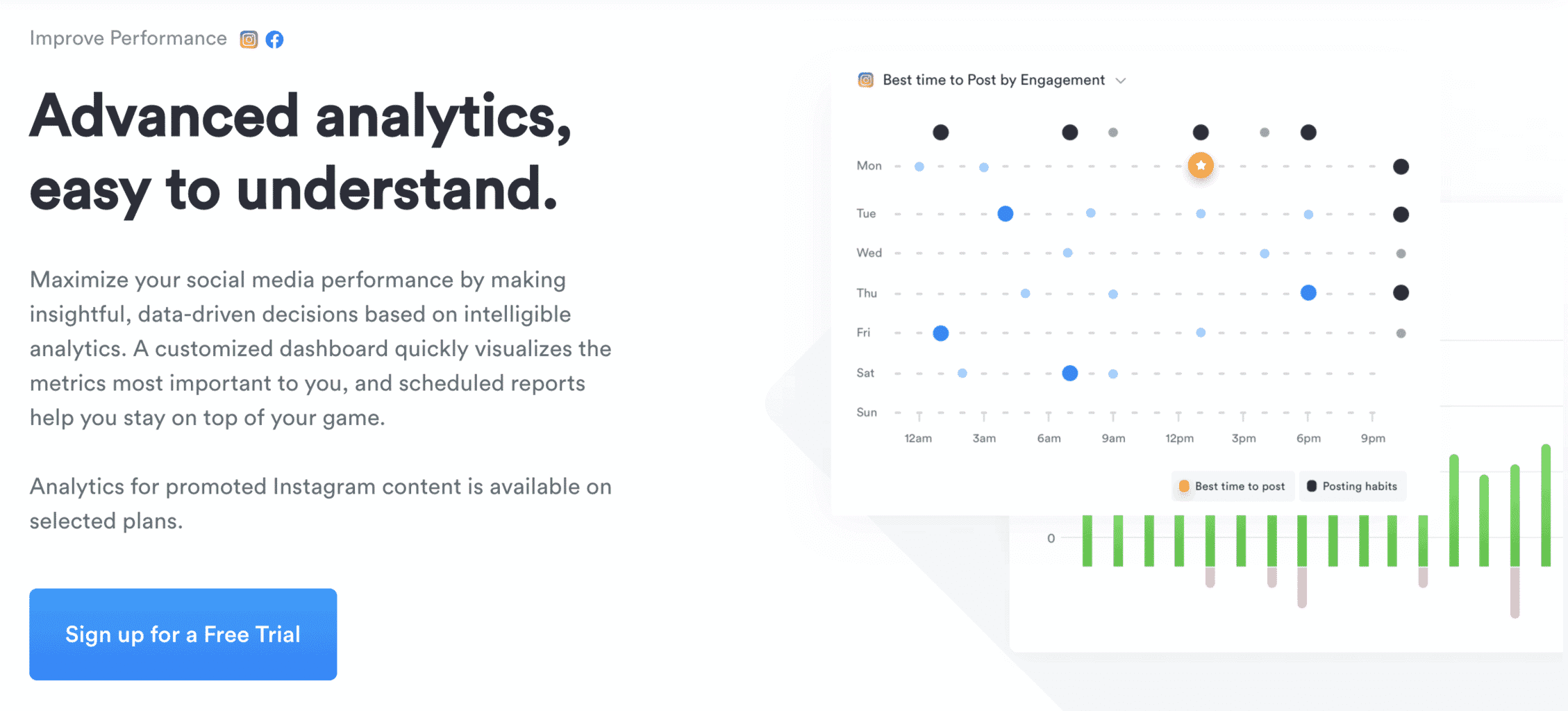
Iconosquare’s roots are in Instagram analytics, so if you’re looking for a specialized social media management tool focused on Instagram, Iconosquare is one to consider. Iconosquare has since added Facebook, TikTok, LinkedIn, X, Threads, Pinterest, and YouTube, though its core features still reflect that analytics focus. If reporting is the real reason you are shopping, compare it against the dedicated social media analytics tools before committing to a management platform.
If Facebook and Instagram are your main channels, you’ll love how Iconosquare makes analytics easy. They’ll tell you what works and doesn’t, as well as when to time your social media posts. If you have multiple profiles on each of the two platforms, Iconosquare will let you look at all of them at a glance. These analytics features are invaluable in creating compelling, consistent ad copy.
Another great feature is the scheduler, which is sensitive to time zones and customer activity patterns. Overall, a nice tool for those who have a more limited social media presence.
Pricing: A free plan covers up to two social profiles, and paid plans start at $10 a month billed yearly.
7. AgoraPulse
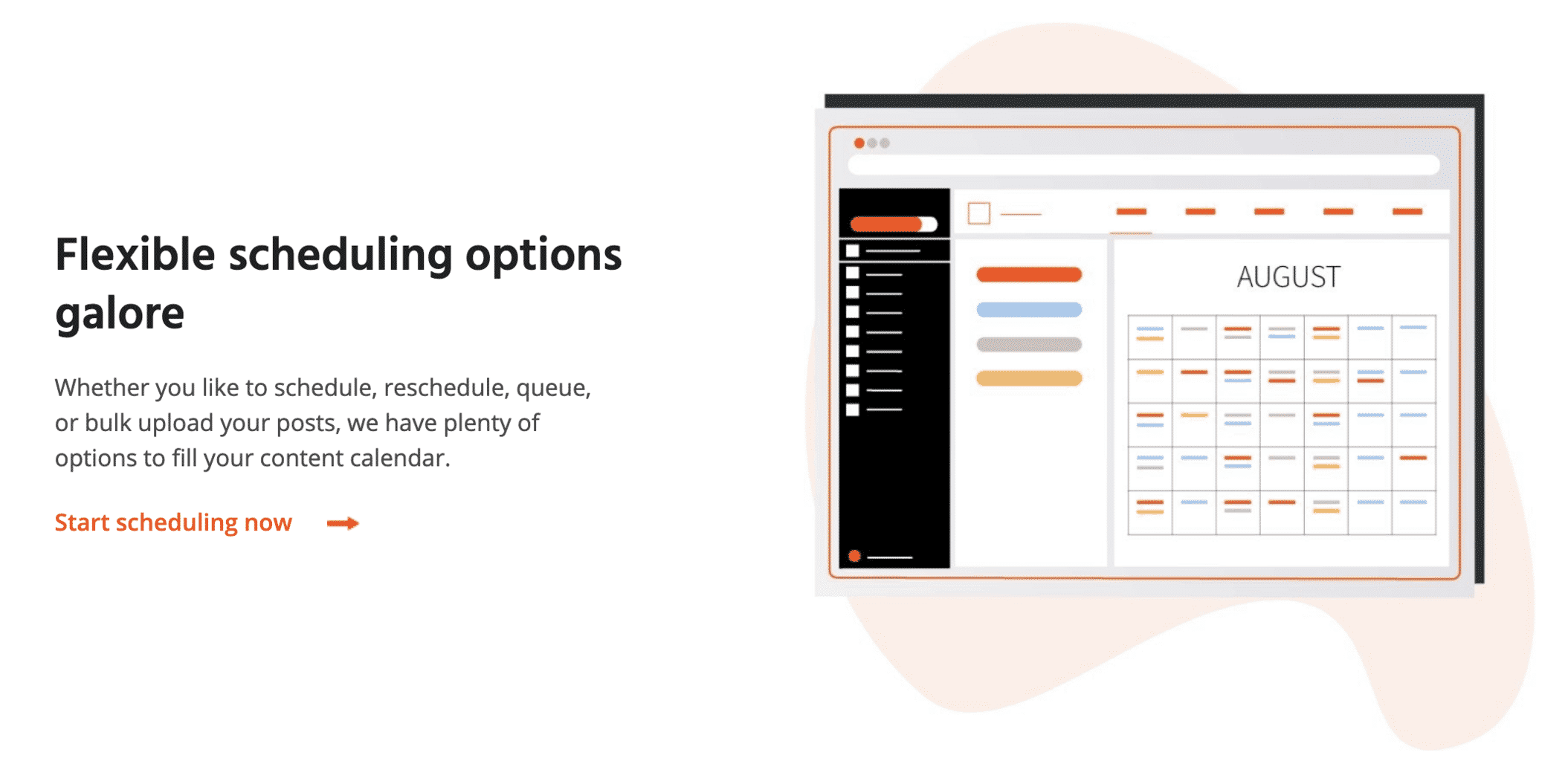
AgoraPulse is an all-in-one management tool that lets you schedule posts any way you need to, engage in effective social listening, and get analytical data. They’ll even help with customer relationship management and research on your competitors. Listening is the feature most people underuse, and it is worth understanding before you pay for a plan that includes it.
If you’re working with a team, and especially if they’re not always located near you, AgoraPulse is a great way to make sure everything is carefully coordinated. Within the dashboard, you can easily delegate tasks and collaborate with different team members, as well as do your own monitoring.
I’ve found that this is a very efficient tool that makes life much easier. Its reporting feature alone is reason to check out AgoraPulse if you haven’t done so recently.
Pricing: The Standard plan is $99 per user per month billed monthly, or $79 billed annually, after a 30-day free trial.
8. Social Pilot
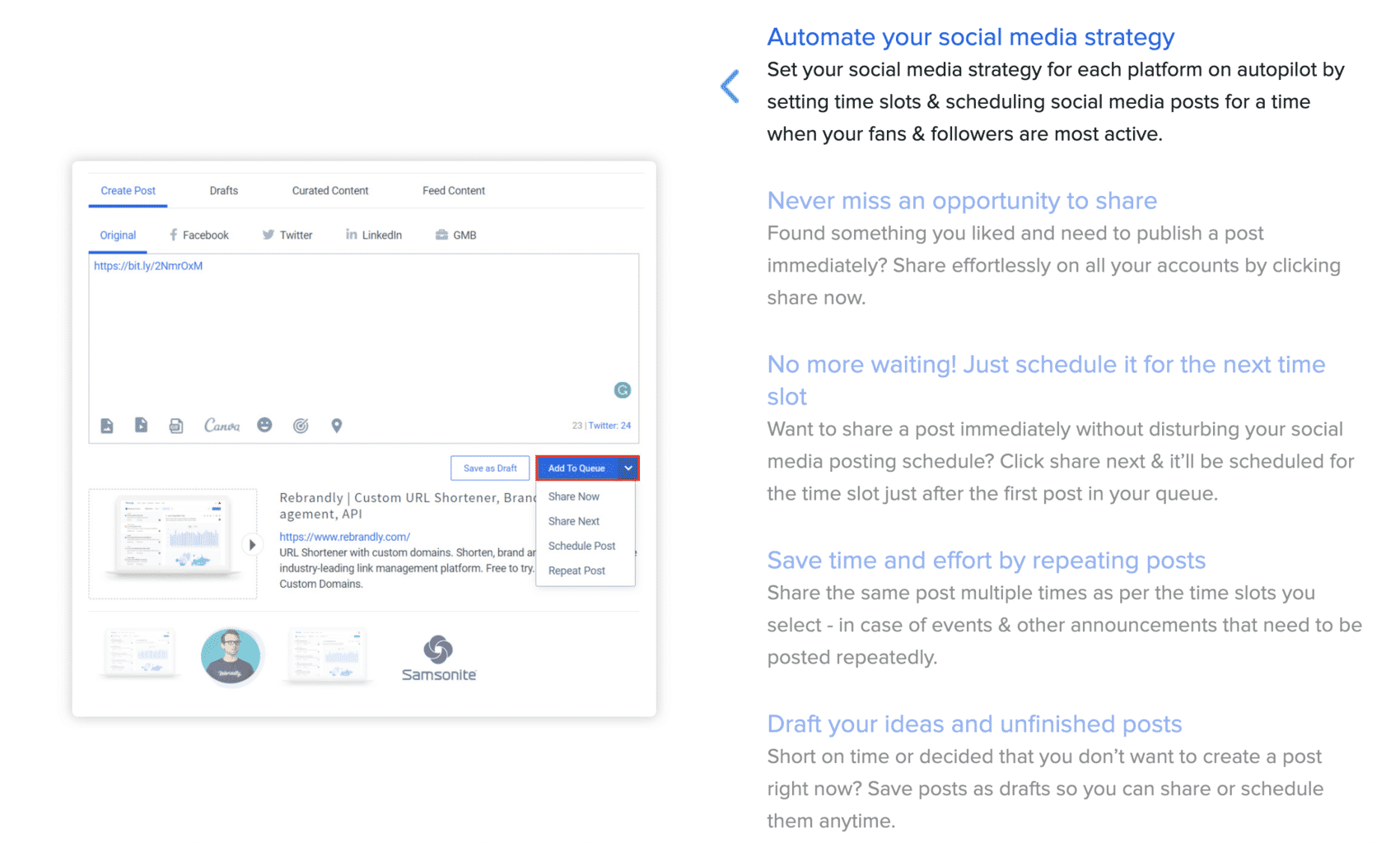
Social Pilot positions themselves as a simple and cost-effective solution to help you manage social media, schedule social media posts, improve engagement, and analyze results.
Social Pilot has all of the features that you would expect from a full-featured social media management tool, including effortless social media scheduling, powerful social media analytics and white label PDF reporting, a social inbox, team collaboration, and a bulk social media posting tool in addition to features that help you discover the most popular content and schedule them directly to your account with RSS feeds and content curation.
Pricing: with monthly billing, plans start at $30. You’ll want the mid-priced plan at $50 for the social inbox, though.
9. Tailwind
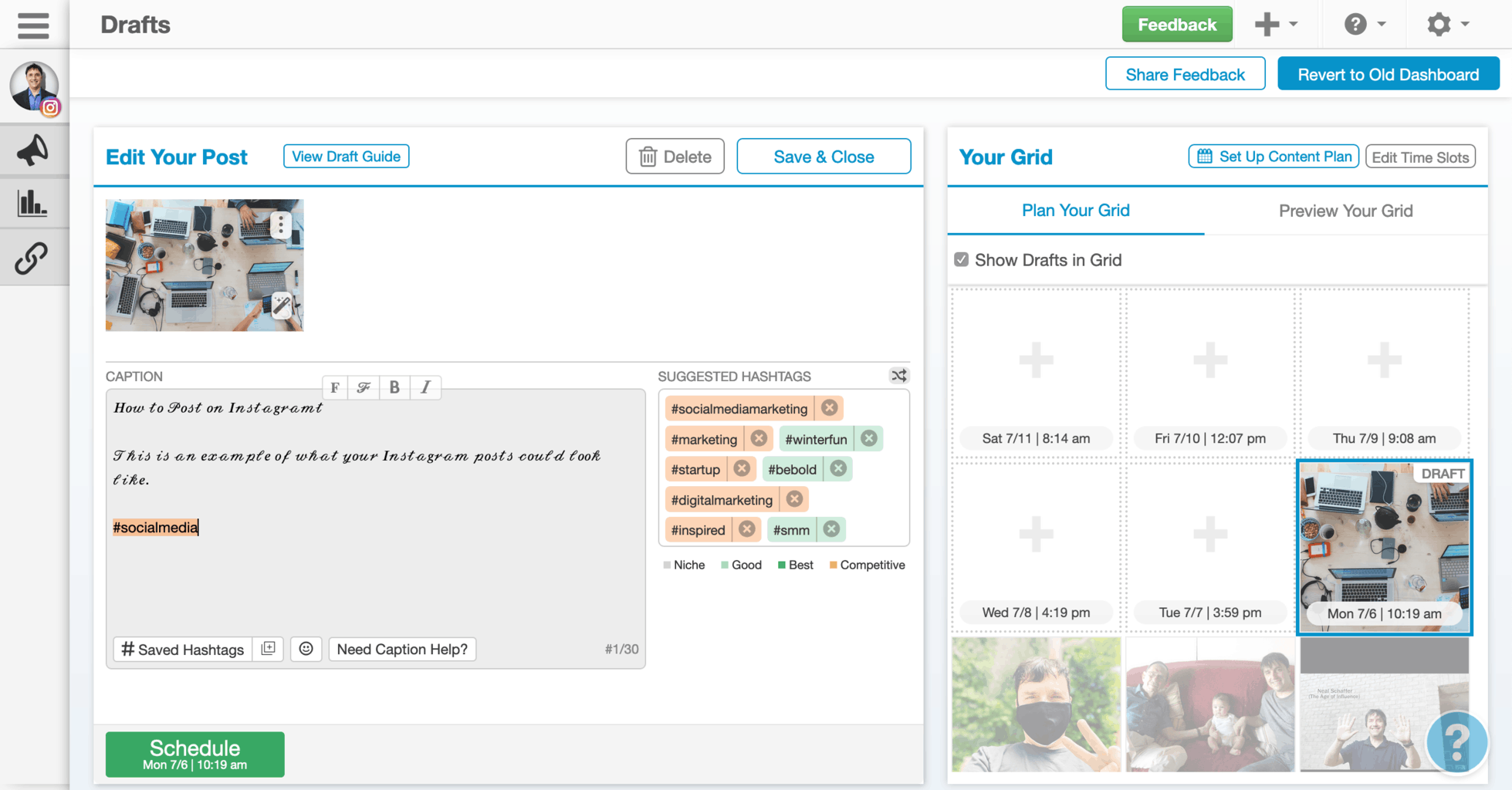
If you are active on Pinterest, you are probably already using this undisputed number one tool for Pinterest. Its current plans are built entirely around Pinterest. You pick only the Pinterest tools you need, such as pin scheduling and creation, keyword research, and engagement, or save with a bundle.
Pricing: You can start free. Pin Scheduling and Creation costs $17.99 a month billed annually, or $29.99 billed monthly.
10. MeetEdgar
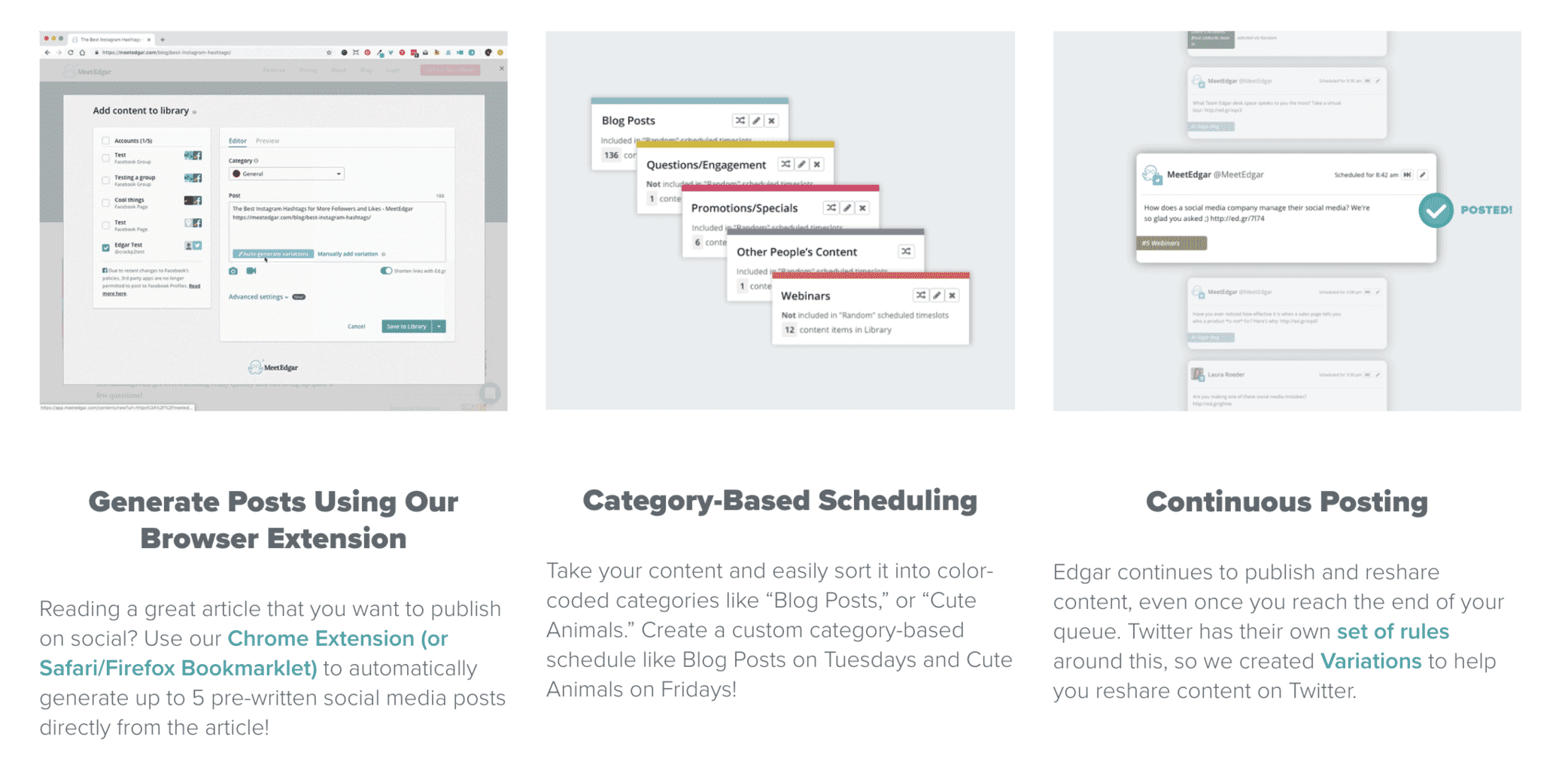
MeetEdgar is a fantastic tool that focuses on one thing and does it well: Getting the most mileage in social media for every piece of content that you have.
Don’t have a lot of content to share but still want to post on social media frequently? MeetEdgar is a great choice for you. This tool uses artificial intelligence to “pull” things from your profile and turn them into automatic status updates. They’ll also recycle content that’s suitable for reposting, automatically make changes to your posts to avoid spam rule violations, and select reposts when you run out of scheduled content.
In other words, MeetEdgar can make your profile look active and engaged without spending that much time on it. In addition, MeetEdgar also has the standard social media management tools available. For busy professionals that don’t have much support staff, this tool can truly be a godsend.
Pricing: The Eddie plan is $29.99 a month and the full-featured Edgar plan is $49.99 a month, billed monthly.
11. NapoleonCat
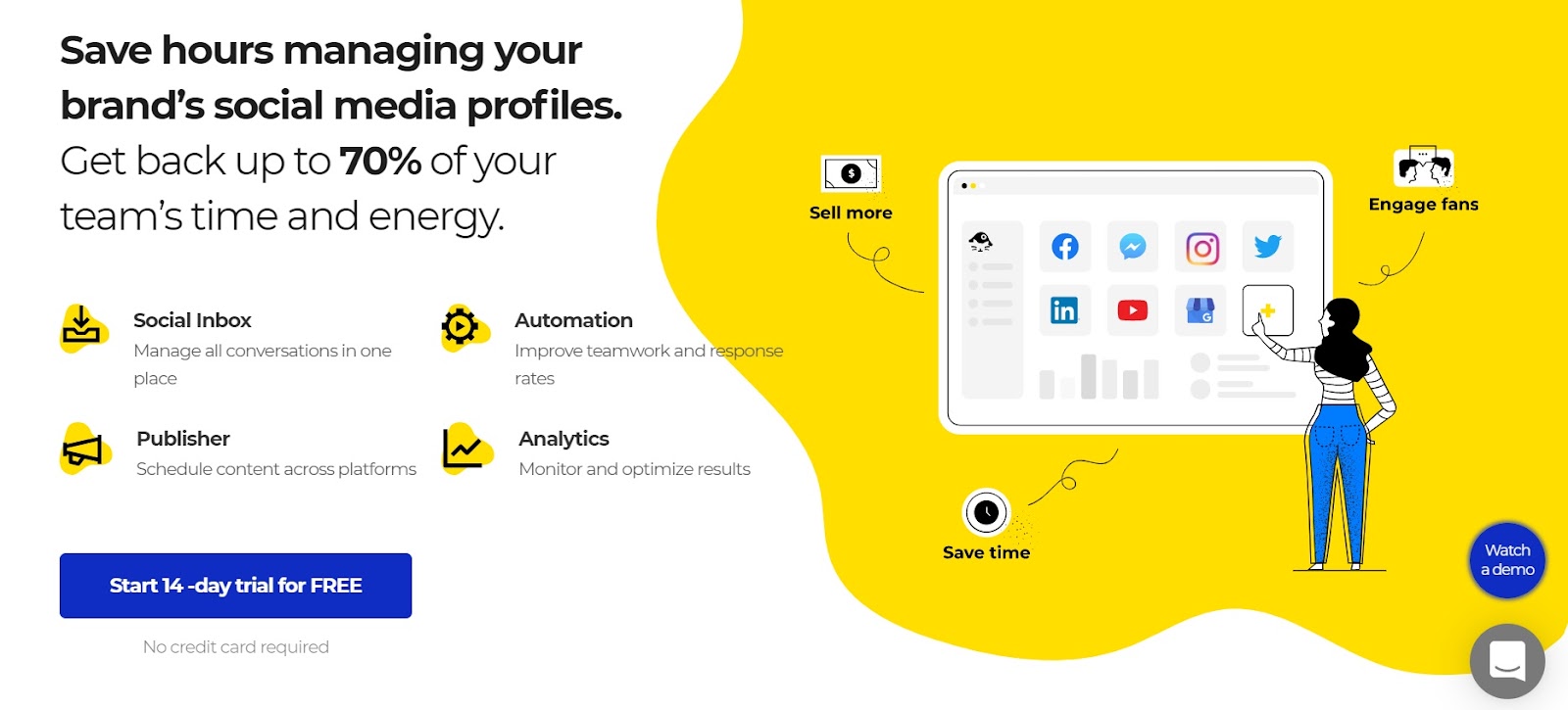
NapoleonCat is one of those social media management platforms that offers a whole stack of social media tools. And it comes with a great price-to-quality ratio.
Its Social Inbox helps answer social media messages and comments across platforms (Facebook, Instagram, LinkedIn, etc.) from a single, intuitive panel. What’s more, its auto-moderation feature is a real time-saver if you deal with high volumes of repetitive inquiries or troublesome comments.
Using NapoleonCat, you can schedule content or post immediately across different platforms and profiles. There are several collaboration features that will help your team create a clear approval workflow.
Pricing: Standard, Pro, and Expert each include two users and five profile slots. Standard costs $89 a month billed monthly ($79 billed yearly), and the Social Inbox comes with Pro at $109 a month ($89 billed yearly).
12. Sendible
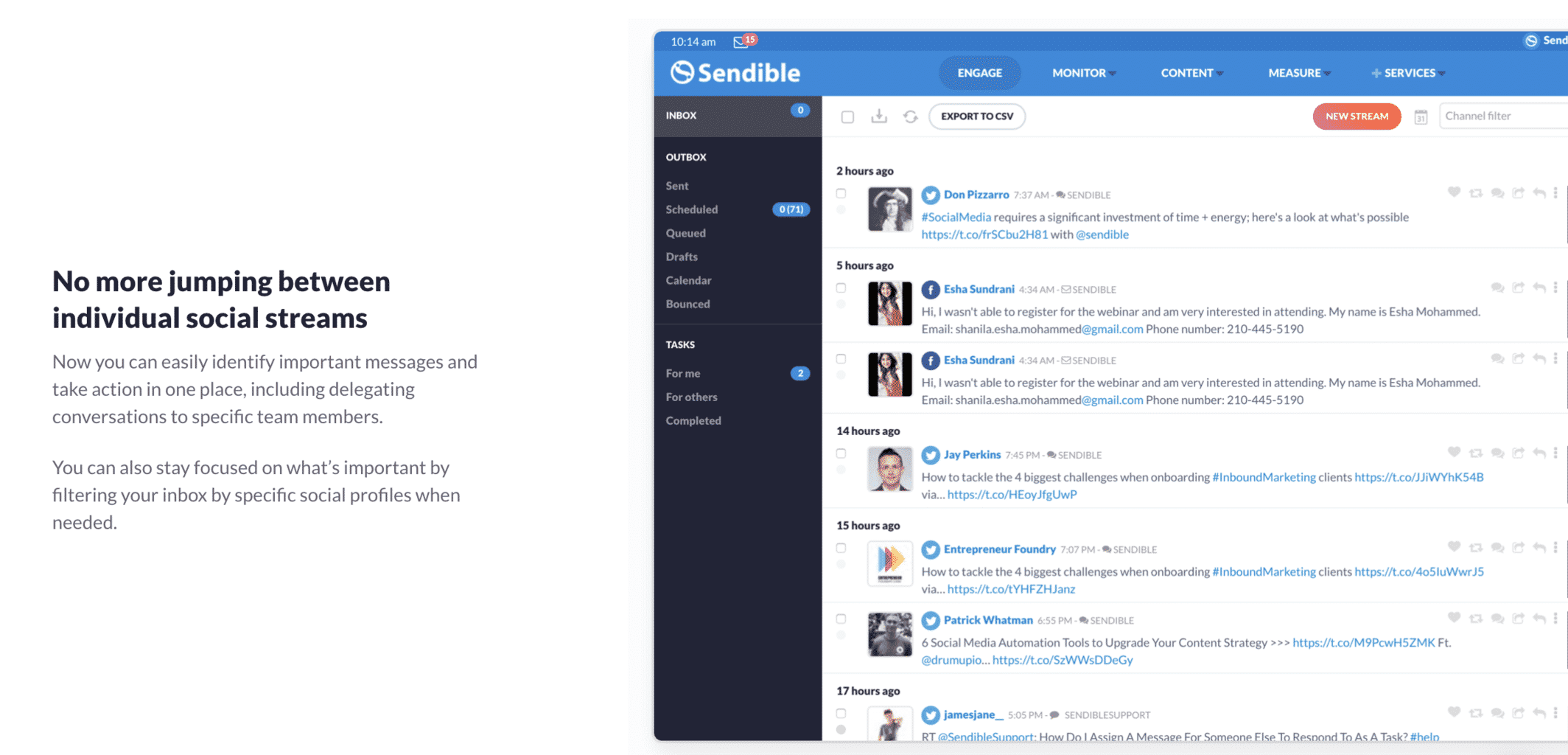
Sendible is an innovative and full-featured social media management tool that is geared toward and loved by agencies managing multiple clients.
Are you an agency who likes to collaborate with your marketing clients? A key feature of Sendible is the ability to add white-label collaboration tools to your account. Especially if the brands you work with are particular about the face they put forward, this is an important way to promote client satisfaction.
Another thing that Sendible does well is deliver report generation features. These aren’t just intended for the marketer to look at; they’re in a visual format that allows you to download them and easily share progress and challenges with your clients. For the agency, it’s also possible to see whose accounts are scheduled to post what content, and at what times, at a glance. Busy marketers can use this to ensure that nobody gets left behind, and if a campaign is intended to directly increase sales, shed light on when additional client staffing might be needed.
Pricing: Plans are priced by workspaces and social profiles rather than users, starting at $35 a month billed monthly for Core.
13. Loomly
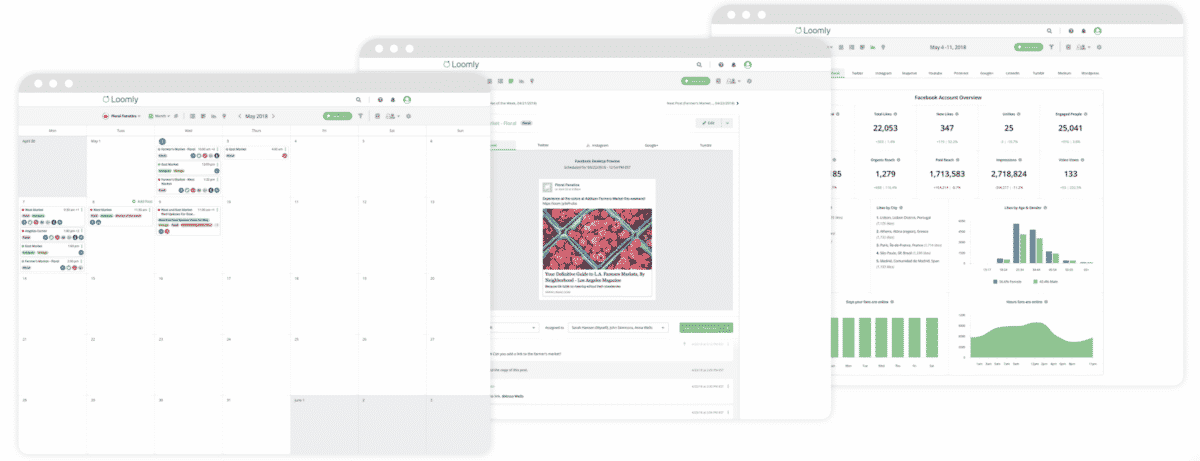
Loomly is designed specifically with teamwork in mind. Loomly’s primary claim to fame is its attention to effective team management within social media channels. Loomly is built to allow social media management across several social media accounts and several different team members. For this reason, Loomly is not typically used by single-person entities (though it certainly can be). The focus of Loomly is on the synchronization of calendars in order to ensure that your social media network campaigns are being executed flawlessly between team members.
Loomly is also a content management tool that helps you with ideas and ideal directions for your social posts, allowing you to not only work across different departments, but to collaborate on projects driven by data and advanced analytics. Loomly is a social media tool that incorporates social media content ideas while managing marketing campaigns, communication, and your company content calendar.
Pricing: Starter costs $65 a month billed monthly ($49 billed yearly) for 12 social accounts and 3 users. Beyond costs $332 a month ($249 billed yearly) for 60 accounts and unlimited users, and Enterprise is custom-priced.
Frequently Asked Questions
What is a social media management tool?
A social media management tool is a platform that lets you schedule posts, reply to messages, and report on results for several social accounts from one dashboard. Most combine publishing, a shared inbox, and analytics into a single subscription. If you are still deciding whether you need one, start with what social media management actually involves.
How much do social media management tools cost?
Buffer, Zoho Social, Iconosquare, and CoSchedule all have free plans. Paid plans start at $5 per channel a month on Buffer and run to $399 per seat a month for Sprout Social’s Advanced plan. In between, Hootsuite starts at $99 per user and Sprout Social at $199 per seat. Price scales with the number of users and connected profiles more than with the feature list.
Which social media management tool is best for a small business?
For most small businesses, Buffer, Social Pilot, or Zoho Social cover what you need without paying for enterprise features you will never open. On Social Pilot, the mid-priced plan is the point where you get the social inbox, which is usually the feature that matters most once replies start piling up.
Do these tools replace a separate analytics setup?
Partly. Every tool here reports on the accounts it publishes to, which covers most day-to-day reporting. What they do not do is tie social activity back to revenue, so pair the dashboard with the social media metrics your leadership actually asks about.
Ready to Choose Your Social Media Management Tool?
Pick the two tools from this list that fit your budget and cover the networks you actually post to, then run both through a real week of work before you commit. Most offer a trial. A week of scheduling, replying, and pulling one report will tell you more than any feature table, and it costs you nothing but the setup time.
Set a reminder to repeat that exercise in 90 days, because the landscape moves faster than most subscriptions renew. If you want the wider view first, a full social media audit covers your accounts and content, not just your software. You can also grab my Digital & Social Marketing Tools Buyer’s Guide for the 40 tools I recommend to clients, or get in touch about Fractional CMO services if you would rather have the whole stack built around your strategy.
DIY your digital marketing with AI.
Practical advice on social, content, influencer, and search marketing, plus the AI tools that make each one easier. Join thousands of founders and business owners who read it.

Neal Schaffer
Articles: 5858 Comments
Comments are closed.
Hi Neal,
It’s been a long time since we last spoke. I hope you’re doing well! I’m getting back into the social media consulting world again and am brushing up my social media tools knowledge. A lot has changed, but there’s still some of the good old names. Can I ask which ones you use on a regular basis? I used to use Rival IQ quite a bit. It was costly but it really gave me all the reports my clients wanted. Look forward to hearing from you!
Hey Samantha! So nice to hear from you – and welcome back! RivalIQ is a very specific type of social media analytics tool that is very effective when doing competitive analysis. So let me know what you are looking for and I can give you some more targeted advice!
I love promo republic is like if you fuse hoottsuite with canva
That’s a great way to describe it! Thanks for commenting!
Thanks for sharing. My fav tool is Hootsuite for scheduling and all.
Hootsuite is still extremely popular, and if you enjoy it, no need to change!
Great list! Buffer and CoSchedule are really great tools to have in your social media management arsenal.
Buffer is usually a fan favorite but CoSchedule is still not as well known. Hope readers will be checking them out.