
Most professionals I work with still treat LinkedIn hashtags the way they treated them in 2020. They add a row of tags to every post, hope the algorithm does the rest, and wonder why their content gets so little traction.
I understand why. Hashtags used to matter a lot more on LinkedIn. But the platform has changed how content gets discovered, and in late 2024 LinkedIn quietly pulled back on several of its hashtag features. What worked a few years ago can now actively make your posts look spammy.
I’ve been tracking LinkedIn’s content changes since 2008, and writing a few books on LinkedIn along the way has forced me to keep testing what actually moves the needle. Hashtags are one of the areas where the gap between common practice and current reality is widest.
This guide covers what hashtags actually do on LinkedIn today, how many to use, where to place them, and how to tell whether they’re working. We’ll start with the basics and build up to strategies you can apply to your very next post.
Key Takeaways
✅ LinkedIn pulled back on hashtag features in late 2024, making keywords and searchable phrasing at least as important as the hashtags themselves.
✅ Hashtags on LinkedIn categorize your content for the algorithm rather than broadcast it, helping the right professionals find your posts.
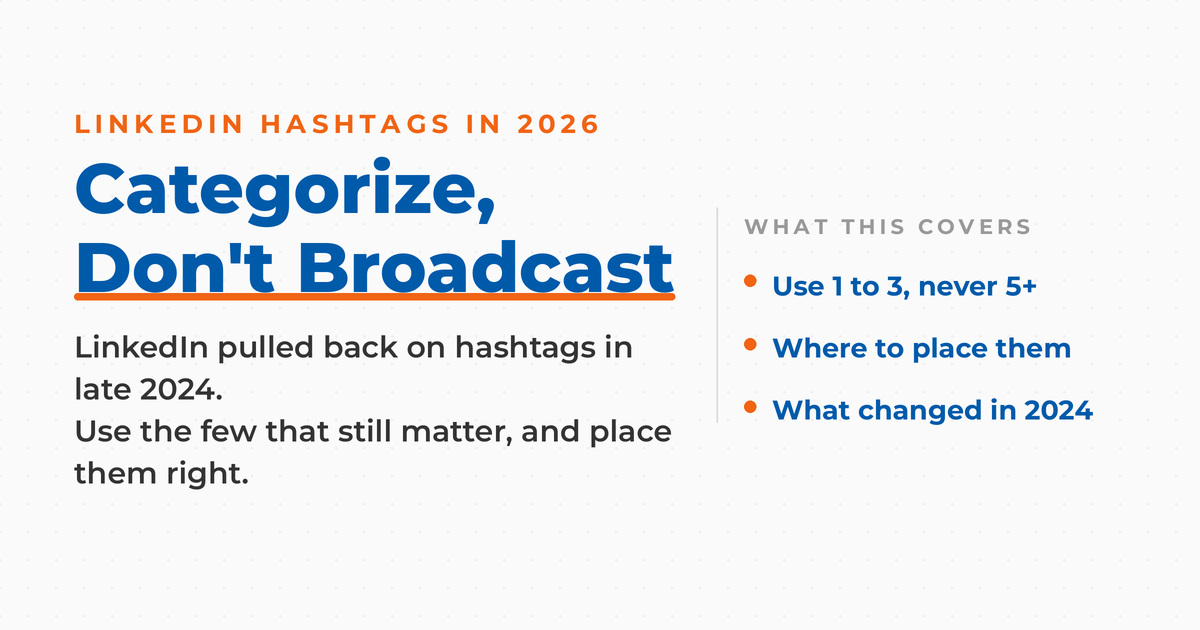
✅ Stick to 1 to 3 highly relevant hashtags per post; five or more reads as spammy and can suppress engagement.
✅ Mix one broad industry hashtag with one or two niche hashtags, since niche tags typically deliver better-targeted reach.
✅ Place hashtags at the end of your post, and review your analytics regularly to see which tags drive real engagement.
Understanding LinkedIn Hashtags
At their core, LinkedIn hashtags are tools for organizing content. They tell the platform what a post is about so it can surface that post to people who care about the topic.
That function hasn’t changed. What changed is how much LinkedIn relies on it. In late 2024, LinkedIn quietly pulled back on several hashtag-driven features:
- It became harder to follow hashtags.
- Hashtag search visibility was reduced.
- The platform shifted attention toward traditional SEO, which means the keywords and phrases in your post now matter as much as the hashtags themselves, if not more.
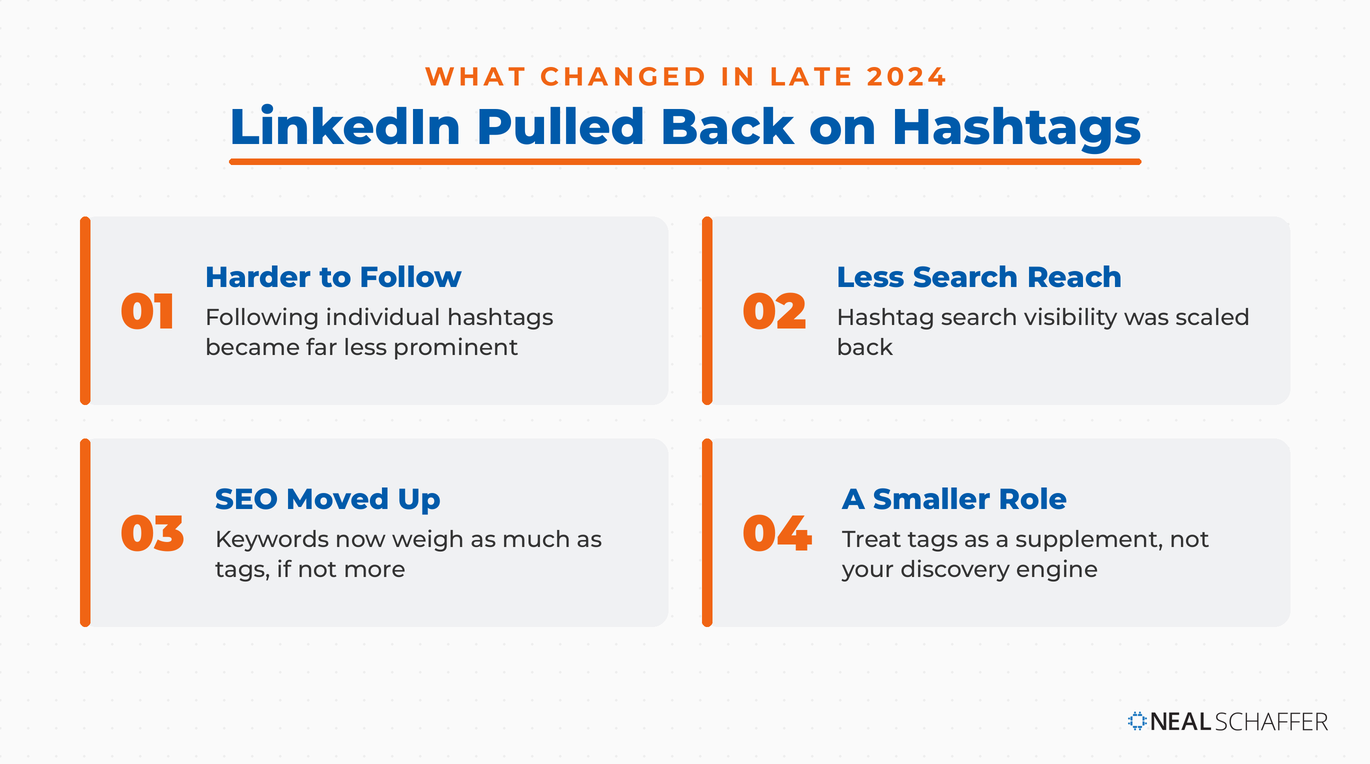
I don’t read any of this as hashtags being dead. LinkedIn still uses them to categorize content, and used well they still help the right people find your posts. But the casual approach of throwing a few trending tags on a post and hoping for the best stopped working. LinkedIn is a professional ecosystem with its own rules for how content gets discovered, and hashtags are now a smaller piece of that system than most people assume.
The rest of this guide is about using that smaller piece well
The Impact of Hashtags on LinkedIn Visibility
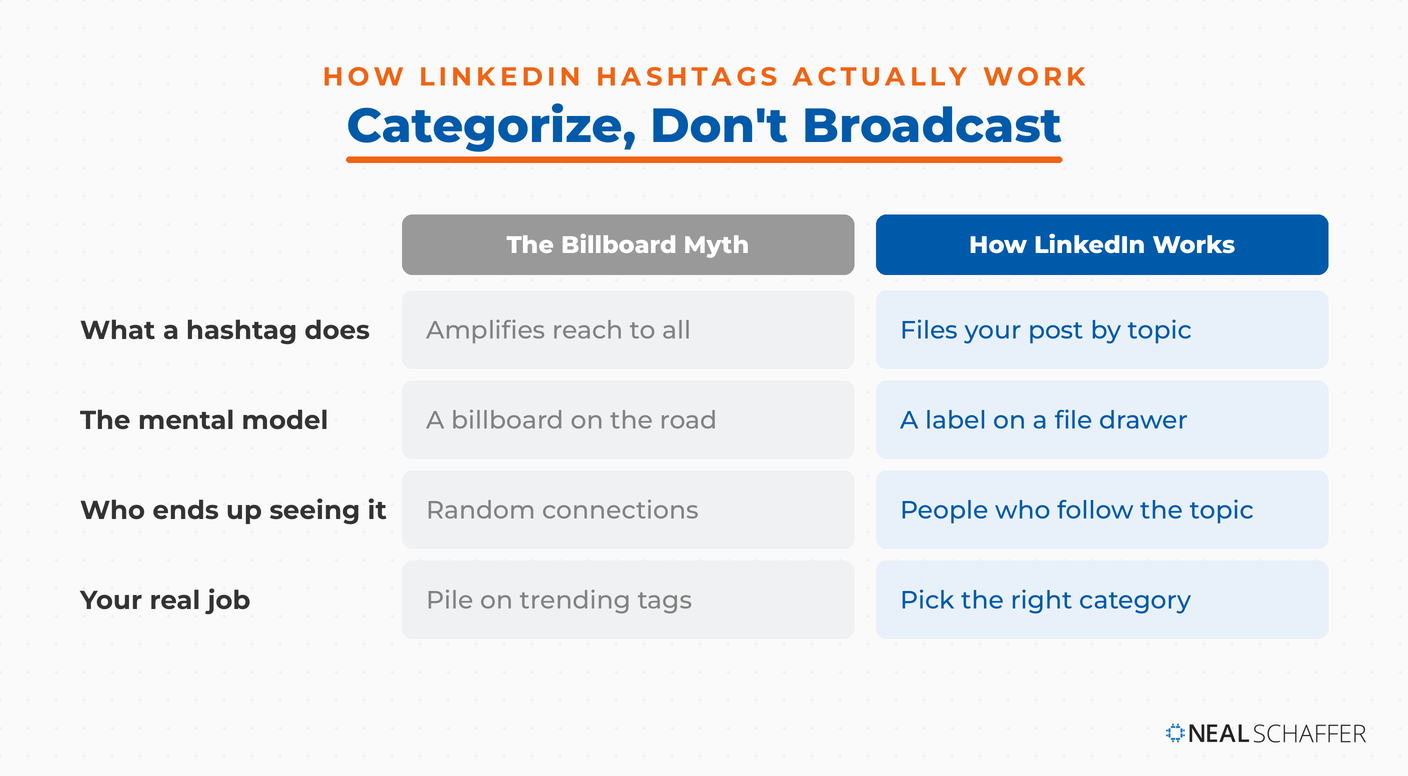
Hashtags play a different role on LinkedIn than they do on other platforms. On Instagram, the right hashtag can meaningfully expand a post’s reach. On LinkedIn, hashtags don’t amplify anything. They categorize.
That categorization still matters. Hashtags help LinkedIn understand what your content is about, so when the platform knows a post covers marketing or leadership, it can surface that post to professionals who follow and engage with those topics rather than to random connections. Those are the people most likely to comment, share, or reach out.
I think of it as filing your content in the right cabinet rather than putting it on a billboard. The goal is making sure the right people can find you, not broadcasting to everyone.
One disclaimer before we go further: as on every social network, the quality of your content is the most important factor in how many views it earns. No hashtag strategy rescues a weak post. I shared some perspective on this, along with how hashtags compare across networks, in this video, and I’ll cover the comparison in more depth below:
LinkedIn Hashtags vs. Other Social Platforms
Knowing how hashtags work differently across platforms explains why strategies that succeed elsewhere often fail on LinkedIn. Let’s take a closer look at the unique approach LinkedIn requires compared to other social networks.
| Platform | Primary Hashtag Function | Optimal Number | Discovery Impact |
|---|---|---|---|
| Content categorization | 1-3 | Moderate | |
| Content discovery | 10-15 | High | |
| X | Conversation grouping | 1-2 | Moderate |
| Topic organization | 1-2 | Low | |
| TikTok | Content categorization | 3-5 | Very High |
This comparison shows why copying hashtag strategies from Instagram or TikTok usually falls flat on LinkedIn. The professional environment here demands a more thoughtful, strategic approach tailored to how LinkedIn actually works.
How to Select the Right LinkedIn Hashtags
Choosing effective LinkedIn hashtags takes more than guessing. It requires thinking carefully about your goals, your audience, and the type of content you’re sharing. The right hashtags can make a real difference in who sees (and engages with) your posts.
Research shows that niche hashtags (like #smallbusiness) tend to perform better than broad ones (like #marketing) when it comes to targeted reach and engagement.
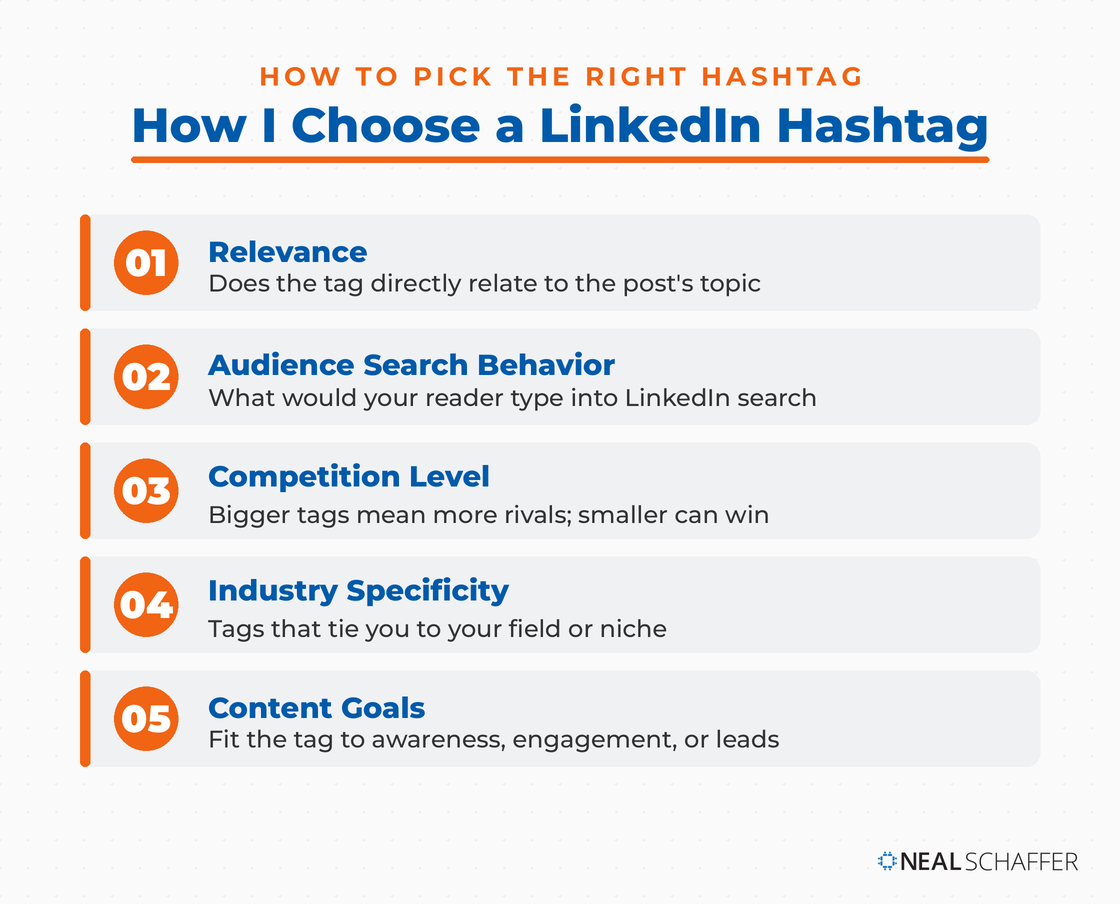
When picking your hashtags, keep these factors in mind:
- Relevance: Choose hashtags that directly relate to your post’s topic.
- Audience Search Behavior: Think about what your ideal audience would actually type into LinkedIn’s search bar.
- Competition Level: Big hashtags mean more competition — sometimes it’s smarter to go smaller.
- Industry Specificity: Use hashtags that connect you to your specific field or niche.
- Content Goals: Different hashtags can help you drive awareness, engagement, or even leads — so choose based on what you want each post to achieve.
Industry-Specific Hashtag Examples
Different industries benefit from using specialized hashtags that connect more directly with their target audiences. Here’s a breakdown of effective hashtags by industry to help you get your content in front of the right professional groups:
| Industry | General Hashtags | Niche Hashtags | Trending Hashtags |
|---|---|---|---|
| Marketing | #DigitalMarketing #MarketingStrategy | #ContentROI #MarTech | #GrowthHacking #BrandStorytelling |
| Finance | #FinancialPlanning #Investing | #WealthManagement #FinTech | #ESGInvesting #CryptoNews |
| Healthcare | #HealthcareInnovation #MedTech | #PatientExperience #HealthTech | #DigitalHealth #TelehealthTrends |
| Technology | #TechNews #Innovation | #CloudComputing #CyberSecurity | #AIEthics #Web3 |
| Education | #EdTech #LearningAndDevelopment | #RemoteLearning #ProfessionalDevelopment | #LifelongLearning #EdLeadership |
These industry-specific hashtags give your content a better shot at reaching the right professional audiences. A smart mix of general, niche, and trending hashtags usually delivers the best results by expanding your visibility across different segments.
Best Practices for LinkedIn Hashtag Implementation
Using hashtags on LinkedIn isn’t just about adding a bunch of popular tags and hoping for the best. It’s about being intentional, and that includes how many you use.
The Digital Marketing Playbook for Small Teams
My latest book helps small businesses, entrepreneurs, and marketers bring search, email, and social together into one digital marketing strategy that actually compounds.
Drawing on my work as a Fractional CMO, Digital Threads turns complicated tactics into a clear, practical plan you can follow, whatever your budget or team size.
Grab your copy on Amazon and start weaving your own digital threads. Click the cover or the button below to get started.

Studies show that posts with 1 to 3 hashtags get the highest average engagement, with around 14.7 likes per post. That’s the sweet spot: enough to boost discovery without looking unprofessional.
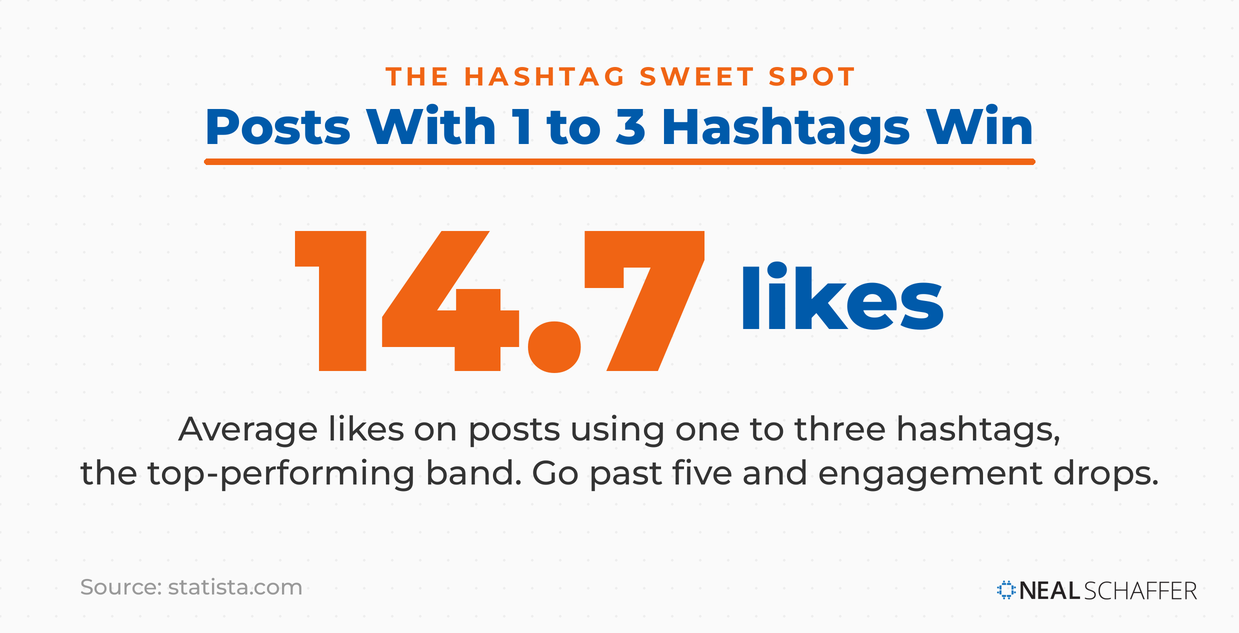
Once you cross the line into 5 or more hashtags, it starts to feel spammy, and that can actually hurt your engagement instead of helping it.
Optimal Hashtag Placement
Choosing the right hashtags is important, but where you put them matters too. Smart placement depends on the type of content you’re sharing:
| Placement | Effectiveness | Notes | Best For |
|---|---|---|---|
| End of post | High | Clean reading experience, professional appearance | Most professional content |
| Integrated in text | Medium | Can disrupt readability if overused | When hashtag directly relates to sentence context |
| First comment | Medium | Keeps main content clean | Longer posts where flow is important |
| In article body (articles) | Low-Medium | Can appear forced if not relevant | Only when directly relevant to section topic |
The most professional approach is to add your hashtags at the end of your post. This keeps your main message clean and easy to read while still giving LinkedIn’s algorithm the signals it needs to properly categorize your content.
How to Research Effective LinkedIn Hashtags
Finding the most effective hashtags takes a little systematic research; it’s not something you want to leave to chance. This simple process will help you find hashtags that actually support your professional content:
- Start with competitor analysis by looking at what hashtags industry leaders and successful peers are using regularly.
- Use LinkedIn’s search function to explore related hashtags and check how much content exists under each one.
- Test new hashtags with smaller audience segments before fully rolling them into your main strategy.
- Review your LinkedIn analytics to see which hashtags are driving the most meaningful engagement.
- Regularly update your hashtag list based on what’s working and how trends are evolving.
Wondering how to create social media content that naturally fits your hashtag strategy? Focus on developing value-driven posts that align with your targeted hashtags — instead of forcing your content just to ride whatever’s trending.
Common LinkedIn Hashtag Mistakes
Even experienced professionals sometimes slip up with hashtags, and it can hurt their content performance without them even realizing it. Watch out for these common pitfalls:
| Mistake | Impact | Better Approach |
|---|---|---|
| Using too many hashtags | Appears unprofessional, may trigger spam filters | Limit to 1-3 highly relevant hashtags |
| Using only broad hashtags | Content gets lost in high competition | Mix broad and niche hashtags for better targeting |
| Using irrelevant trending hashtags | Damages credibility, appears inauthentic | Only use trending hashtags when genuinely relevant |
| Creating overly long hashtags | Difficult to read, rarely searched | Keep hashtags concise and searchable |
| Inconsistent hashtag usage | Limits content categorization benefits | Develop a core set of hashtags for regular use |
: Avoiding these common mistakes will help you protect your professional image while getting the most out of your hashtags. On LinkedIn, it’s always quality over quantity: a smart, focused hashtag strategy beats a long list every time.
Tracking and Measuring Hashtag Performance
Using hashtags effectively isn’t a one-and-done effort; it takes ongoing analysis and optimization. Without measuring what’s working, you’re really just guessing. LinkedIn provides analytics for company pages, but if you want a full picture across all your posts, outside tools can help fill in the gaps (I recommend Taplio for this purpose).
Tracking your engagement metrics gives you real insight into which hashtags are driving the most meaningful interactions, and it helps to know exactly what an impression on LinkedIn counts as so you read those numbers correctly. It’s a data-driven approach that lets you keep refining and improving your strategy over time.
Key Hashtag Performance Metrics
To really understand how well your hashtags are working, keep an eye on these key metrics, since they’ll show you how strongly your content is connecting with the audience you want to reach:
| Metric | What It Measures | Why It Matters | Target Range |
|---|---|---|---|
| Engagement Rate | Interactions per impression | Shows content resonance | 2-5% is strong |
| Post Reach | Total views | Indicates discovery effectiveness | Steady growth month over month |
| Click-through Rate | Link clicks from posts | Measures action-driving potential | Industry-dependent (1-3% typical) |
| Comment Quality | Relevance of discussion | Shows audience alignment | Subjective; focus on relevance to goals |
| Follower Growth | New followers attributed to content | Shows audience-building potential | Consistent positive trend |
Regularly tracking your metrics is key to fine-tuning your hashtag strategy over time. The data tells a clear story about which hashtags are connecting with your audience, and it should guide how you keep optimizing your approach moving forward.
Advanced LinkedIn Hashtag Strategies
Once you’ve mastered the basics, these advanced techniques can help you take your LinkedIn presence to the next level and build a smarter, more strategic approach to getting your content seen.
Creating Branded Hashtags
Building a branded hashtag strategy means creating hashtags that are unique to your company, campaign, or personal brand. Adobe, for example, uses #AdobeLife to highlight their company culture, while IBM promotes #IBMer to showcase employee stories.
When creating your own branded hashtags:
- Keep them short, simple, and easy to remember
- Make sure they’re unique to your brand
- Use them consistently across different campaigns
- Promote them through multiple channels, not just LinkedIn
- Track how people are using them and how much engagement they generate
Branded hashtags are especially powerful for building community and creating a deeper connection between your brand and your audience.
Integrating Hashtags with Content Strategy
Hashtags work best when they’re part of a bigger LinkedIn marketing strategy, not just something you tack on at the end. Different types of content need different hashtag strategies depending on what you’re trying to accomplish.
| Content Type | Hashtag Approach | Example Hashtags | Integration Strategy |
|---|---|---|---|
| Thought Leadership | Limited, highly targeted | #LeadershipInsights #FutureOfWork | Place at end of post, focus on expertise areas |
| Company News | Brand-focused, industry-relevant | #CompanyName #IndustryNews | Integrate company hashtag with news category |
| Educational Content | Topic-specific, skill-based | #MarketingTips #LearnWithMe | Use educational hashtags that ideal students search |
| Event Promotion | Event-specific, location-based | #ConferenceName #IndustryEvent2026 | Create event-specific hashtag, combine with location |
| Case Studies | Result-focused, industry-specific | #SuccessStory #ROIResults | Focus on outcome-related hashtags relevant to benefits |
Strategic hashtag use means making sure your hashtags actually support your content goals rather than pull attention away from them. The most successful professionals on LinkedIn don’t treat hashtags as an afterthought. They match their hashtag choices to the specific objective of each post instead of using the same approach every time.
Tapping into LinkedIn Content Trends
Keeping an eye on trending topics on LinkedIn can open up timely hashtag opportunities. But unlike X, where it sometimes makes sense to jump on every trend, LinkedIn rewards a more thoughtful, selective approach.
When a trend catches your eye, start by asking yourself: Is this truly relevant to my expertise and brand? Next, think about whether it matters professionally to the audience you’re trying to reach. Be honest — can you actually add something meaningful to the conversation? Make sure the trend fits into your overall content strategy, not just what’s buzzing today. And finally, consider if the topic could still be relevant once the trend dies down.
The professionals who stand out on LinkedIn aren’t the ones chasing every trending hashtag. They’re the ones who pick their moments — choosing trends that align with what they know, what they believe, and what their audience cares about.
Frequently Asked Questions About LinkedIn Hashtags
Yes, but their role has shrunk. LinkedIn reduced hashtag-driven features in late 2024 and now leans on keywords and semantic understanding to categorize content. A few relevant hashtags still help signal your topic, but they no longer drive discovery the way they once did, so treat them as a supplement to strong, keyword-rich writing.
One to three per post. That range keeps your content looking professional while still giving the algorithm clear categorization signals. Using five or more starts to read as spammy and can hurt engagement rather than help it, which is the opposite of what happens on hashtag-heavy platforms like Instagram.
At the end of your post, after your main message. That placement keeps the reading experience clean and professional while still categorizing your content for the algorithm. Weaving a hashtag into a sentence works occasionally when it fits naturally, but heavy in-text hashtag use disrupts readability.
It depends on your goals. A branded hashtag works well for building community around a company, campaign, or personal brand, the way Adobe uses #AdobeLife. Keep it short, unique, and consistent across channels, and track whether people actually adopt it. For most individual professionals, relevant topic hashtags matter more.
Study what hashtags industry leaders use regularly, then test candidates in LinkedIn’s search bar to gauge how much content and follower activity each one has. Favor niche hashtags over broad ones for targeted reach, review your analytics to see which tags drive engagement, and refresh your list as trends shift.
Conclusion: Implementing Your LinkedIn Hashtag Strategy
Mastering LinkedIn hashtags comes down to striking the right balance between smart content categorization and a clean, professional presentation. As LinkedIn continues to evolve, it’s clear that quality matters more than quantity, and sticking to 1 to 3 highly relevant hashtags is still the best approach for most posts.
That said, hashtags are just one piece of the larger puzzle. They’ll only take you so far on their own. The real magic happens when you pair them with consistent posting at the right times, valuable content, and real, authentic interactions that build strong professional relationships over time.
When you use hashtags thoughtfully, they become a powerful part of a bigger LinkedIn strategy that drives both engagement and visibility. They help make sure your best insights reach the people who will actually care about them and act on them.
So start small. Test the techniques we’ve covered here, watch what works for your audience, and be ready to tweak your approach as you go. The most successful professionals don’t just set it and forget it; they adapt right along with the platform and their network. Hashtags are just one ingredient in how to post on LinkedIn effectively, and if you want the full playbook for turning LinkedIn into a business growth channel, download a free preview of Maximizing LinkedIn for Business Growth.